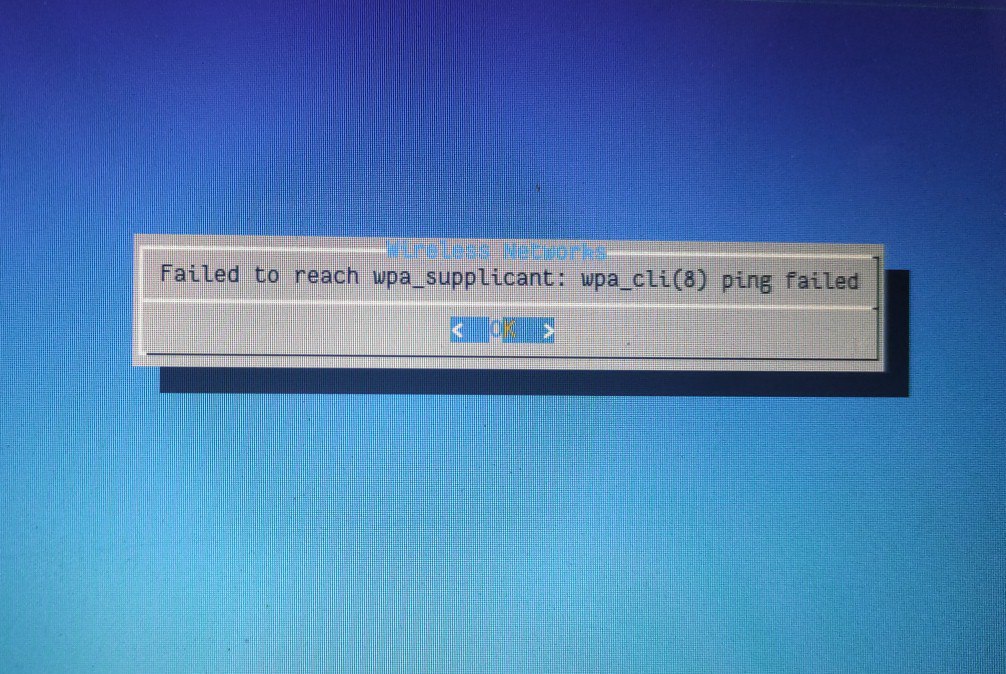
 Jackie

 Jackie
I try to boot back to 13.0, it's is a boot environment I created before upgrade. But when I choose it in boot loader - Boot Environments menu, the bootfs option below don't change as boot environment change and always points to the new 13.1 bootfs, whicj stopped me from I booting back into 13.0 anymore. What am I doing wrong?
 ɴꙩᴍᴀᴅ
Jackie
ɴꙩᴍᴀᴅ
Jackie
No upgrade is finished already. I boot into 13.1 amd WiFi is down. My network doesn't require a password. I connect to it and open a website to login.
Jackie
Scroll back up, I posted service netif restart output yestday. I still don't know what's the problem here. And now I find out I cannot go back to 13.0. it's weird.
Jackie
I followed @vermaden's blog post for upgrade here. The only thing I did differently was that I didn't do anything for bootloader as I am not using UEFI.
https://vermaden.wordpress.com/2021/02/23/upgrade-freebsd-with-zfs-boot-environments/
Jackie
Will try tomorrow if I get the time. It's late here again and am going fo6 bed. Only got about an hour a day with the computer everyday.
Jackie
Thanks for all your help!
 Myclabs
is there anyone who can help me
Myclabs
when i type startx xinit says no screens found
Myclabs
"- Do not flood the chat waging for help without showcasing first what have you tried to solve a problem. This is not 24/7 helpdesk."
Myclabs
i tried to solve
Myclabs
i installed xf86-video-amdgpu
Myclabs
and didnt worked
ɴꙩᴍᴀᴅ
i tried to solve
What you can do is copy your xorg.log inside a pastebin and share the link here. Also tell us the system specs you have
Myclabs
What you can do is copy your xorg.log inside a pastebin and share the link here. Also tell us the system specs you have
i cant do this because i typing on another machine now and there is no graphical environments to copy paste text etc.
Anonymous
Myclabs
i typed theese commands:
su
cd /root
X -configure
cp xorg.conf.new > /etc/xorg.conf
Myclabs
didnt worked
ɴꙩᴍᴀᴅ
i typed theese commands:
su
cd /root
X -configure
cp xorg.conf.new > /etc/xorg.conf
Which guide were you following?
ɴꙩᴍᴀᴅ
i cant do this because i typing on another machine now and there is no graphical environments to copy paste text etc.
If you are stuck in a terminal, you can use ix.io or paste.rs to paste from the CLI:
<command to print output> |& curl -F 'f:1=<-' ix.io
<command to print output> |& curl --data-binary @- https://paste.rs
Also something you can tell is which hardware are you using. Which AMD gpu? Is it a laptop?
Anonymous
is there anyone who can help me
you are having to mess with Xorg. you may find it helpful to run desktop-installer to fix the problems
Myclabs
Myclabs
Should I type: pkg install drm-kmod?
Anonymous
He fixed with installing drm-kmod and enabling drm for amdgpu sysrc -f /etc/rc.conf kld_list+=amdgpu
Anonymous
 Anonymous
Lol
Jackie
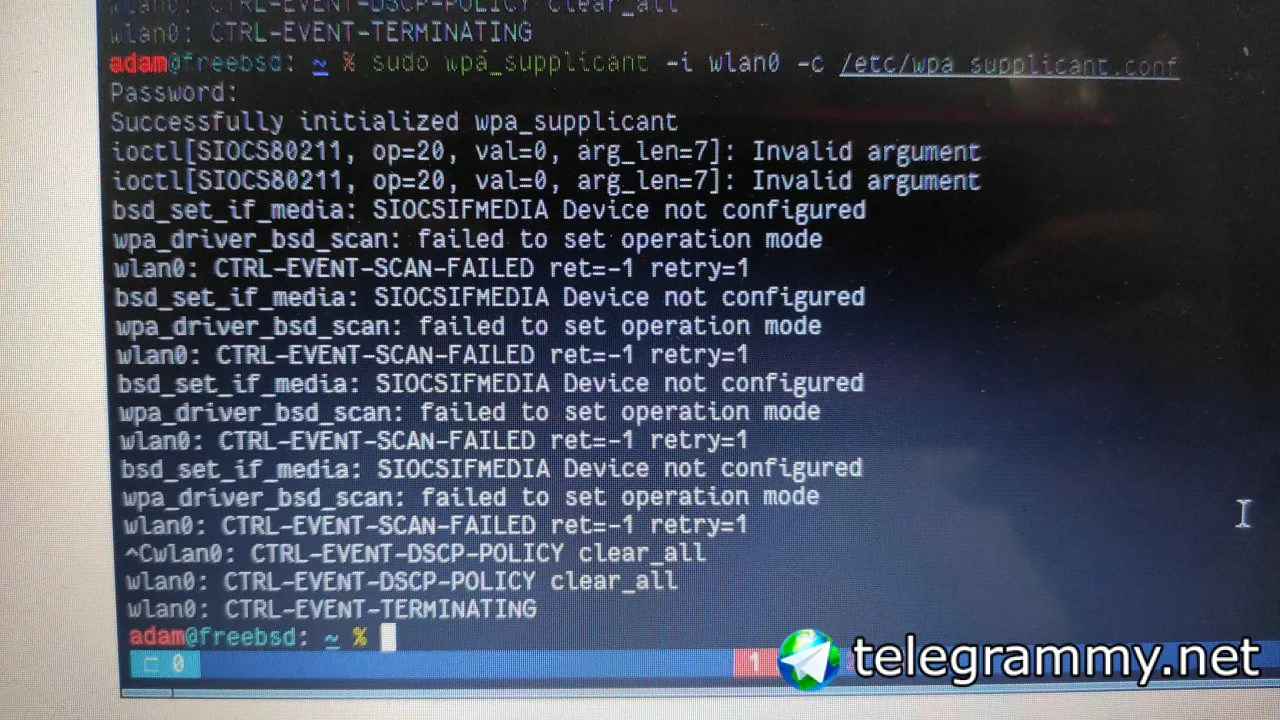 Jackie
HELP!
Anonymous
does freebsd work on alder lake?
Jackie
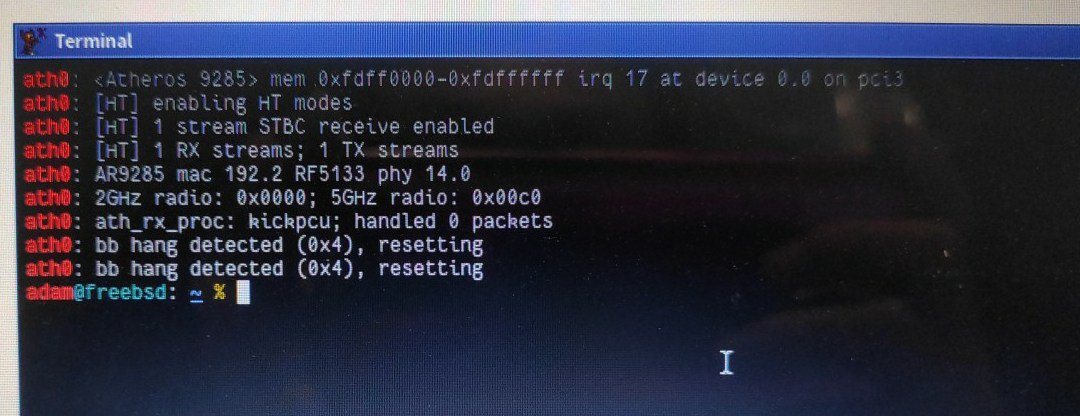 Jackie
 Anonymous
Finally I switched to FreeBSD
Anonymous
From OpenBSD
ɴꙩᴍᴀᴅ
Anonymous
if you care about performance though you should just use linux
Anonymous
ubuntu 🤣🤣🤣🤣
Anonymous
no, there are more
yes I mean freebsd is certainly more performant and has zfs while openbsd is slower and supports fewer things but it also sucks less
Anonymous
it's all about what you value
 Neville
Yes
Mmmm
if you care about performance though you should just use linux
Linux gave me headache alot, difficult to setup with old hardware and freeze ofte. Freebsd is lighter, faster and the community support like forums and blogs are good.
Mmmm
I use arch before stay in freebsd. It is good but not newcomer friendly.
Jackie
How's the wpa_supplicant.conf inside?
Just 4 lines for my hotap network I created on my cellphone.
 Andy 'm1m1n' Hidayat
Anonymous
Andy 'm1m1n' Hidayat
Anonymous
 r2g2
r2g2
yes I mean freebsd is certainly more performant and has zfs while openbsd is slower and supports fewer things but it also sucks less
and there are jails, a better hypervisor, a superior memory (de)allocation mechanism, a better scheduler, faster security patches to ports, longer support periods, a friendlier community
Anonymous
and there are jails, a better hypervisor, a superior memory (de)allocation mechanism, a better scheduler, faster security patches to ports, longer support periods, a friendlier community
well in the end the only thing that matters is to be passionate about your OS
Anonymous
BSD has branched out according to the philosophy of various people, so be it
Anonymous
did you try pkg autoremove?
Anonymous
had to at least ask 🙂
Jeff
zfs snapshots, maybe?
r2g2
what is the diff of "pkg info" of both systems?
Anonymous
what is the diff of "pkg info" of both systems?
idk but ya can send it to a file
Jackie
Am still having issue with netowrk after 13.1
r2g2
wifi?
Jackie
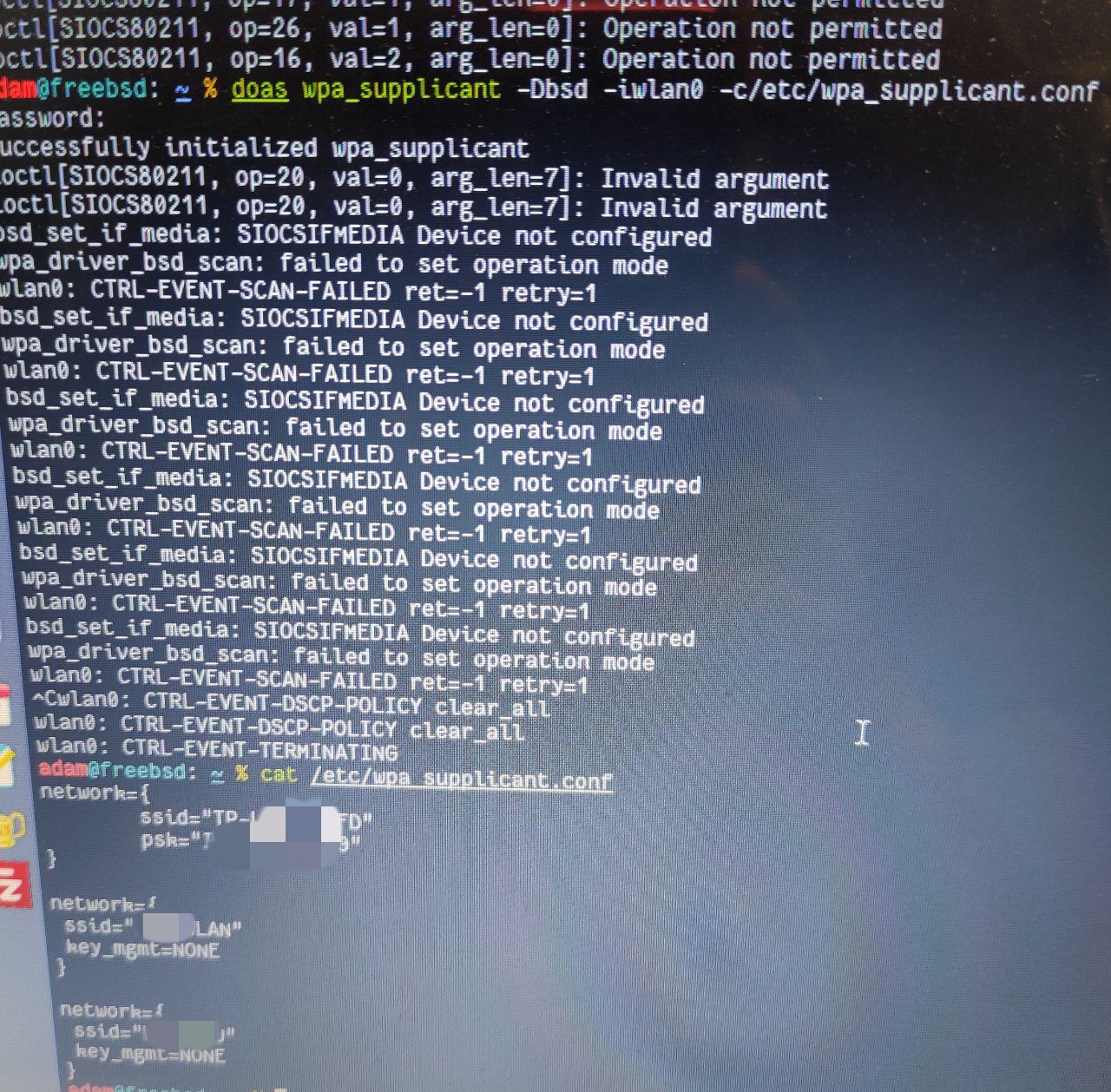 Jackie
And I can now confirm it works in 13.0. I finally managed to boot into 13.0-p11 BE I created as a backup. And WiFi works in the 13.0 boot environment. As soon as I boot 13.1, WiFi stops working.
r2g2
mhm, please create a bugreport
Jackie
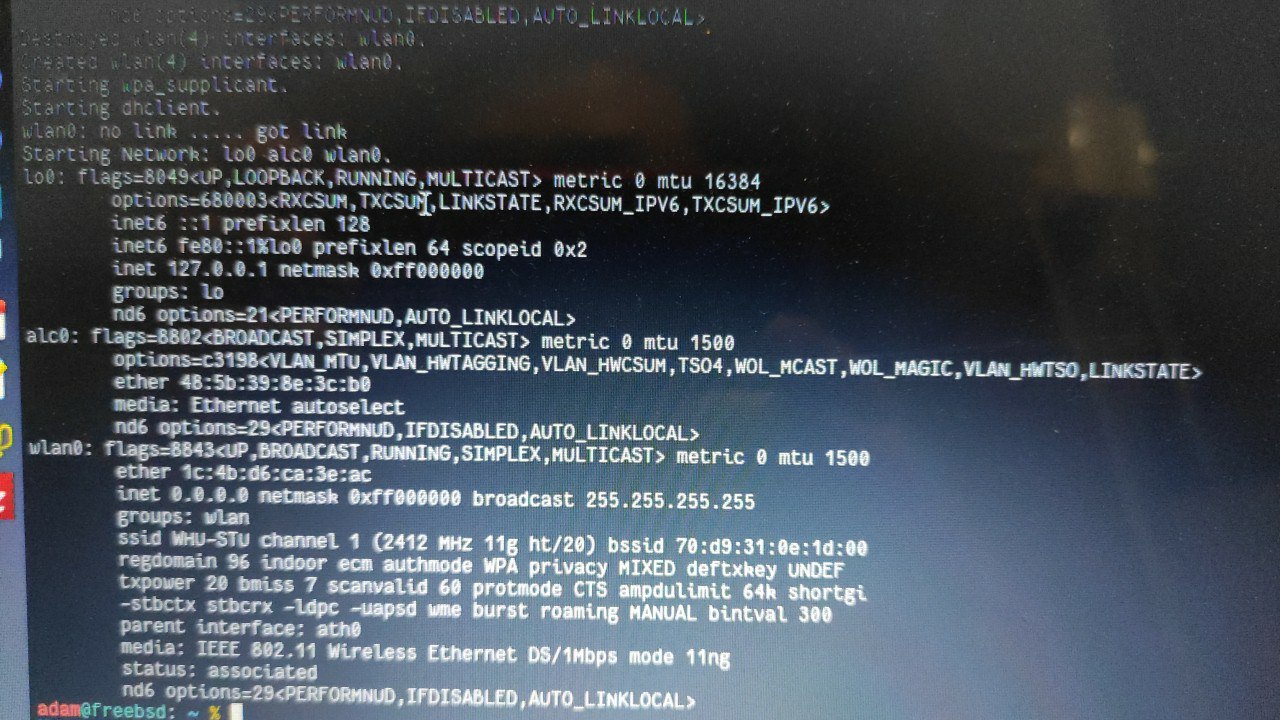 Anonymous
a config problem ? dhclient .. kld ko-s
Jackie
 Anonymous
dhclient wlan0 from root
Anonymous
what did it do ?
Jackie
Anonymous
kill the pids and try again
Anonymous
kill -9 1999 2000
Anonymous
## for internal wifi card
wlans_iwlwifi0="wlan0"
ifconfig_wlan0="WPA SYNCDHCP"
create_args_wlan0="wlanmode sta regdomain FCC country US"
wlandebug_wlan0="+state +crypto +node +auth +assoc +dot1xsm +wpa"
ifconfig_iwlwifi0="DHCP"
Anonymous
^^ /etc/rc.conf
Anonymous
YMMV