wheel, operator, video. The gearing up guide here under FreeBSD in the left menu can give you a few more hints
Thanks but I forgot operator could I add that later?
 🐥
🐥


 ɴꙩᴍᴀᴅ
ɴꙩᴍᴀᴅ
And change GROUP with the group's name. Same for your username
🐥
 🐥
🐥
Did you reboot after upgrading?
I did do your commas yet but after installing I did and this is as root
ɴꙩᴍᴀᴅ
I did do your commas yet but after installing I did and this is as root
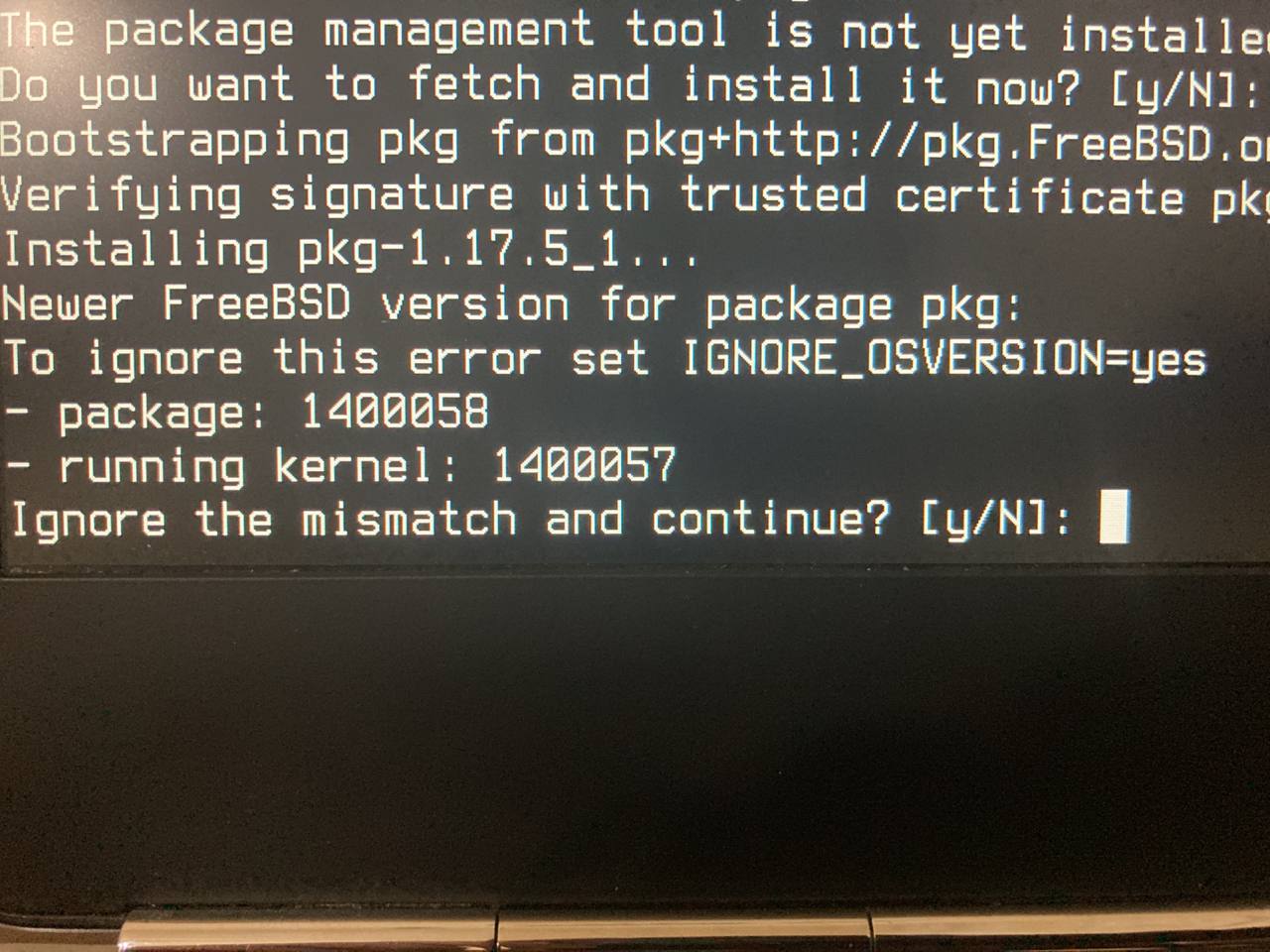
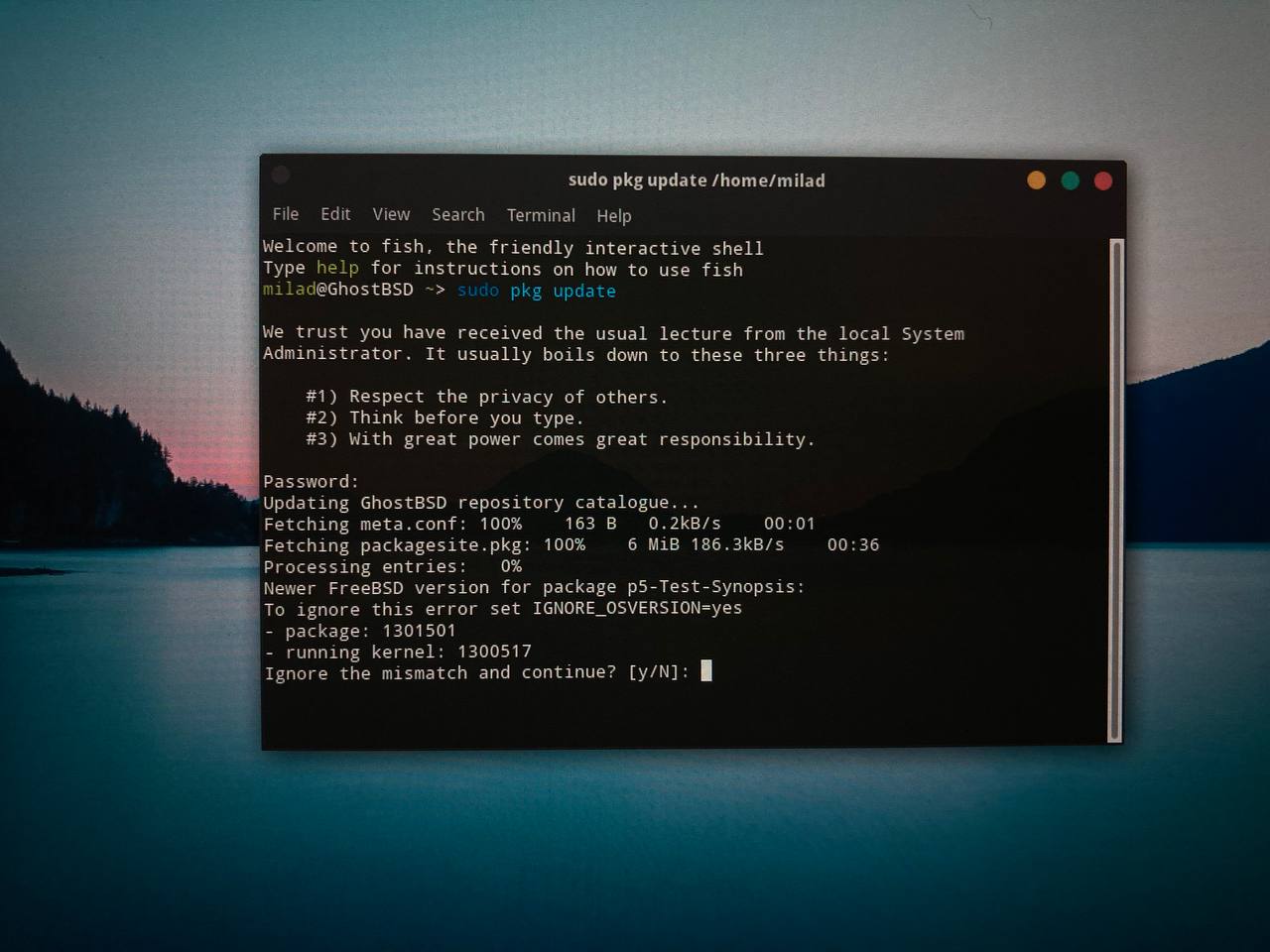
What I understand from thr screenshot is that your kernel is behind the version pkg needs iirc
🐥
What I understand from thr screenshot is that your kernel is behind the version pkg needs iirc
I just ignored it now it’s working
🐥
What I understand from thr screenshot is that your kernel is behind the version pkg needs iirc
Y not enable reactions in this group?
♾️
Hello
Anonymous
Hello
 Belgacem
Still can't upgrade my 13.0-stable to 13.1-release. I do not like using the src method. Any idea?
 bittin-
https://www.bsdnow.tv/455
Rafa
Still can't upgrade my 13.0-stable to 13.1-release. I do not like using the src method. Any idea?
Try with this:
https://www.freebsd.org/releases/13.1R/installation/#upgrade-binary
Rafa
Depending on what you have installed, you might also have to update something via the pkg command.
Sam
How long will BSD continue to Support 32 Bit PCs?
Anonymous
Anonymous
^^^ there ya go
Belgacem
freebsd-update upgrade -r 13.1-RELEASE
belgacem@bamkk:~ $ doas freebsd-update upgrade -r 13.1-RELEASE
Password:
src component not installed, skipped
freebsd-update: Cannot upgrade from a version that is not a release
(including alpha, beta and release candidates)
using freebsd-update. Instead, FreeBSD can be directly
upgraded by source or upgraded to a RELEASE/RELENG version
prior to running freebsd-update.
Currently running: 13.0-STABLE
belgacem@bamkk:~ $
Anonymous
pkg update
pkg upgrade
440 12:52 freebsd-update fetch
441 13:01 freebsd-update install
443 13:05 freebsd-update upgrade -r 13.1-RELEASE
444 13:35 /usr/sbin/freebsd-update install
445 13:37 shutdown -r now
446 13:39 /usr/sbin/freebsd-update install
Pogo
belgacem@bamkk:~ $ doas freebsd-update upgrade -r 13.1-RELEASE
Password:
src component not installed, skipped
freebsd-update: Cannot upgrade from a version that is not a release
(including alpha, beta and release candidates)
using freebsd-update. Instead, FreeBSD can be directly
upgraded by source or upgraded to a RELEASE/RELENG version
prior to running freebsd-update.
Currently running: 13.0-STABLE
belgacem@bamkk:~ $
Than you have to change the command to:
freebsd-update upgrade -r 13.1-STABLE
Anonymous
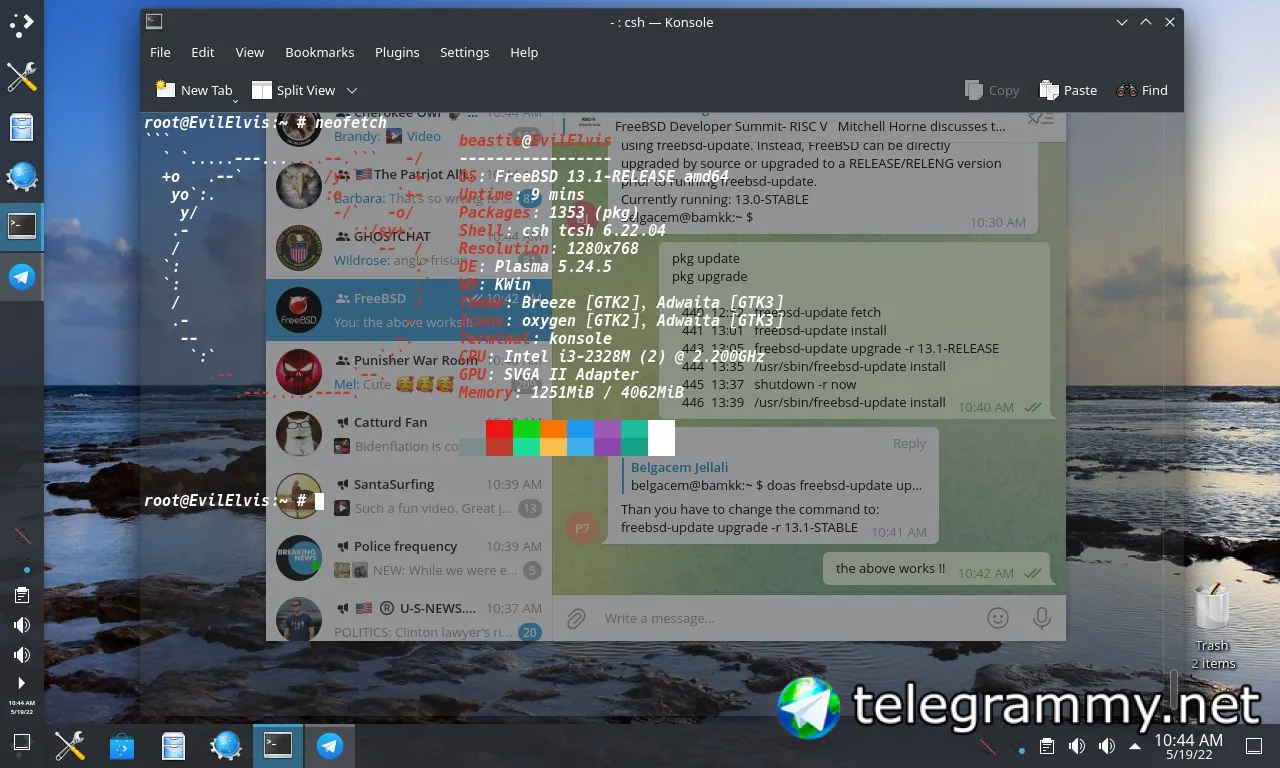
the above works !!
Anonymous
 Anonymous
you will get to a point where it will list a bunch of certs ——- scroll to the end. use down arrow or enter key.
 D.M
D.M
Hi, can someone guide me on how to connect my bluetooth headset?
Anonymous
Hi, can someone guide me on how to connect my bluetooth headset?
FreeBSD handbook, chapter 31, fifth section(31.5)
 Jeremy
Is it common to have error messages routed to /dev/console? I only ask because that’s how I’m setup, but the error message isn’t helpful when I’m trying to update something and the message appears.
Jeff
switch to ttyv1 from ttyv0?
Jeff
you can quiet, silence, or redirect them in /etc/syslog.conf
D.M
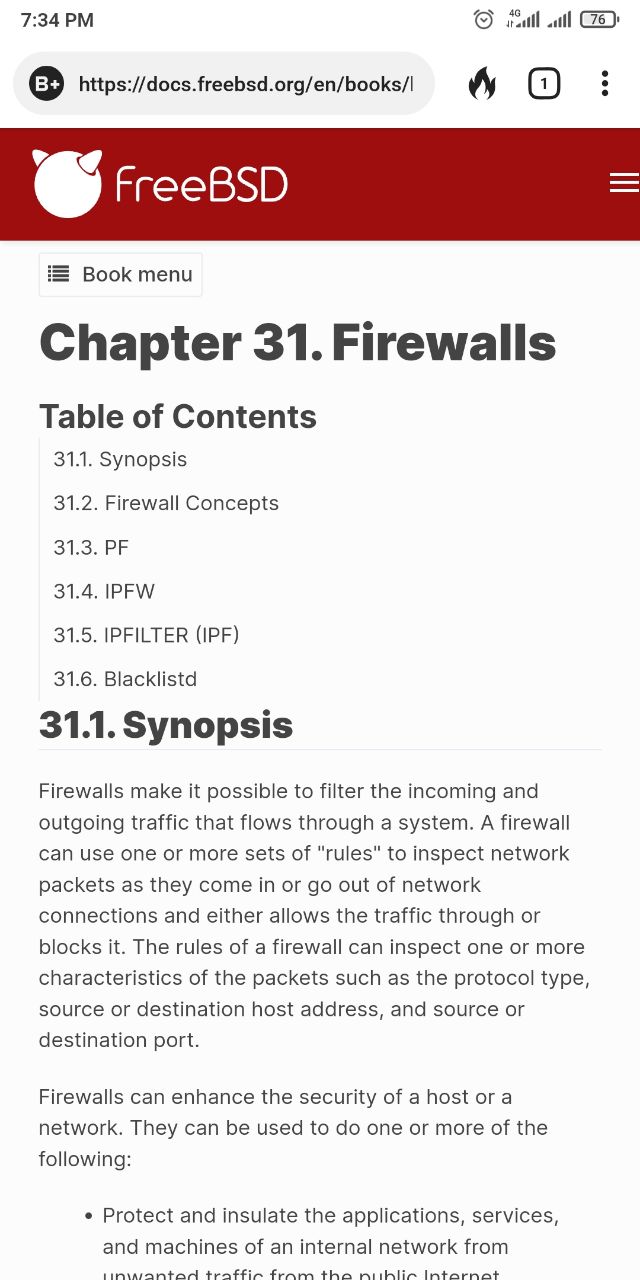
FreeBSD handbook, chapter 31, fifth section(31.5)
 D.M
D.M
@Learner_DR
To help like this, dont't say anything
Jeff
keep scrolling to 32.5
Anonymous
Anonymous
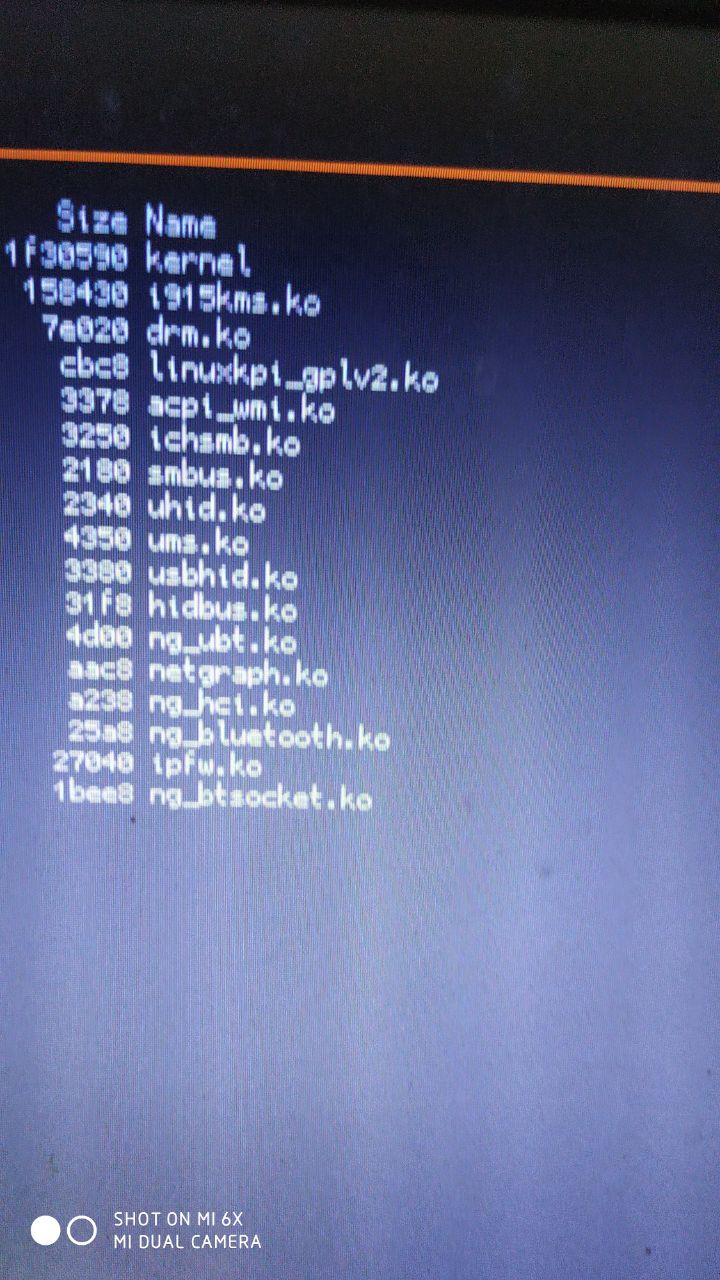
🤔 kernel needs the module loaded
ɴꙩᴍᴀᴅ
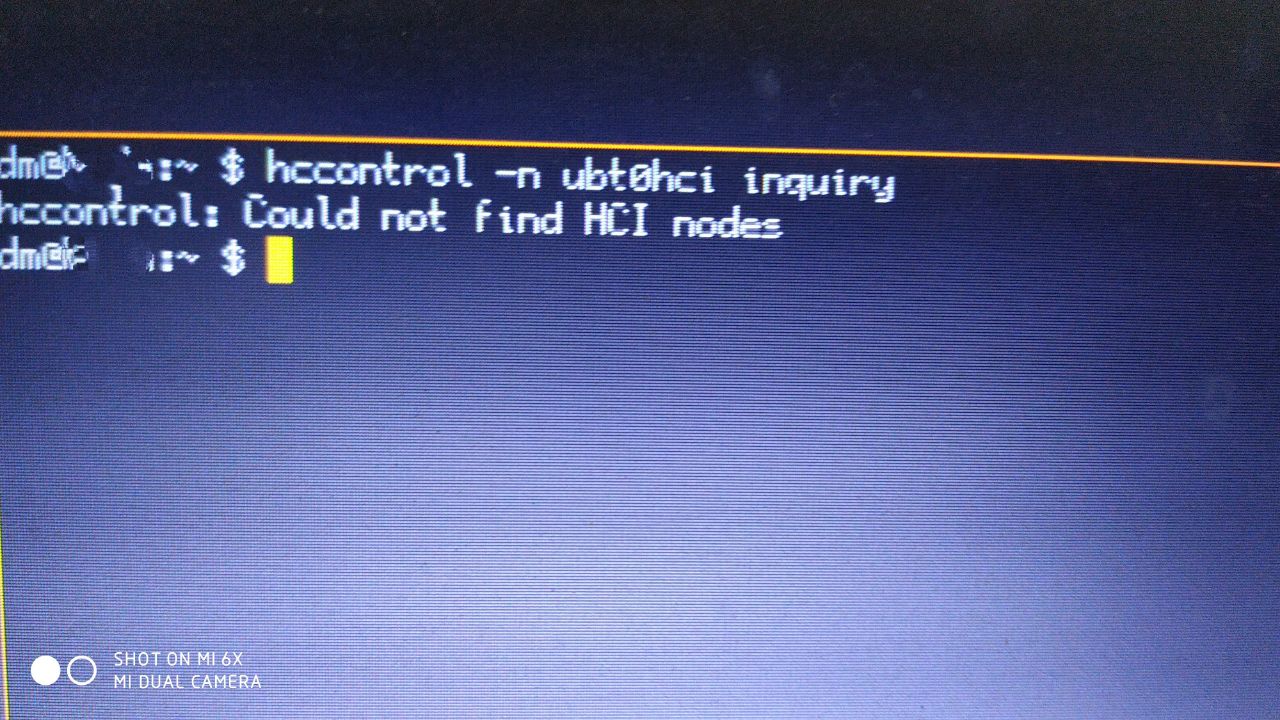
I can't find a way to detect my bluetooth headset
https://docs.freebsd.org/en/books/handbook/advanced-networking/#network-bluetooth
Check the steps, seems to be really complete. If some step doesn't work for you, report it with some logs in a pastebin format
🐥
 D.M
D.M
https://docs.freebsd.org/en/books/handbook/advanced-networking/#network-bluetooth
Check the steps, seems to be really complete. If some step doesn't work for you, report it with some logs in a pastebin format
I read that section but I can't find a way to detect my redmi bluetooth headset.
D.M
This is what I get from kldstat
D.M
 D.M
D.M
 ɴꙩᴍᴀᴅ
ɴꙩᴍᴀᴅ
I read that section but I can't find a way to detect my redmi bluetooth headset.
Maybe the bluetooth version of the headset isn't supported yet
D.M
Maybe the bluetooth version of the headset isn't supported yet
Maybe. But on linux it works great
Jackie
 ɴꙩᴍᴀᴅ
Jackie
ɴꙩᴍᴀᴅ
Jackie
 Jackie
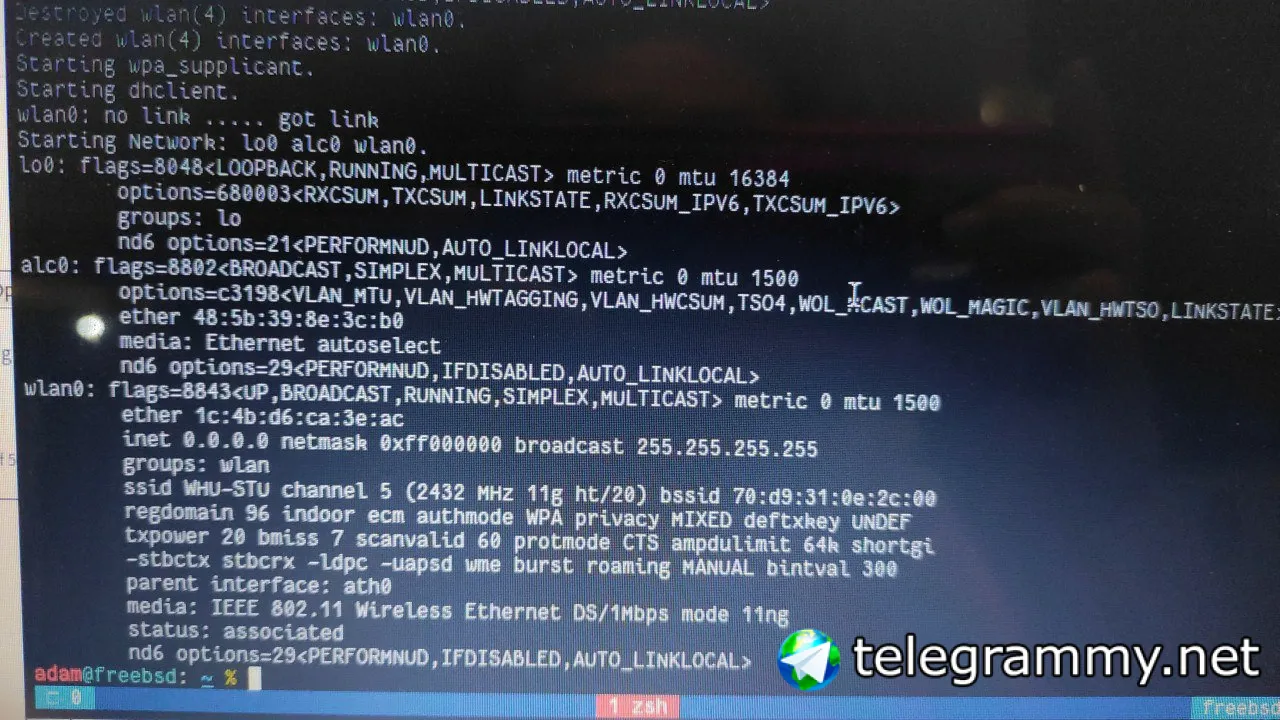
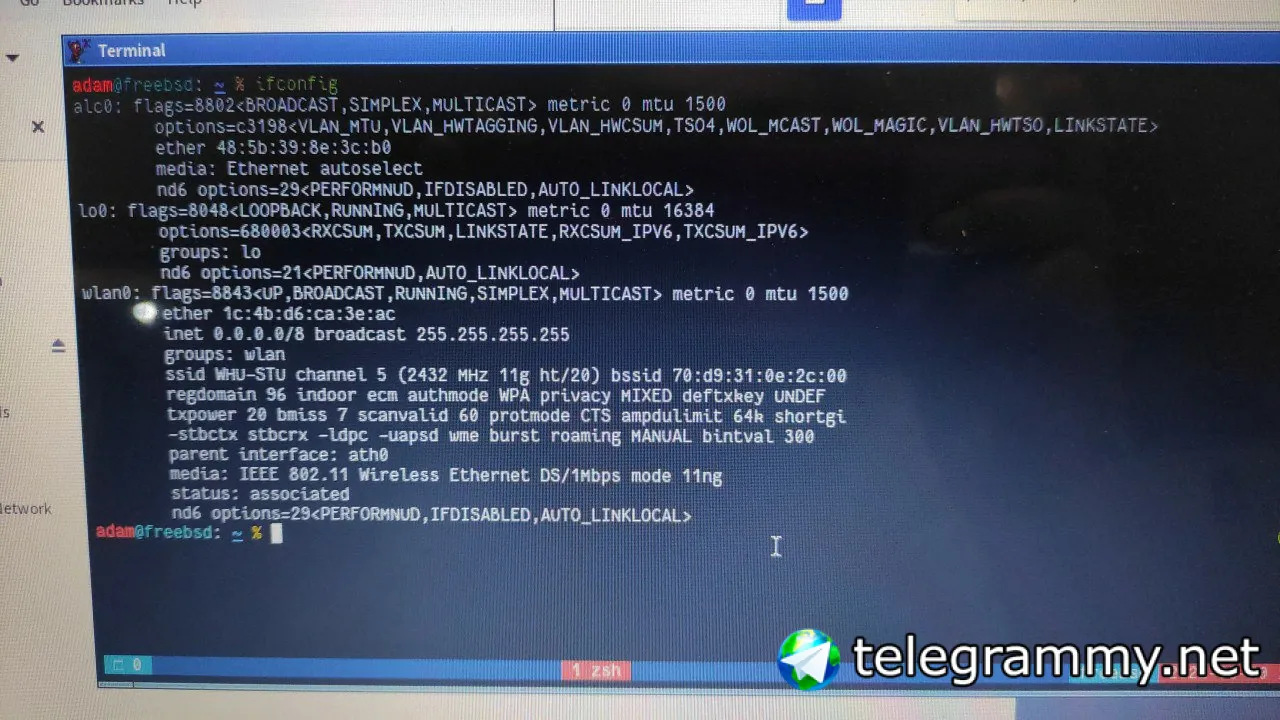
I am using a WiFi without password. Authentication to network is done via web login with account and password so there's no password for WiFi.
Jackie
 Jackie
If I stop networkmgr and run it from terminal, then click on network button, terminal prints "service netif status not supported"
Jeff
I don't think netif supports 'status'
Jackie
I don't think netif supports 'status'
Does that mean there's something wrong with netif service? I am sure I didn't change anything in system config after upgrading.
Jeff
I don't think it ever had a status. that's what ifconfig is for. status doesn't work on my 13.0 box.
Jackie
Sorry I don't really understand. This is not a command I used to do anything. It's terminal output when I click networkmgr.
Jeff
ok, sorry, I don't know what networkmgr is.
netif is an rc script. I don't believe it has ever had a directive for status.
it sounds like networkmgr's network button is at fault.
Jackie
Thanks. I'll try another way to connect to connect to network then.
Jeff
maybe service netif restart? that usually works for me.
 kub-kun
And reconfigure wifi
Jackie
Use bsdconfig
Thanks. Will try tomorrow and report. It's really late night here. I am going to bed.
 Chris
Chris
lxqt is less heavy than full plasma
Chris
you can look in the start menu and delete individual programs, plasma is kinda big 🤷
ɴꙩᴍᴀᴅ
There's xorg-minimal
Jeff
i915kms.ko should be fine for SDDM or any other DM. maybe dbus wasn't running before you tried?
ɴꙩᴍᴀᴅ
Kde by itself may not be that big, but you have to take a look on its dependencies. For some other OSes, some of the bloat may be already installed before, idk. I wouldn't go for a DE if looking for less bloat, but instead I'll choose a WM. If you want to dig into the dependencies and cut them out a bit, try building kde from the ports. FreeBSD offers some options for packages usually
ɴꙩᴍᴀᴅ
Minimal contains the less number of ports required to run X.org
https://www.freshports.org/x11/xorg-minimal/