Hello! Does someone have the HP Probook 455 G7 and has been able to get it to boot with FreeBSD? I get spammed with ACPI errors like this bug report
https://bugs.freebsd.org/bugzilla/show_bug.cgi?id=259427
I cant answer... im noob . Maybe someone member here
 Anonymous

 Anonymous
But as i said yesterday, for me it's much harder to understand than GhostBSD/FreeBSD. too many changes to soon in gnu/linux and it alienates "normal" users.
I think fbsd and linux look same? The diferent only Openrc and systemd, location setting etc
Jackie
I think fbsd and linux look same? The diferent only Openrc and systemd, location setting etc
if you install same DE/WM on both they'd look the same. However the underhood is totally not. FreeBSD is a whole operating system developed by the team. This includes the kernel and all other stuff around it, while GNU/Linux systems are Linux kernel plus other components all developped by different teams and individuals.
Markuss
I cant answer... im noob . Maybe someone member here
I hope someone has an answer. I guess it has something to do with ACPI and laptop having unique values for the firmware
Andriy
 ɴꙩᴍᴀᴅ
ɴꙩᴍᴀᴅ
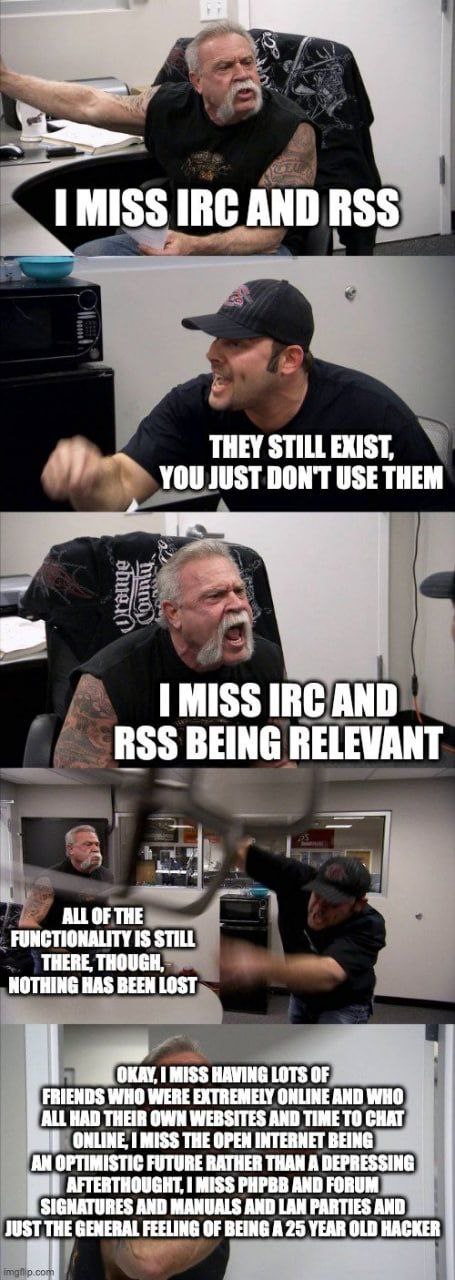
Ahh, the good ol' times
Jaco
I think fbsd and linux look same? The diferent only Openrc and systemd, location setting etc
There are huge differences😊yes if you install the same DE's it might look similar. Also FreeBSD is a complete system where Linux is just a kernel and relies on other projects to make it a "whole" distro/system
Jaco
Duck & Chicken FreeBSD also doesn't see too much change in a short period of time, where everyday there is something new on Gnu/Linux and for regular users it gets confusing.
For me FreeBSD is simple, logical and the docs are great. The only real con is hardware support, luckily for me all my hardware is supported except Bluetooth, which i don't care for that much
Anonymous
Jaco
Thanks for explain this for me....
Sure😊i am also still fairly new to FreeBSD but there is lots of info. Here are some very useful links : https://m.youtube.com/channel/UCxwcmRAmBRzZMNS37dCgmHA - RoboNugggie
https://vermaden.wordpress.com/
 Mikhail
ENOTENOUGHDETAILS
I use obs and sound is fine
 Va
Va
is it question or anons ?
Ihor
Hello, please help
Ihor
 Markuss
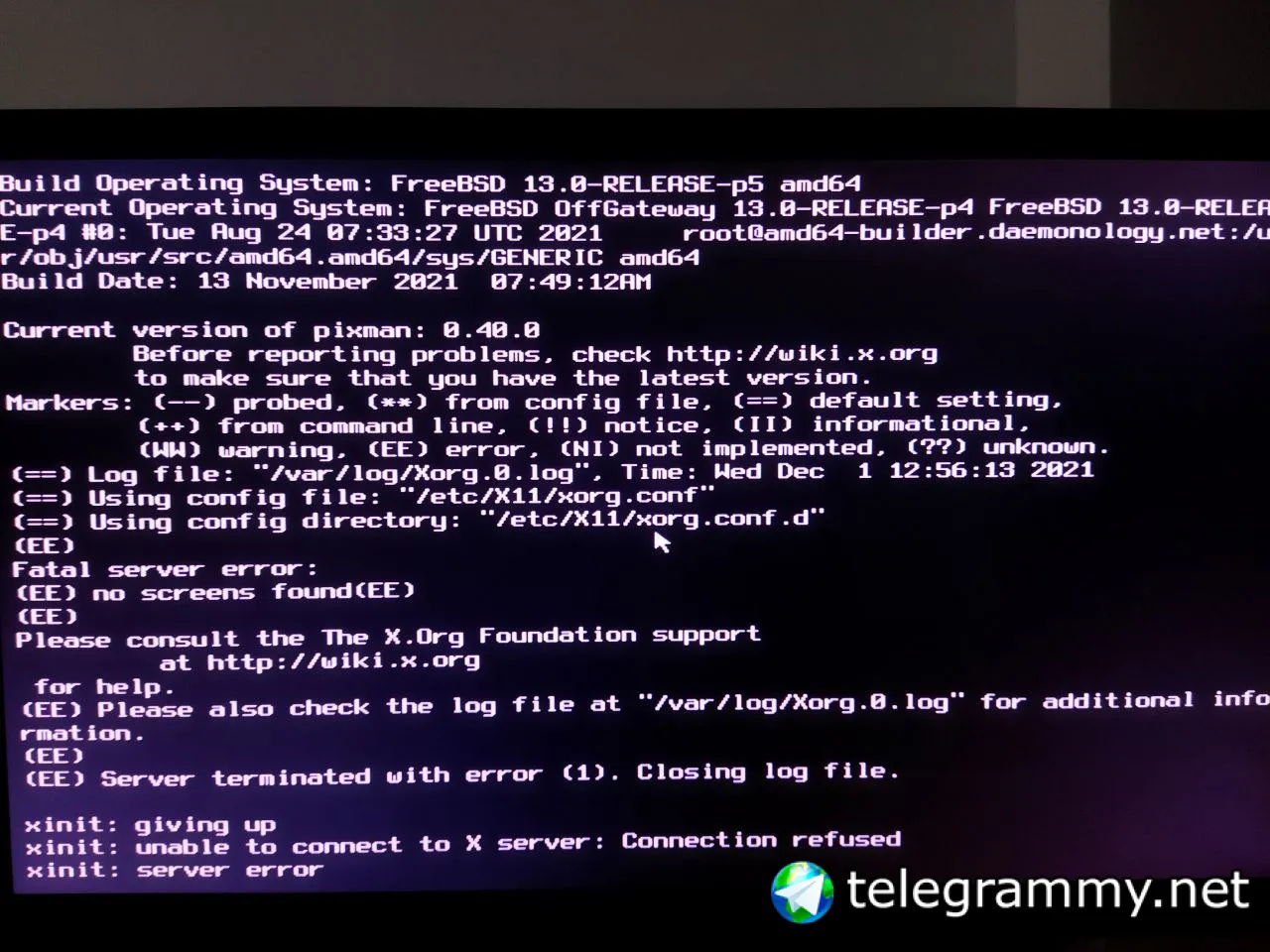
ah yes I'm struggling with getting xorg to work for the 3rd day
Ihor
 Ihor
Ihor
 Markuss
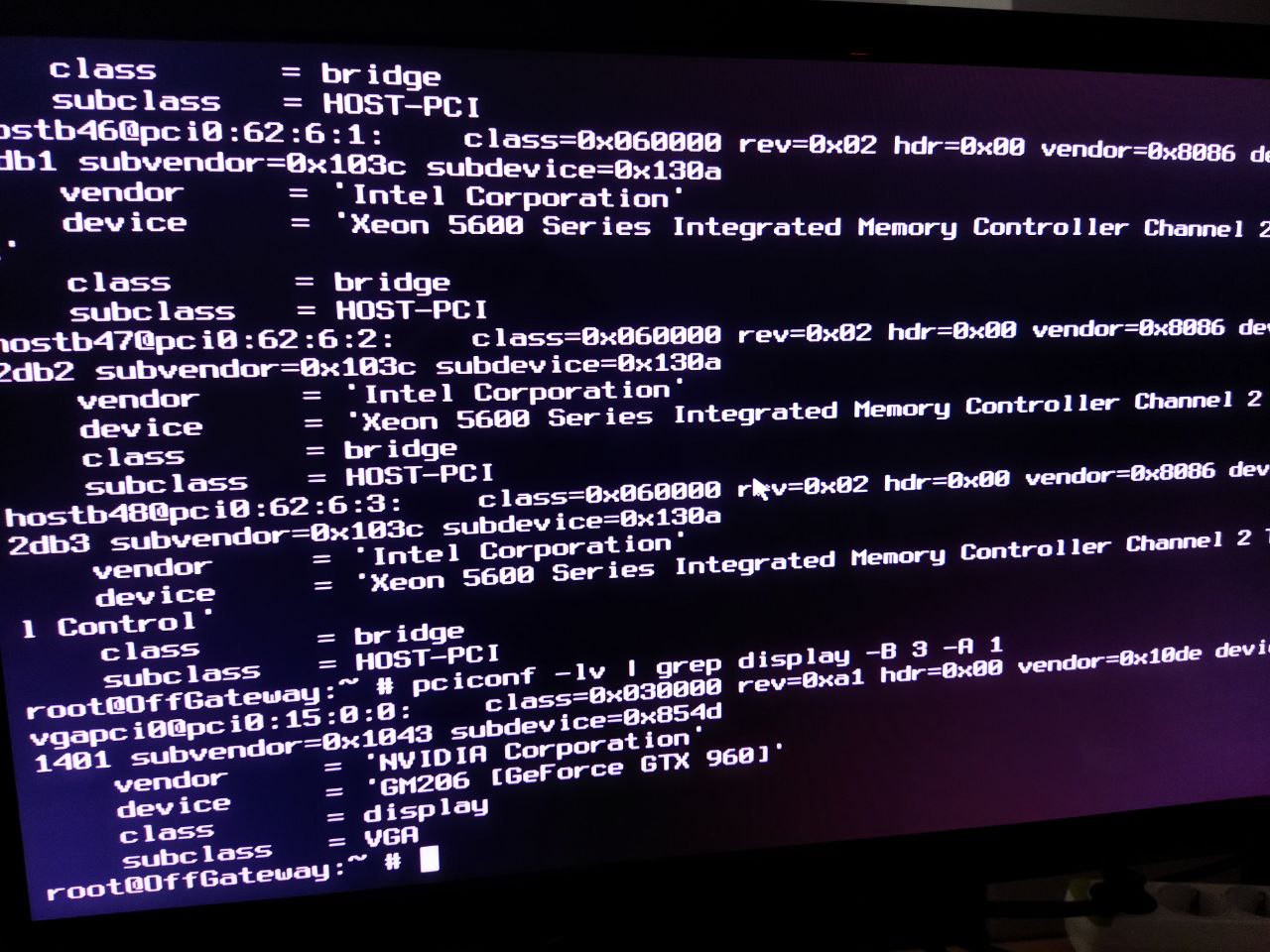
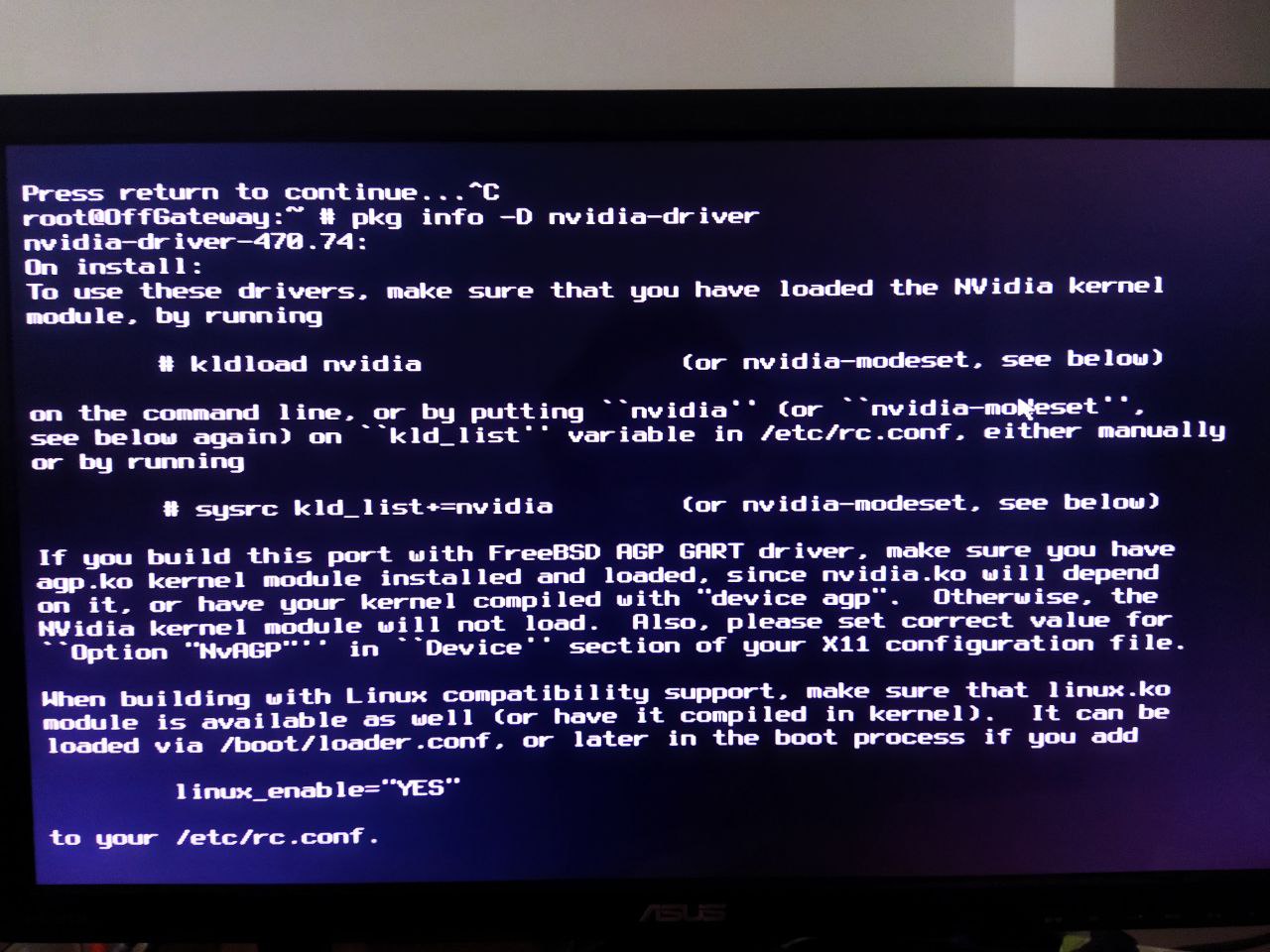
@nkfnml can you execute command pciconf -lv and show us what you have in VGA section?
Ihor
I've already tried open and closed nvidia driver
Markuss
share the pciconf -lv
Markuss
we will see if freebsd has recognized your graphics
Ihor
 Markuss
 Markuss
as for me I have generic name😂
Markuss
Anonymous
Amd reinor Is Amd ryzen 4000 GPU series
Markuss
but it should be more detailed like others
Markuss
there can be vega 6, vega 8 and more graphics
Markuss
I have Ryzen 4500U apu with vega 6 graphics
Ihor
 Ihor
Ihor
 Ihor
Ihor
 Ihor
Ihor
 K
K
Did you set up local time zone?
ɴꙩᴍᴀᴅ
Also @nkfnml give this a try:
https://www.youtube.com/watch?v=Q6KxMUY2aTU
ɴꙩᴍᴀᴅ
No screens found
I remember doing exactly what the video does back when I had a gtx 1060 on a desktop, and it worked. Just make sure you have all the settings the video says, some of them are the key
Ihor
ɴꙩᴍᴀᴅ
Just can't start x
https://codeberg.org/n0mad/freeBSD-NVIDIA-Desktop/src/branch/master/README.md
Take a read at this, maybe you also need a file for xorg.conf.d
Jackie
Ihor
I've tried to install latest freebsd driver from nvidia website
Ihor
But still xserver is crushing
Jaco
But still xserver is crushing
I don't know about Nvidia but my Xorg kept crashing when i installed the wrong driver
Ihor
 Markuss
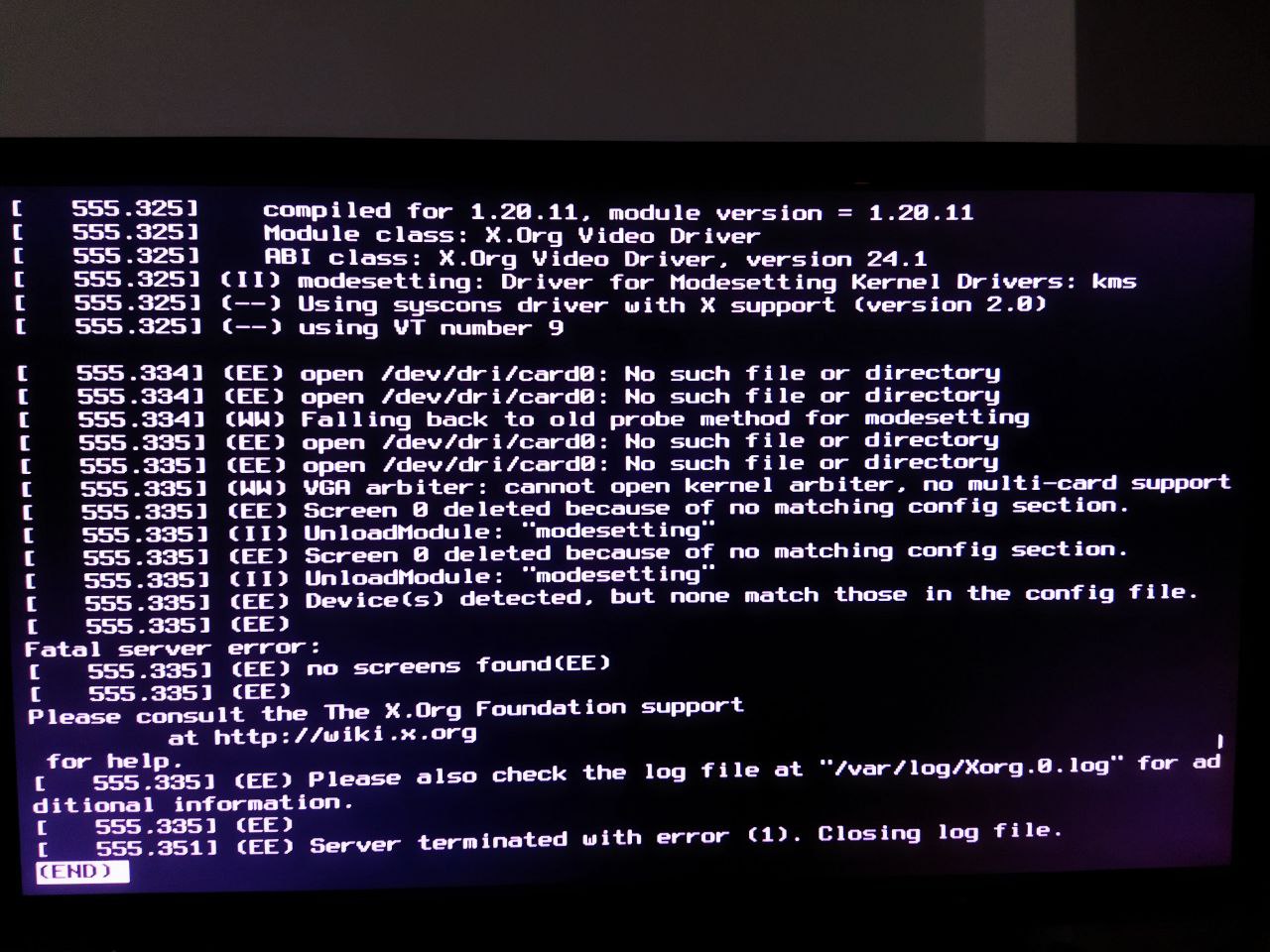
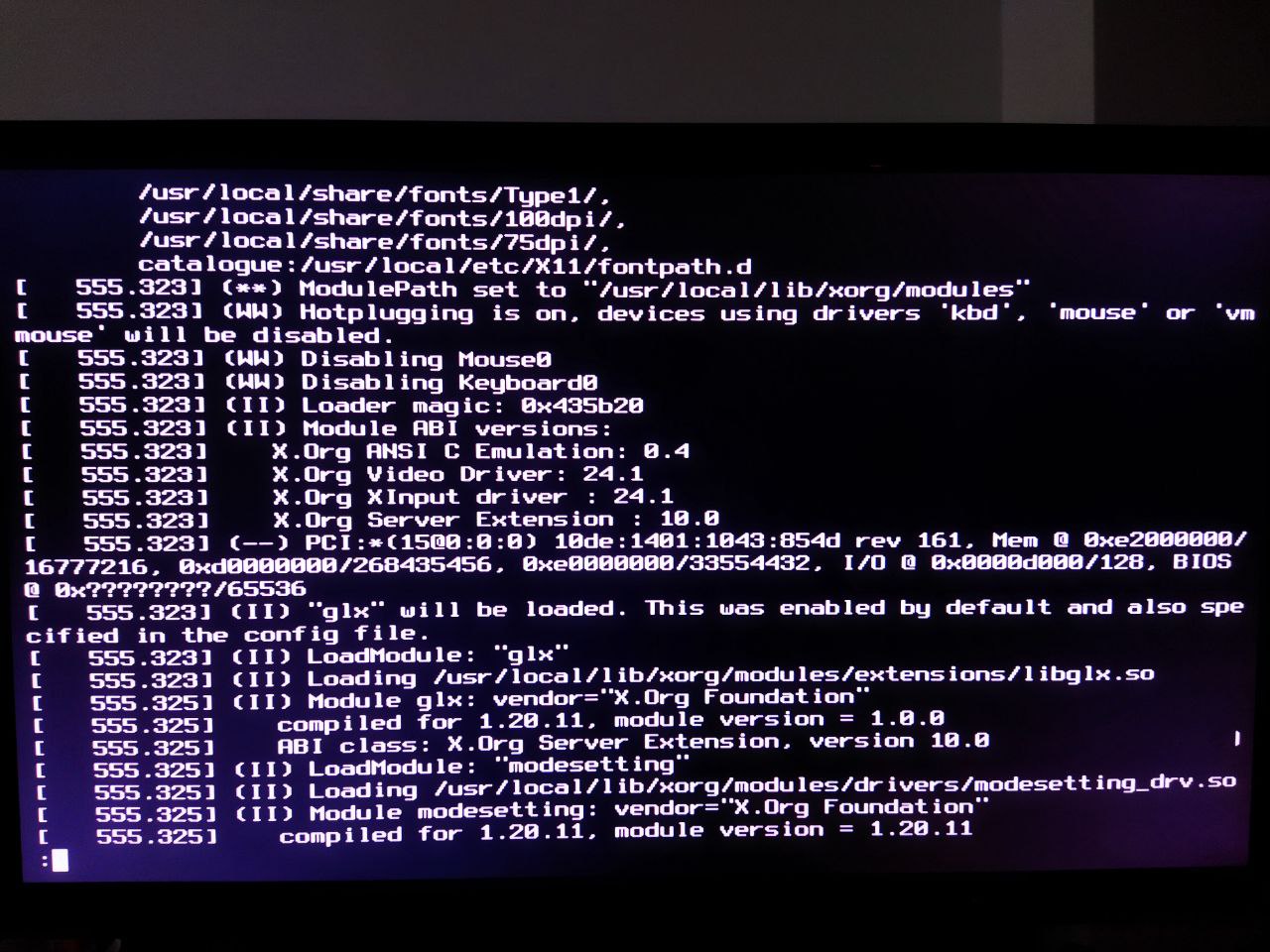
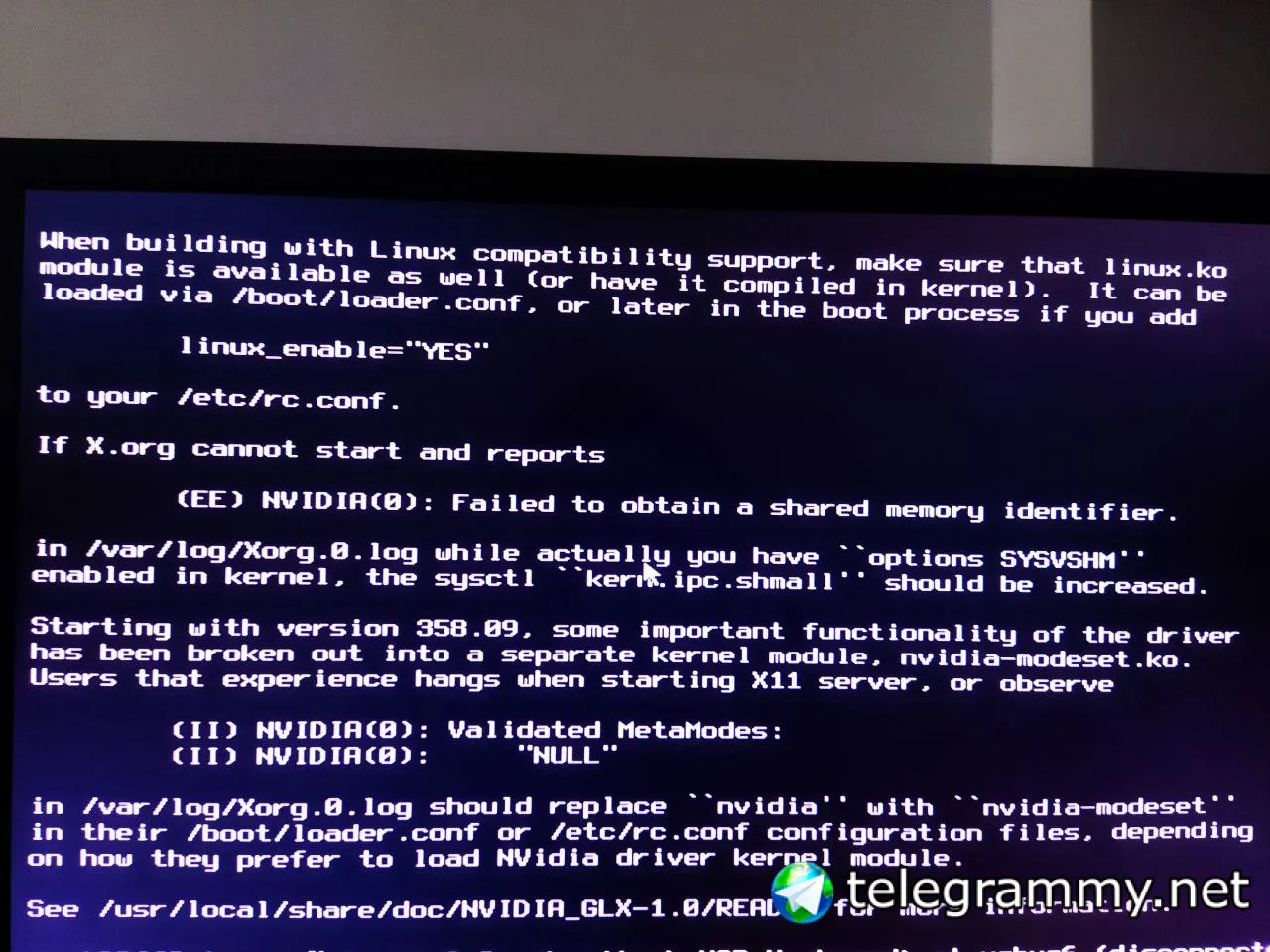
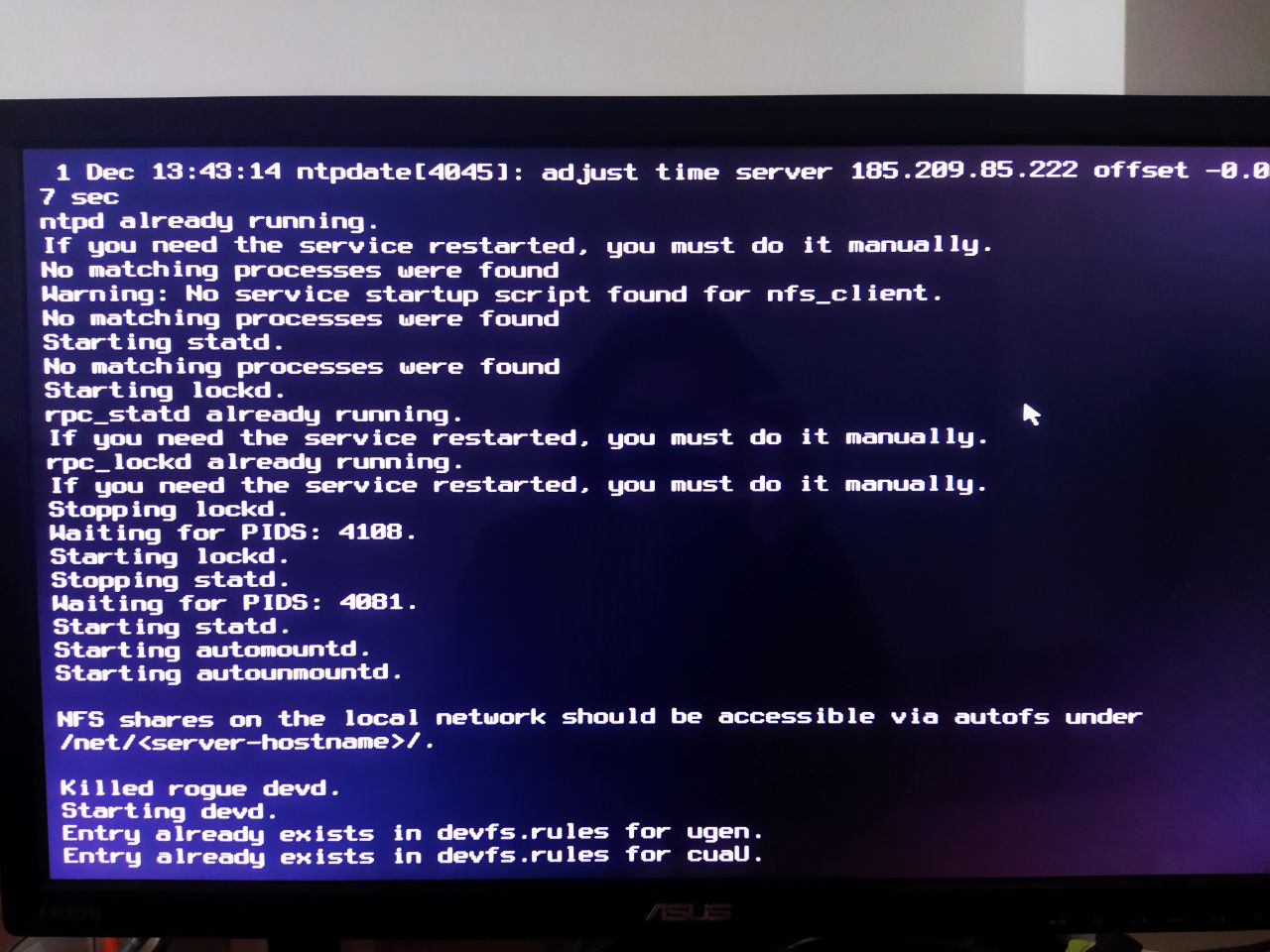
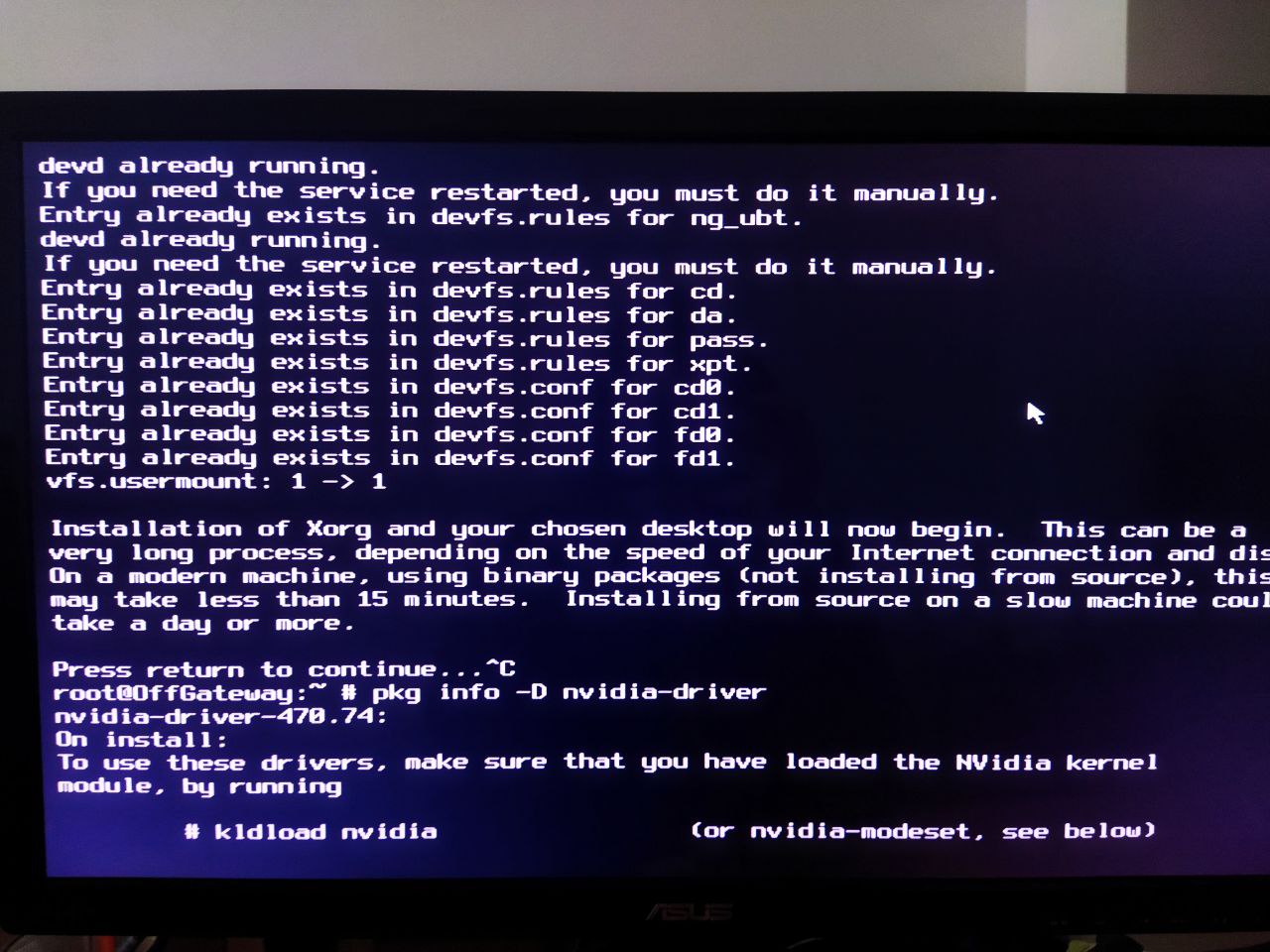
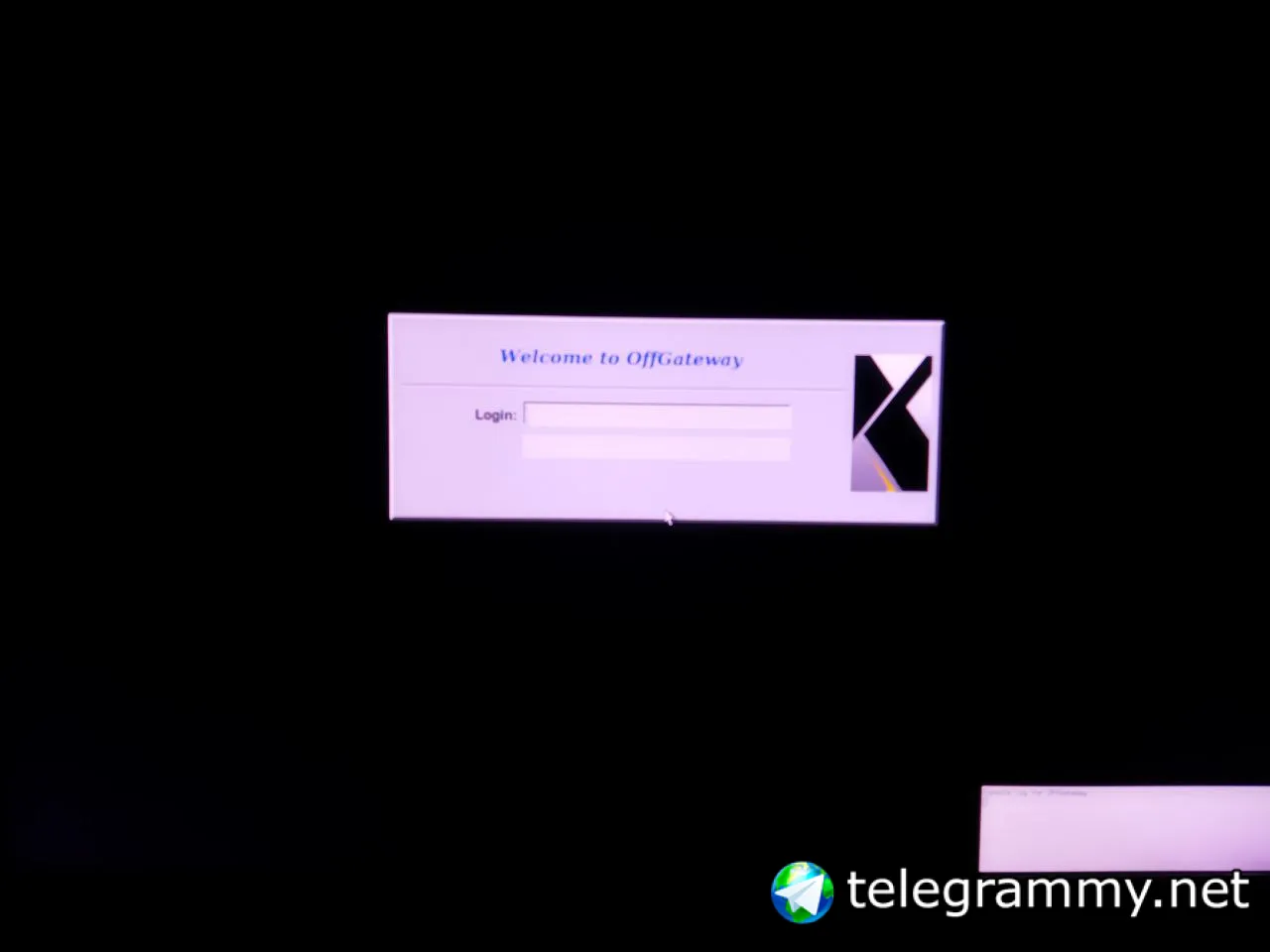
If someone knows why xorg fails to start, then check my pictures
Markuss
 Markuss
 Ihor
Ihor
Hello, why the hell the mouse and keyboard stop responding after x started?
Markuss
this is dmesg
Markuss
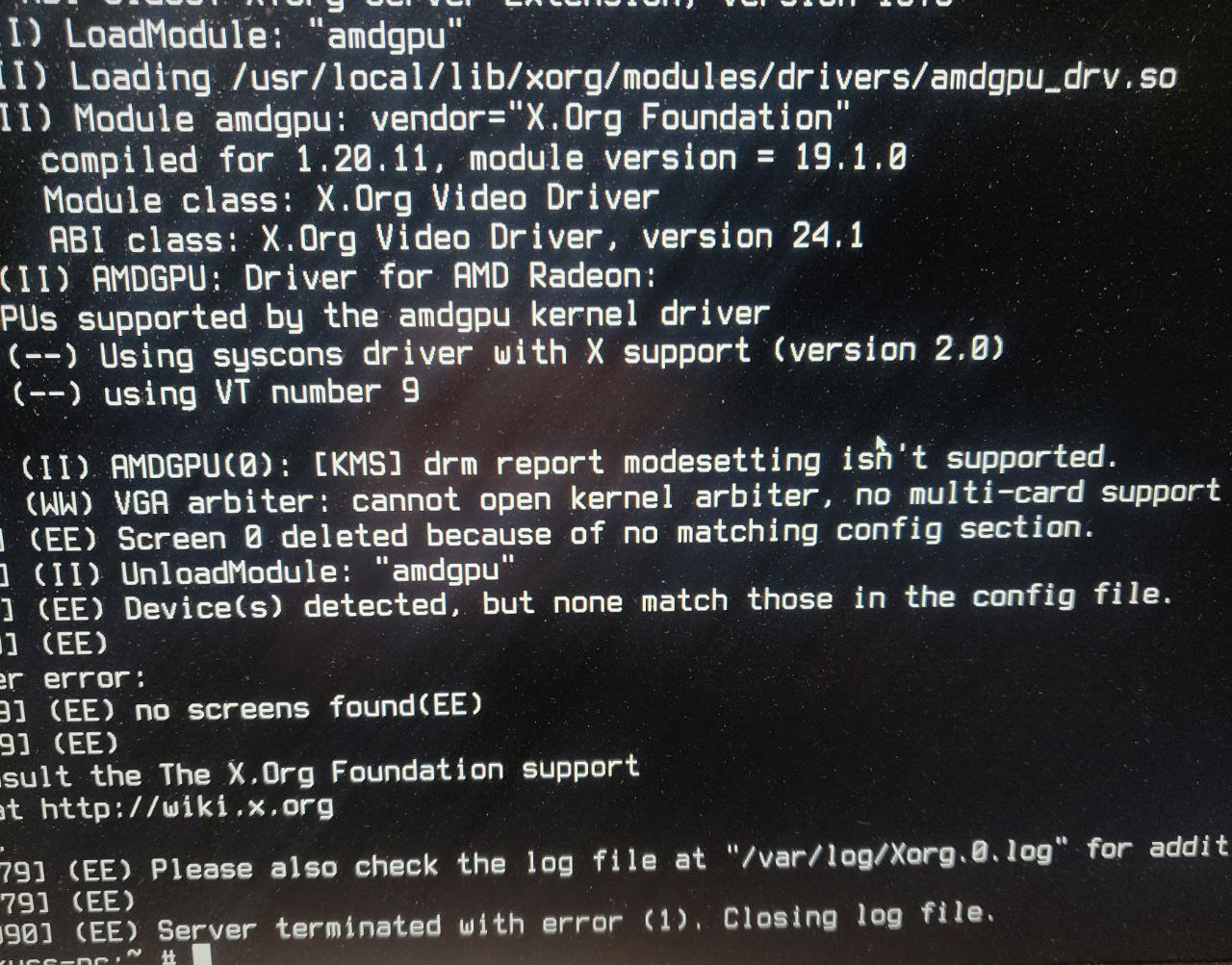 Markuss
and this is my xorg log
Markuss
if I remove config file it goes back to the framebuffer error
Markuss
I have a driver issue idk
Markuss
xorg is picky
Markuss
I think I should join freebsd irc channel
Markuss
I have asked questions in 3 places and no one seems to have an answer
Markuss
maybe I'm better of rebuilding the kernel which I don't even know how
Anonymous
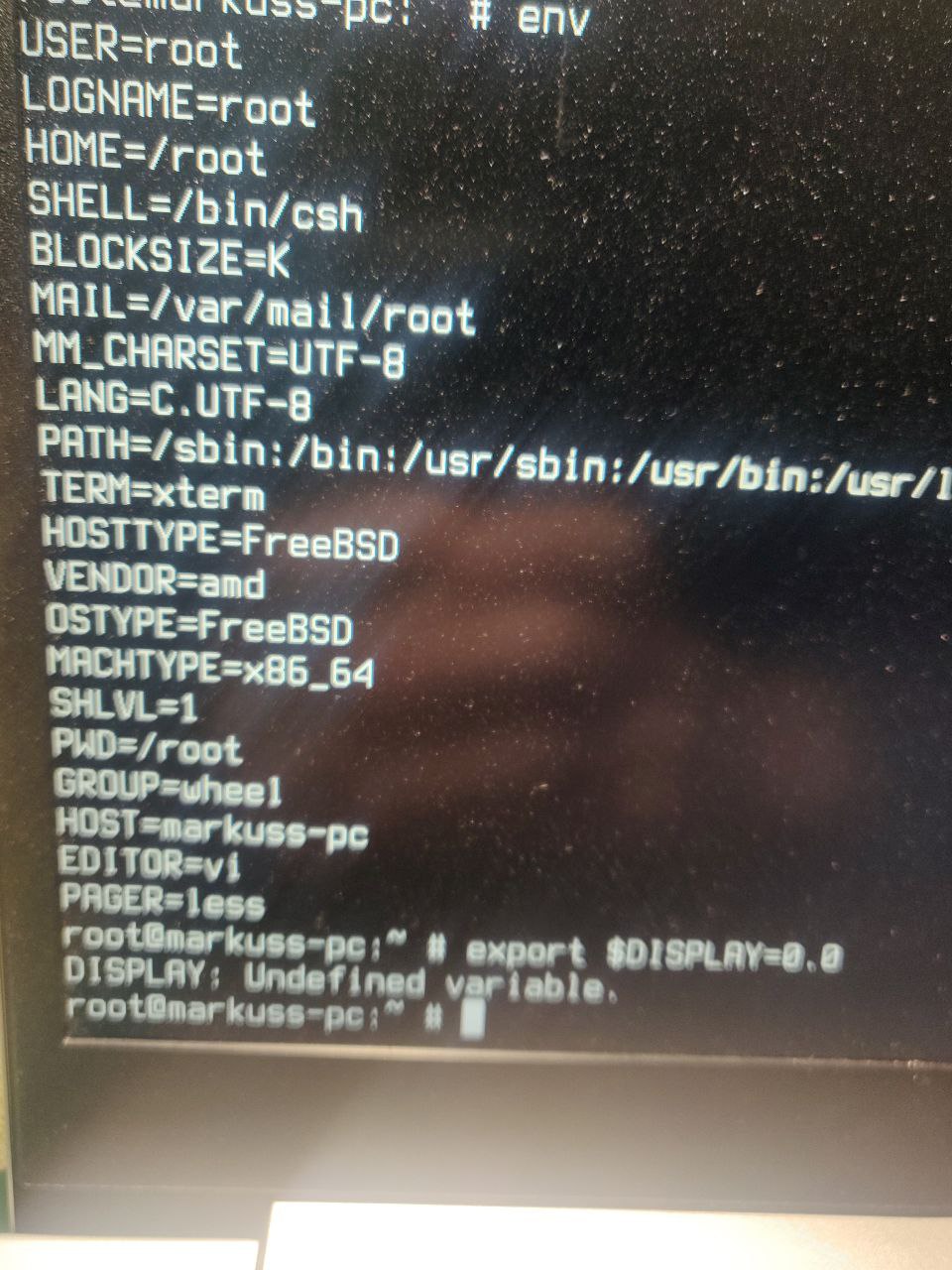
is $DISPLAY set in your env ?
ɴꙩᴍᴀᴅ
@makonisB How modern is your GPU. Have you checked the wiki about Renoir gpus?
Setting up xorg is really a nightmare if you don't install the appropriate driver and it's rc.conf and loader.conf settings
Sometimes newer gpus require drivers only present in the CURRENT version of FreeBSD, since they implement them from the LinuxKPI and that takes time
Markuss
umm how to check that? Mine is Renoir era Ryzen 4500U apu
ɴꙩᴍᴀᴅ
I've been messing around with xorg and different gpu vendors, and once the settings are correctly setup, xorg works.
For AMD GPUs I had to use FreeBSD 14.0 CURRENT in a RX5700xt and back in the day, FreeBSD 13.0 CURRENT for a Picasso integrated APU
Markuss
internet shows I have fifth gen 5GCN
Anonymous
in a term type env
Anonymous
ok export $DISPLAY=:0.0 i left out the :
ɴꙩᴍᴀᴅ
internet shows I have fifth gen 5GCN
You will be better suited with FreeBSD 14.0 CURRENT, or by hacking the 13.0 drm-kmod like explained here https://hauweele.net/~gawen/blog/?p=2607
Markuss
 Markuss
ɴꙩᴍᴀᴅ
Markuss
ɴꙩᴍᴀᴅ
Graphic drivers take time to be implemented on FreeBSD, so latest hardware usually doesn't work until a couple of years pass
Anonymous
or you could say f it and do ghostbsd
Ihor
Graphic drivers take time to be implemented on FreeBSD, so latest hardware usually doesn't work until a couple of years pass
So, my mouse and keyboard wont work with nvidia driver?