 Anonymous


really wow
Markuss
Graphic drivers take time to be implemented on FreeBSD, so latest hardware usually doesn't work until a couple of years pass
are you on freebsd development release?
Markuss
CURRENT or what they call their development release
 ɴꙩᴍᴀᴅ
ɴꙩᴍᴀᴅ
So, my mouse and keyboard wont work with nvidia driver?
Are they any special? I mean, bluetooth driven or gaming devices? I have a generic usb mouse and keyboard, they both work fine so far. Maybe some xf84 binary is missing, like libinput or so
ɴꙩᴍᴀᴅ
are you on freebsd development release?
I was for a time with the RX5700xt, and everything worked nicely
Markuss
that's a pretty nice card. I wanted to know if you get with "ls /boot/modules" something mentioned abiut vega 6 graphics, as I only see vega 10, vega 12, vega 20 mentioned in this release 13.0
Anonymous
KDE_SESSION_VERSION=5
DISPLAY=:0
SHLVL=1
PAGER=less
ɴꙩᴍᴀᴅ
@makonisB under CURRENT (the development in progress for FreeBSD) there is a custom drm-kmod named drm-devel-kmod which is based on the almost latest version of LinuxKPI
https://www.freshports.org/graphics/drm-devel-kmod/
It can only be installed in FreeBSD 14.0 CURRENT
Markuss
alright then I'm off downloading the newest 14.0 current release
Ihor
Guys, please what can I do? Mouse and keyboard does not working under X
Markuss
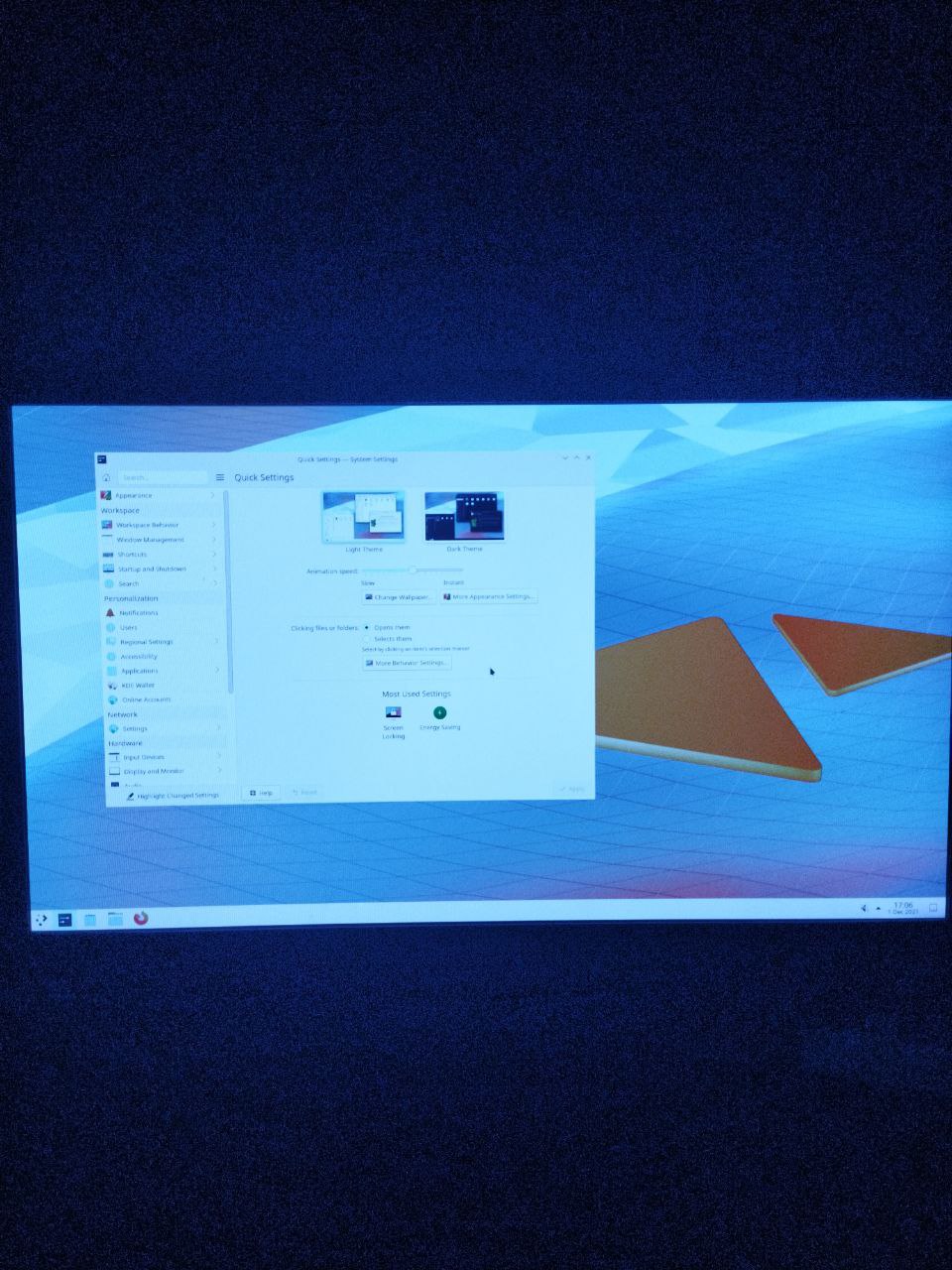
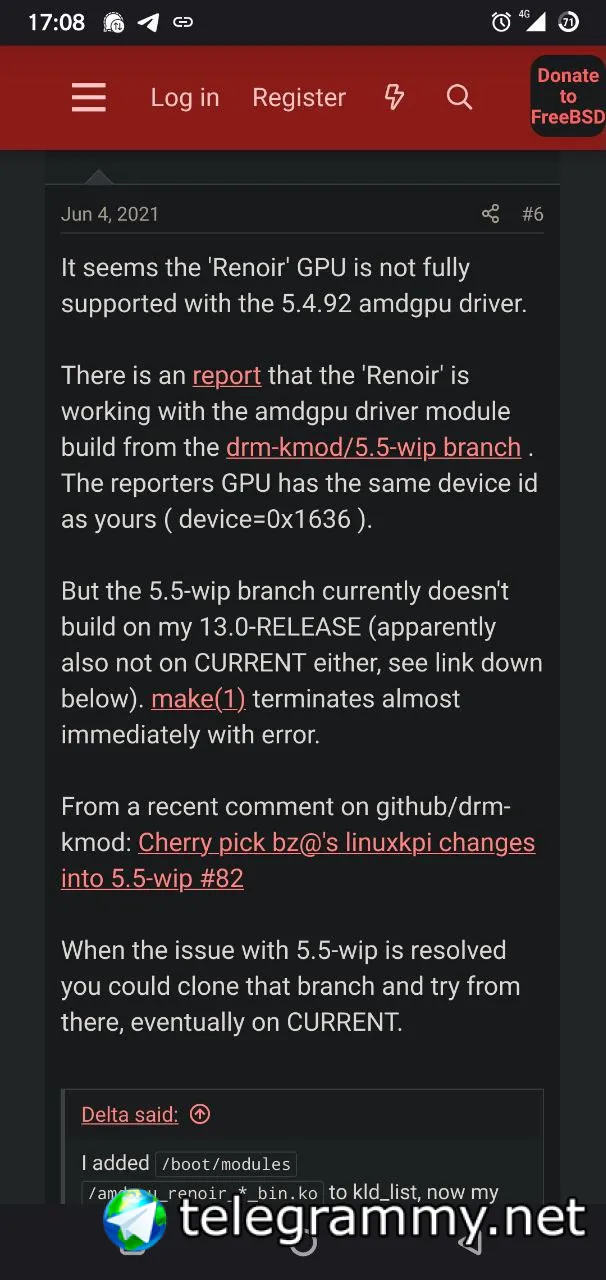
@n0madcoder weirdest thing is there exists modules called amdgpu_renoir listed in /boot/modules but kldstat shows that it doesn't load them
Ihor
 Markuss
 Markuss
I found this comment about renoir graphics
Markuss
I think I'm onto something
ɴꙩᴍᴀᴅ
Markuss
ghostbsd founder Eric suggested me to also install drm-devel-kmod and when I installed it on the current freebsd 14.0 release which I had 2 days back it didn't work. But compiling the drm-kmod 5.5 looks really promising
Anonymous
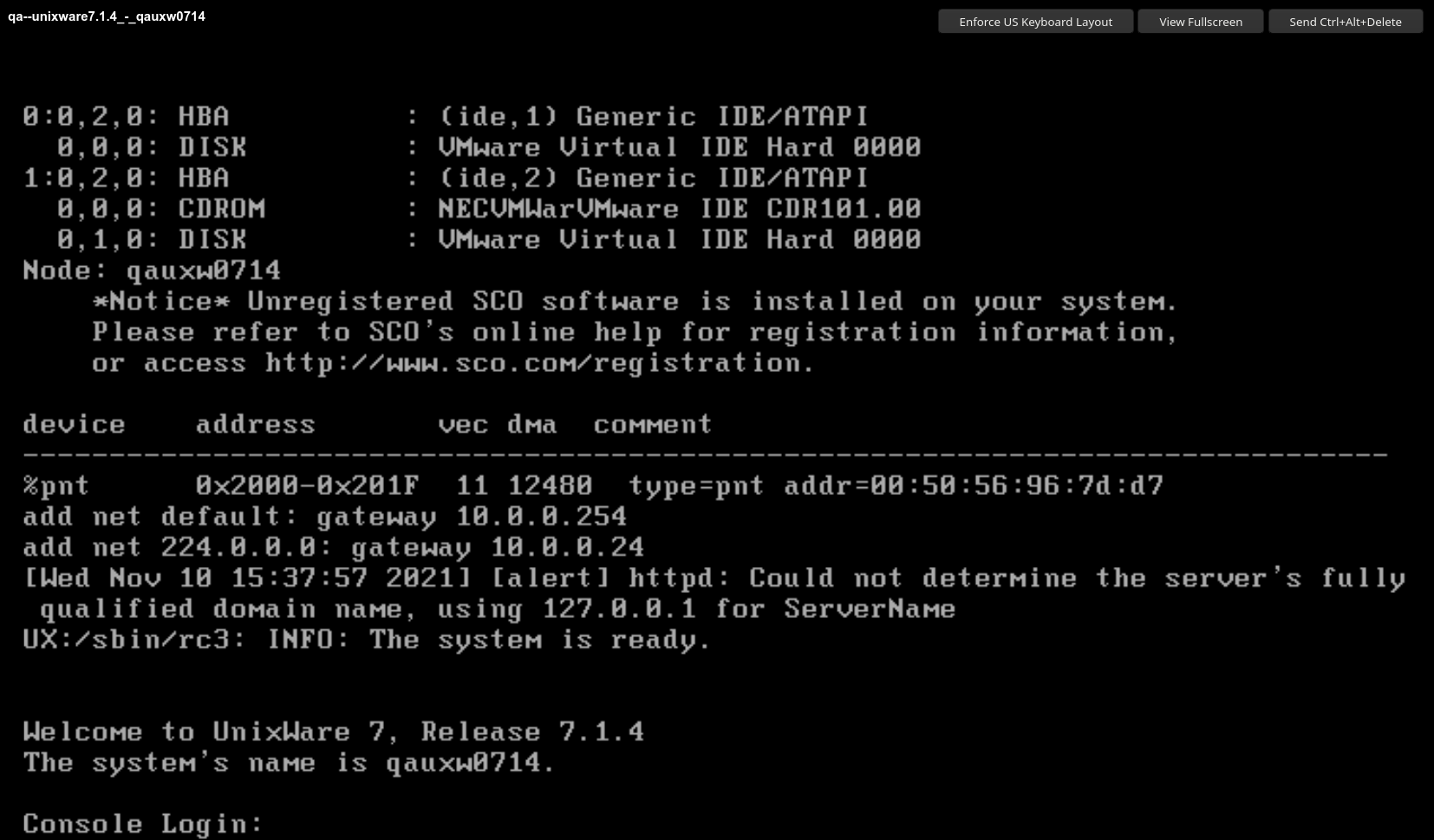
anyone know about unixware?
 kub-kun
and it has been discontinued
thats all
Anonymous
is it a distro or only add ons?
kub-kun
for desktops I think
Anonymous
I got 8 isos of that stuff 3.5 Gs no system install i found.
XS
 Anonymous
there's a SCO linux ?
Anonymous
taht's not helpful
"I'm too lazy to do my own work, I have to rely on other people doing the work for me"
Did you even bother reading the description google gave you?
Anonymous
dude i download all that i found no system installer for an OS
XS
🤦anyway, this is presumably not for you, or for anyone, there's no point using uxw nowadays
Anonymous
OK deleted thx.
XS
(Is your spacebar broken ?)
Anonymous
no not yet.
Markuss
I downloaded freebsd 14.0 25 november release and passing either one of these commands
set boot_mute=YES
set boot_mute="YES"
at boot loader prompt leads me to a frozen white freebsd logo at startup
Markuss
these commands are important for me as without them I get spammed by acpi errors
Markuss
I might add that these same acpi errors I got on linux too when I checked the dmesg command
Markuss
I didn't have this problem on freebsd 13.0 release
Markuss
with the frozen system after inserting those commands
Anonymous
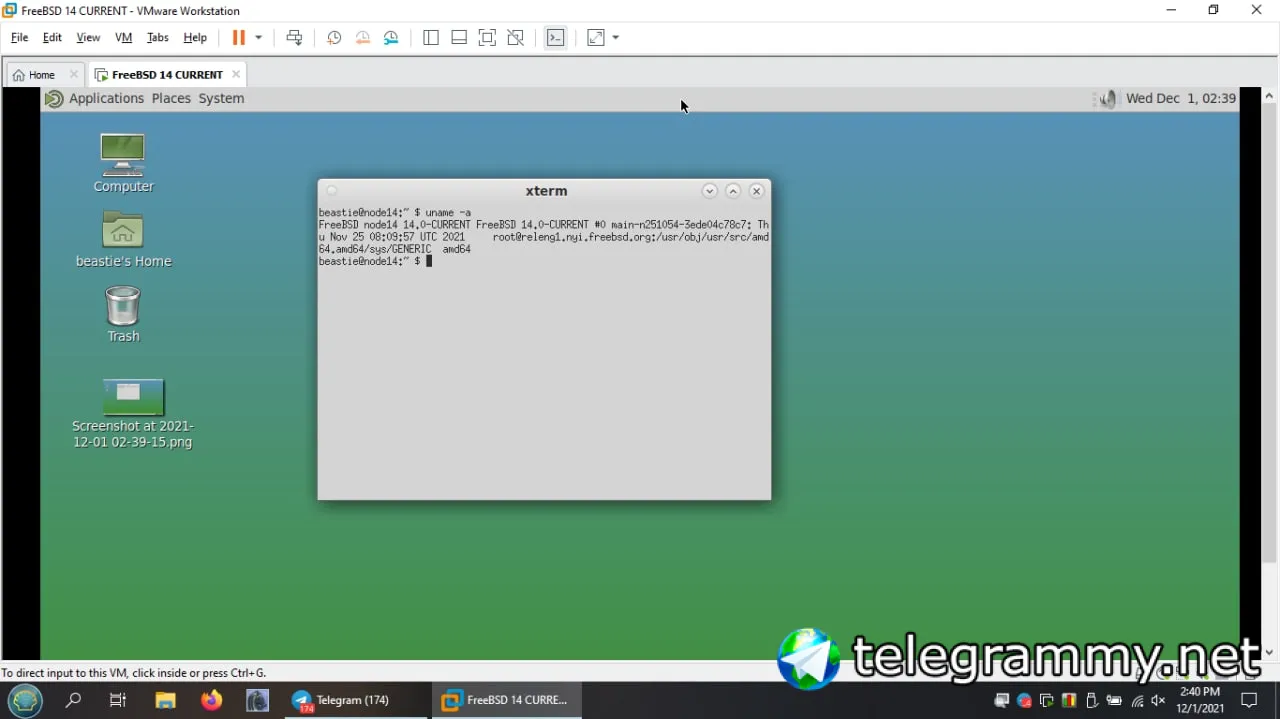
just did 14 current. installed mate nano xorg sddm I'm on the desktop w/o manually configuring X. rc.conf added dbus & sddm.
Anonymous
 Ihor
Ihor
How can I delete installed from nvidia site 495 driver, and install another one instead
Ihor
How can I delete installed from nvidia site 495 driver, and install another one instead
It was installed with make install
ɴꙩᴍᴀᴅ
It tells dont know how to make deinstall
Hmm, you have to run it inside the src directory for the drivers iirc
Ihor
Hmm, you have to run it inside the src directory for the drivers iirc
Nope, same result. Dont know how to make
ɴꙩᴍᴀᴅ
How can i list possible make options?
Inside the directory where you ran make install type less Makefile or do a quick ls to find a CMake or make config file
Ihor
Ihor
Inside this Makefile
ɴꙩᴍᴀᴅ
Can you share a link of the package you downloaded?
Ihor
Can you share a link of the package you downloaded?
https://us.download.nvidia.com/XFree86/FreeBSD-x86_64/495.44/NVIDIA-FreeBSD-x86_64-495.44.tar.xz
Ihor
https://us.download.nvidia.com/XFree86/FreeBSD-x86_64/495.44/NVIDIA-FreeBSD-x86_64-495.44.tar.xz
I want to delete this and install older
ɴꙩᴍᴀᴅ
If you can get the package name inside the Makefile, you can also try $ pkg delete pkg_name
Ihor
If you can get the package name inside the Makefile, you can also try $ pkg delete pkg_name
Don't have this one in pkg info
Ihor
ɴꙩᴍᴀᴅ
This one
Yep, I downloaded it and I checked the Makefile, mk dir content and scripts content. It pretty much sets up the rc.conf and loader.conf files and install some so objects
ɴꙩᴍᴀᴅ
Usually when you build a package using make you can either run make deinstall or pkg delete x and the package is there. Maybe you can check if there are any 495 libs in your system, and if not, then most probably it didn't install anything
Ihor
The mk/nvidia.lib.mk file contains the installation paths and names iirc
Its there any command to delete it? Or I need to do it manually?
ɴꙩᴍᴀᴅ
Its there any command to delete it? Or I need to do it manually?
If you look inside the mk/nvidia.lib.mk file, you will see a clean: # dummy rule line. This is going to call the included .include <bsd.init.mk> clean rule`.
If you run make clean inside the directory it should clean all the installed files.
/usr/home/n0mad/Downloads/nvidia-test/NVIDIA-FreeBSD-x86_64-495.44 $ less mk/nvidia.lib.mk
/usr/home/n0mad/Downloads/nvidia-test/NVIDIA-FreeBSD-x86_64-495.44 $ make clean
===> src (clean)
===> src/nvidia (clean)
===> src/nvidia-modeset (clean)
===> lib (clean)
===> lib/libglvnd (clean)
[...]
===> nvml/bin (clean)
===> nvml/man (clean)
Ihor
Installed nvidia driver from ports, the mouse and keybord still dont work inside x session
Ihor
Installed nvidia driver from ports, the mouse and keybord still dont work inside x session
Its not about vide drivers
ɴꙩᴍᴀᴅ
Installed nvidia driver from ports, the mouse and keybord still dont work inside x session
Can you share your etc/rc.conf and boot/loader.conf content?
Ihor
Can you share your etc/rc.conf and boot/loader.conf content?
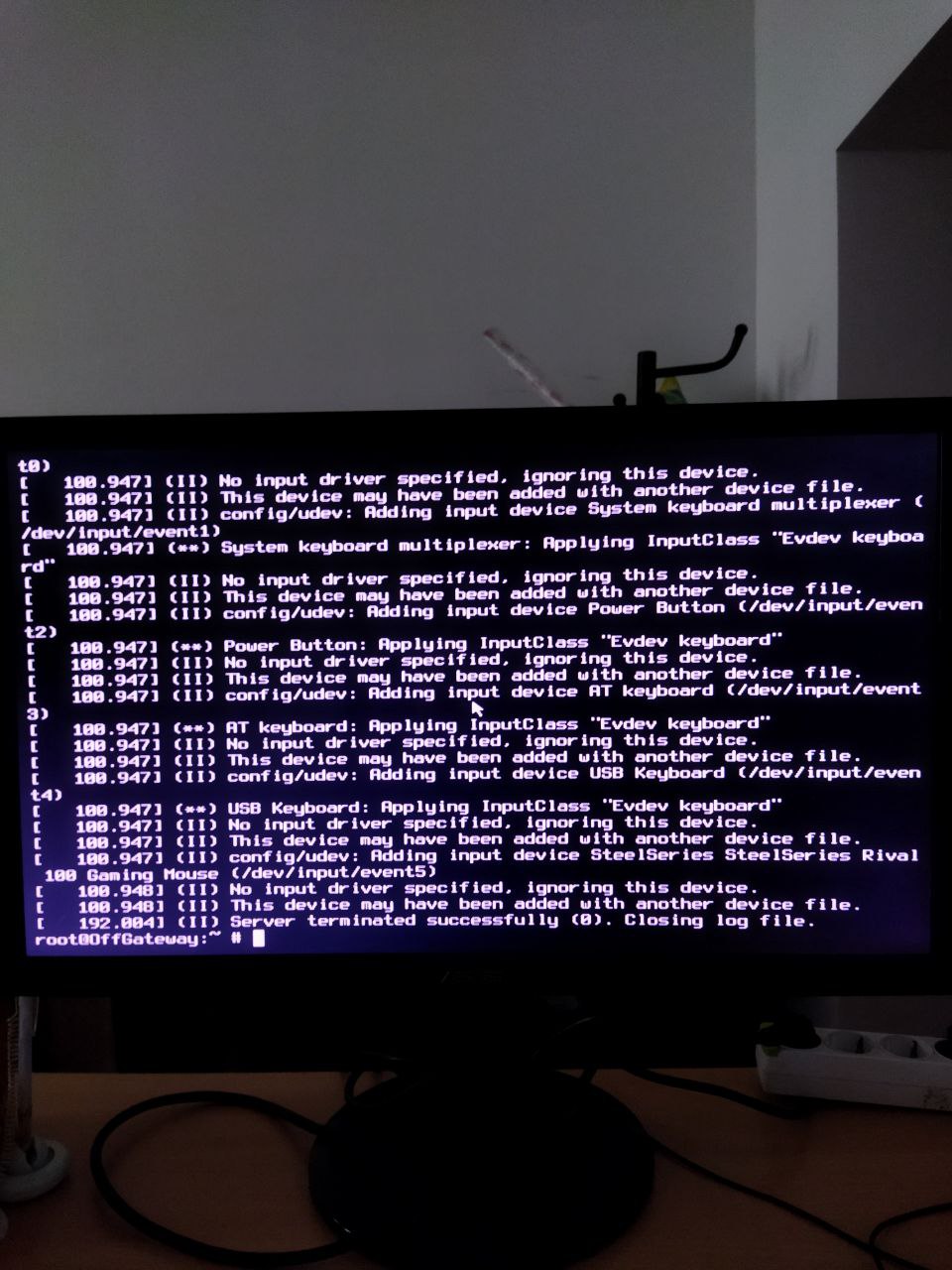
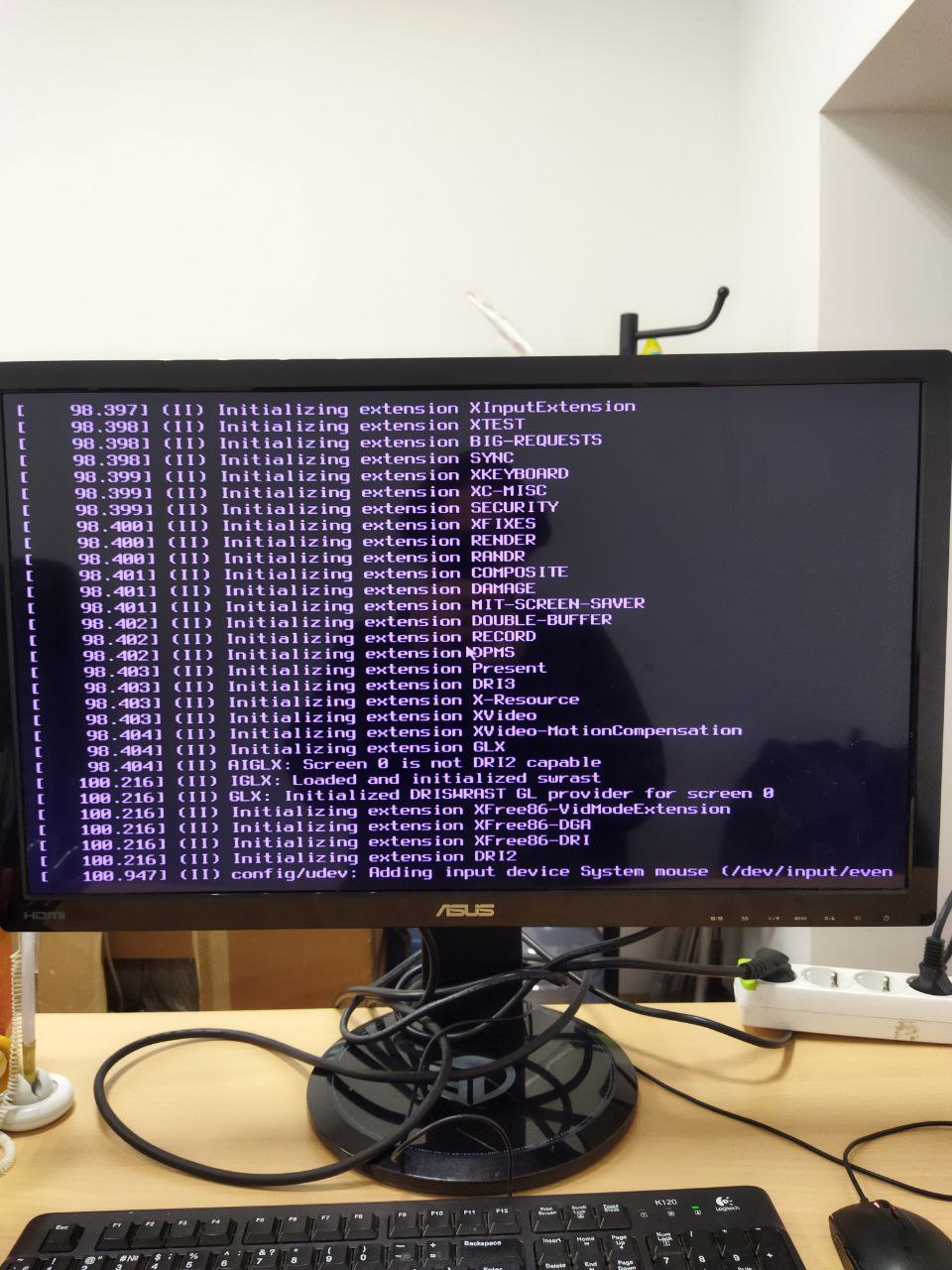
Here is something with mouse and keyboard
 Ihor
Ihor
no input driver specified ignoring this device
ɴꙩᴍᴀᴅ
You need to enable some settings like dbus and install libinput or so. Otherwise it won't work
Ihor
You need to enable some settings like dbus and install libinput or so. Otherwise it won't work
I have dbus enabled in rc.conf
ɴꙩᴍᴀᴅ
I have dbus enabled in rc.conf
Maybe xorg-drivers can help you. Take a look at https://forums.freebsd.org/threads/evdev_support-is-enabled-ignoring-devices-no-keyboard-trackpad-mouse.77231/
Ihor