 Anonymous


i me new here, sorry
 ɴꙩᴍᴀᴅ
ɴꙩᴍᴀᴅ
then how do i compile this? lemme give you the git link
Ports are inside your system, if you chose or choose to add them. Once you get them, you can get the source code for each package in a port. To apply changes to that port, you can follow the handbook https://docs.freebsd.org/en/books/porters-handbook/slow-porting/#slow-patch
Anonymous
No brightness at all. Tried all drivers available
ɴꙩᴍᴀᴅ
Which laptop is it?
Anonymous
asus x505za
Anonymous
radeon vega 5 2500u radeon vega 8 graphics
Anonymous
with xrandr it changing only picture brightnes
ɴꙩᴍᴀᴅ
radeon vega 5 2500u radeon vega 8 graphics
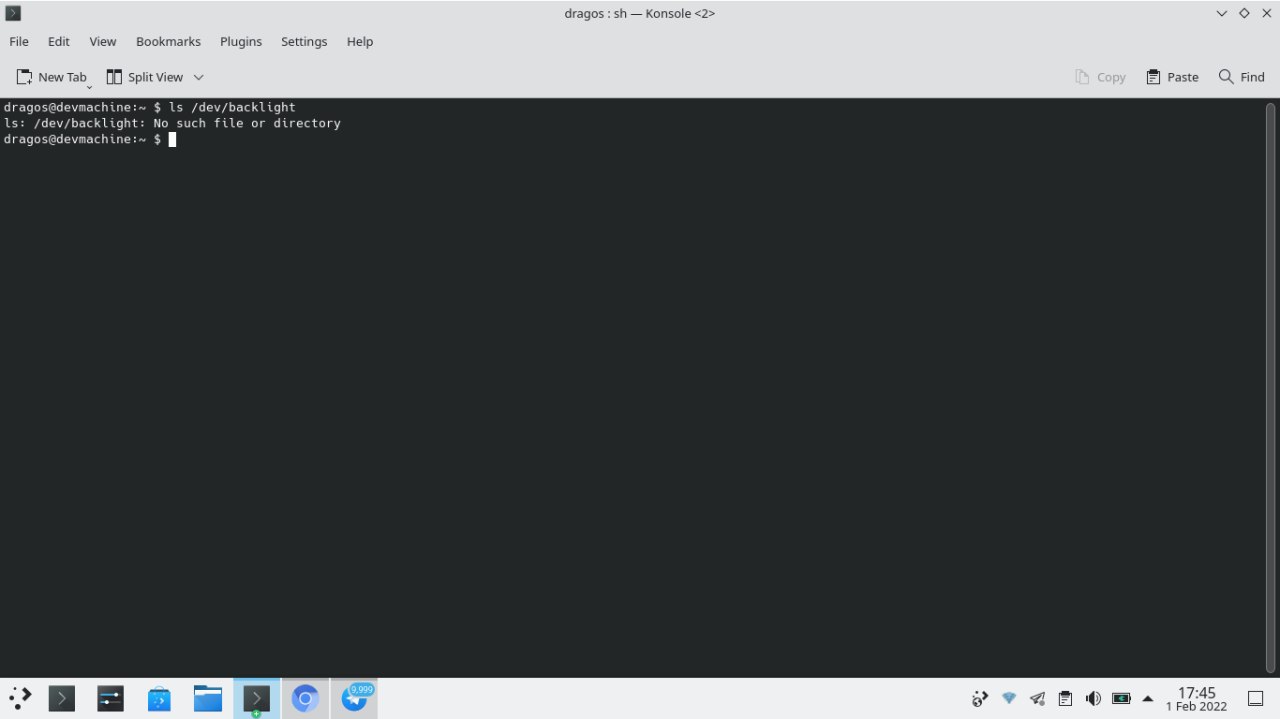
I use backlight(8) in amd APU 3700 and works fine so far, try doing a quick ls /dev/backlight and check if there is any available device
Anonymous
 Anonymous
i cant find it to install
ɴꙩᴍᴀᴅ
It's part of the acpi module
ɴꙩᴍᴀᴅ
Do you have acpi_asus or acpi_video loaded at boot? Check /boot/loader.conf file
Anonymous
nope
Anonymous
acpi_video="YES"?
Anonymous
acpi_video isnt that good at all
ɴꙩᴍᴀᴅ
but i use amdgpu
Prior 13.0 release I changed the amdgpu brightness via sys.class.backlight.amdgpu_bl0.bl_device.brightness but I think it's not there anymore
ɴꙩᴍᴀᴅ
Maybe someone else can give a better hint on this one
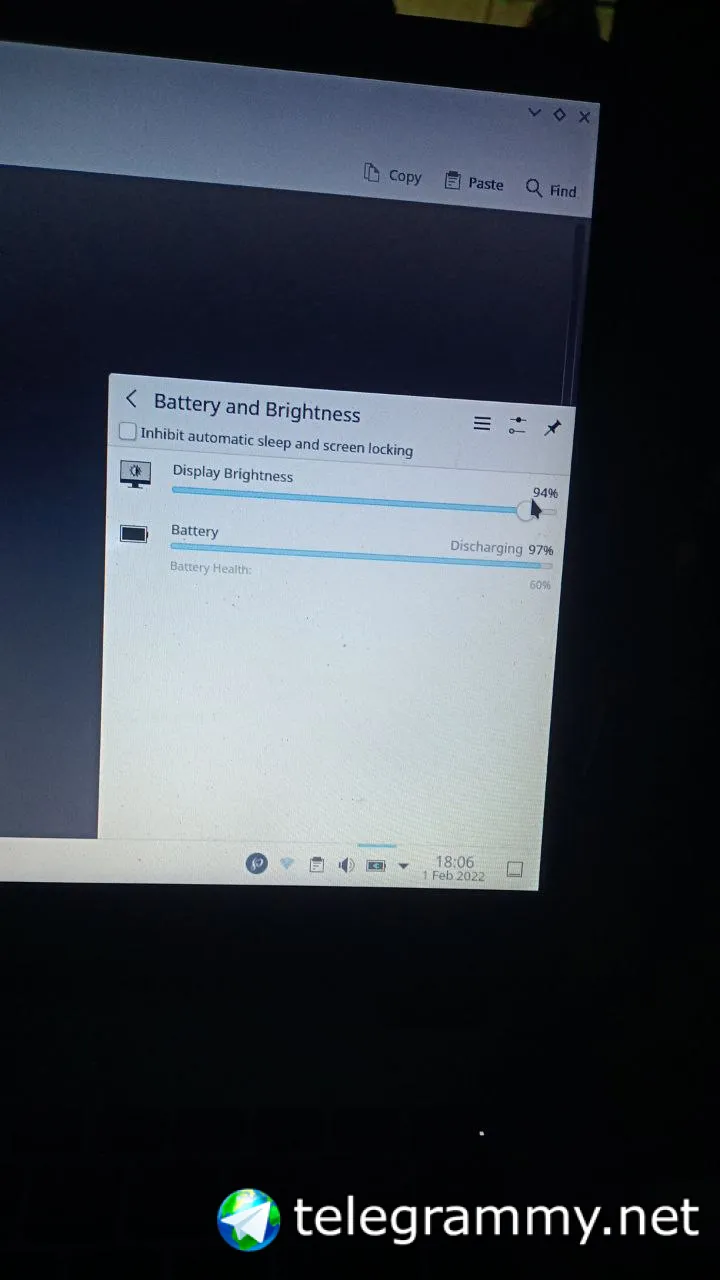
Anonymous
 Anonymous
As you can see, nothing works. :))
Anonymous
Lemme try radeon
Anonymous
Or xf86-video-amd
Anonymous
Also, its load amd gpu firmware but there s nothing to find on modules folder
Anonymous
I should compile some extensions but idk how
Anonymous
fuck brightness, i ll set it manually each time using gammy. but it was more convenient if there were some actual shortcuts to keyboard
Anonymous
Anonymous
Anonymous
Finallyyyy😍😍
Anonymous
But i chose gammy
Anonymous
Cool, how did you achieve it?
Iichid and adding some lines to boot/loader.conf. also, i ve added the correct hw description from git
Anonymous
On xorg. Conf.
Anonymous
Why did you say xrandr(1) was not working?
I didnt say that. I m saying that its too much for me. Gammy its guy and easier to use
Anonymous
I didnt say that. I m saying that its too much for me. Gammy its guy and easier to use
$ xrandr --brightness [num]
Anonymous
Better not
Anonymous
I wont use terminal all day. I m happy that my touchad is fully workin❤️❤️❤️
Anonymous
Alot of struggle tbh. But freebsd is the cleanest distro i ll ever find. Biggest thanks to @n0madcoder. You re a genius bro
ɴꙩᴍᴀᴅ
You are welcome (:
Anonymous
My bsd crashed
Anonymous
Nah ,just crashed
Anonymous
Just by a hard reboot i got it working again
Anonymous
But i m gonna install it on my older machine
Anonymous
Do you have log files under /var/crash/ ?
I ll see it tomorrow. Mostly i miss the suspend feature. If i put my screen down, the computer wont wake up. My laptop*
Anonymous
I ll see it tomorrow. Mostly i miss the suspend feature. If i put my screen down, the computer wont wake up. My laptop*
Yes.
Some PCs/Laptops do not support the suspend feature.
Anonymous
:(((. Tried everything but nah. Now the horizontal double finger swipe isnt workin anymore. It worked before
Jackie
Look into acpi_asus and things like that. Brightness and suspend both worked perfectly on my laptop. There is also a FreeBSD wiki page fir that I found useful.
Jackie
But mine indeed is an ASUS laptop
Jackie
Try something similar to your hardware specs from the list.
https://wiki.freebsd.org/SuspendResume
𝚂𝚑𝚊𝚢𝚊𝚗
 𝚂𝚑𝚊𝚢𝚊𝚗
 Krond
Krond
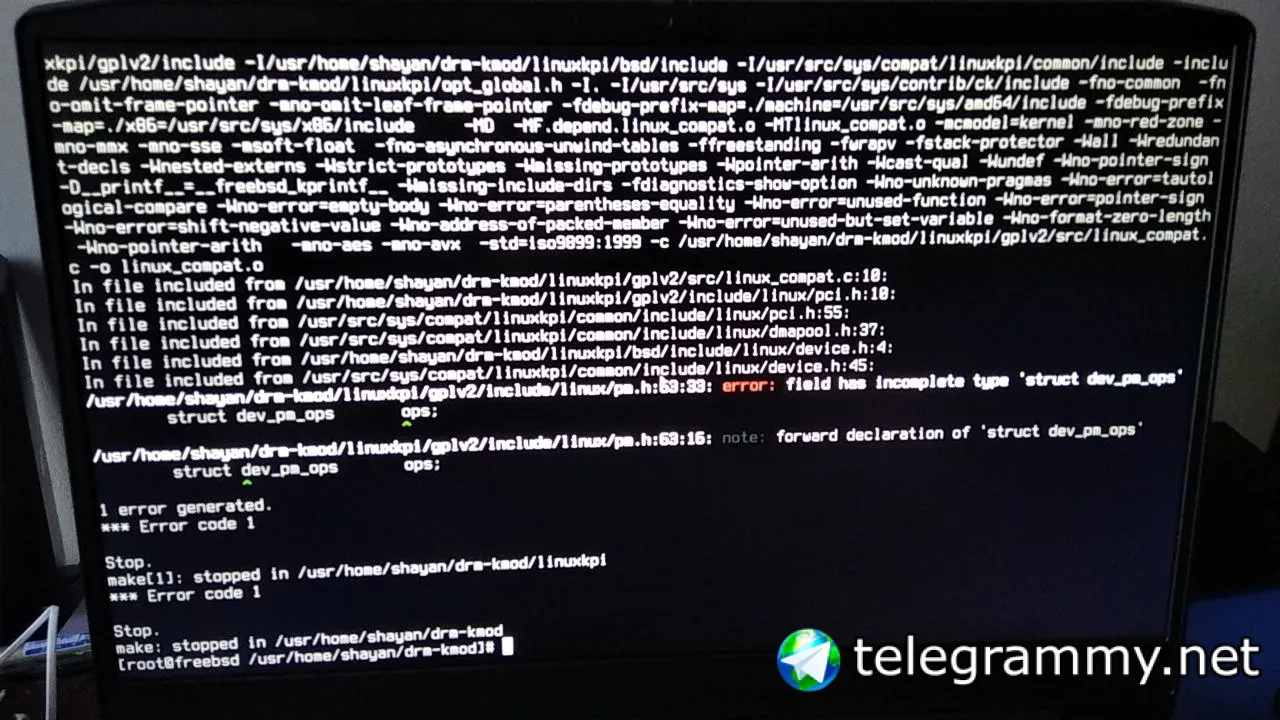
I doubt this will work, take a look at ports, especially patches.
𝚂𝚑𝚊𝚢𝚊𝚗
I got it with
git clone -b 5.6-stable https://github.com/freebsd/drm-kmod
Krond
Or how they do build it.
𝚂𝚑𝚊𝚢𝚊𝚗
I doubt this will work, take a look at ports, especially patches.
the drm-devel-kmod port gave me kernel panic. because of 5.7-wip version
so I'm trying to get 5.6-stable work
Krond
Well, current is current, something can be broken somewhere... I see they are actually keeping 5.4 as stable for current, maybe there's a reason for that.
Anonymous
I'm trying to build 5.6-stable branch of drm-kmod from https://github.com/freebsd/drm-kmod
what's wrong?
I'm on FreeBSD 14.0-CURRENT
huh so you finally switched to current :)
𝚂𝚑𝚊𝚢𝚊𝚗
𝚂𝚑𝚊𝚢𝚊𝚗
https://github.com/freebsd/drm-kmod/issues/142#event-5995487972
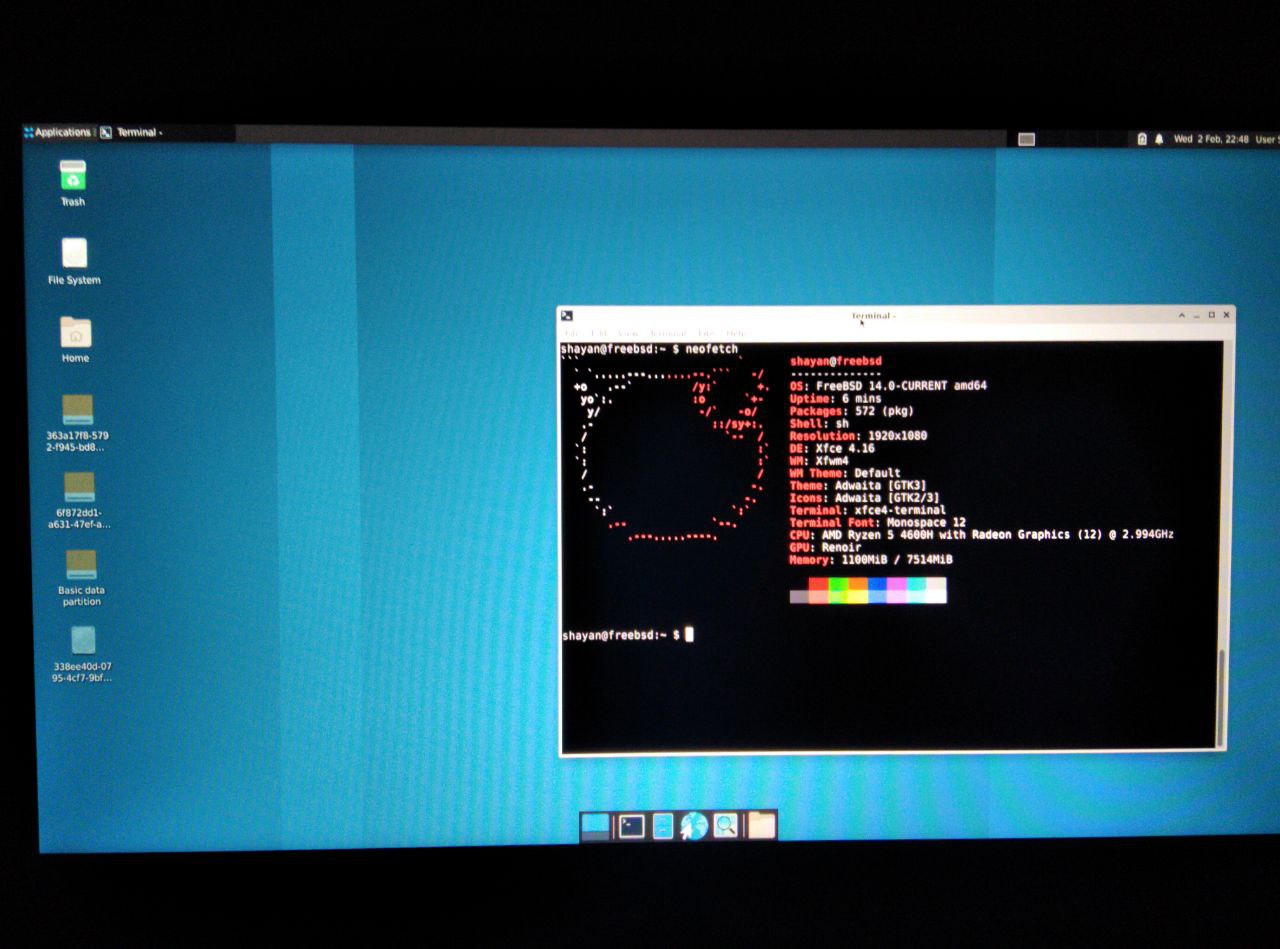
I opened an issue and the owner of drm-kmod told me that I should use 5.7-stable branch. and It is compiling now.
ɴꙩᴍᴀᴅ
Awesome! Let us know if it succeeds
Ihor
hi, when trying to "ssh-copy-id" to remote server - just hanging up in console
𝚂𝚑𝚊𝚢𝚊𝚗
 𝚂𝚑𝚊𝚢𝚊𝚗
 𝚂𝚑𝚊𝚢𝚊𝚗
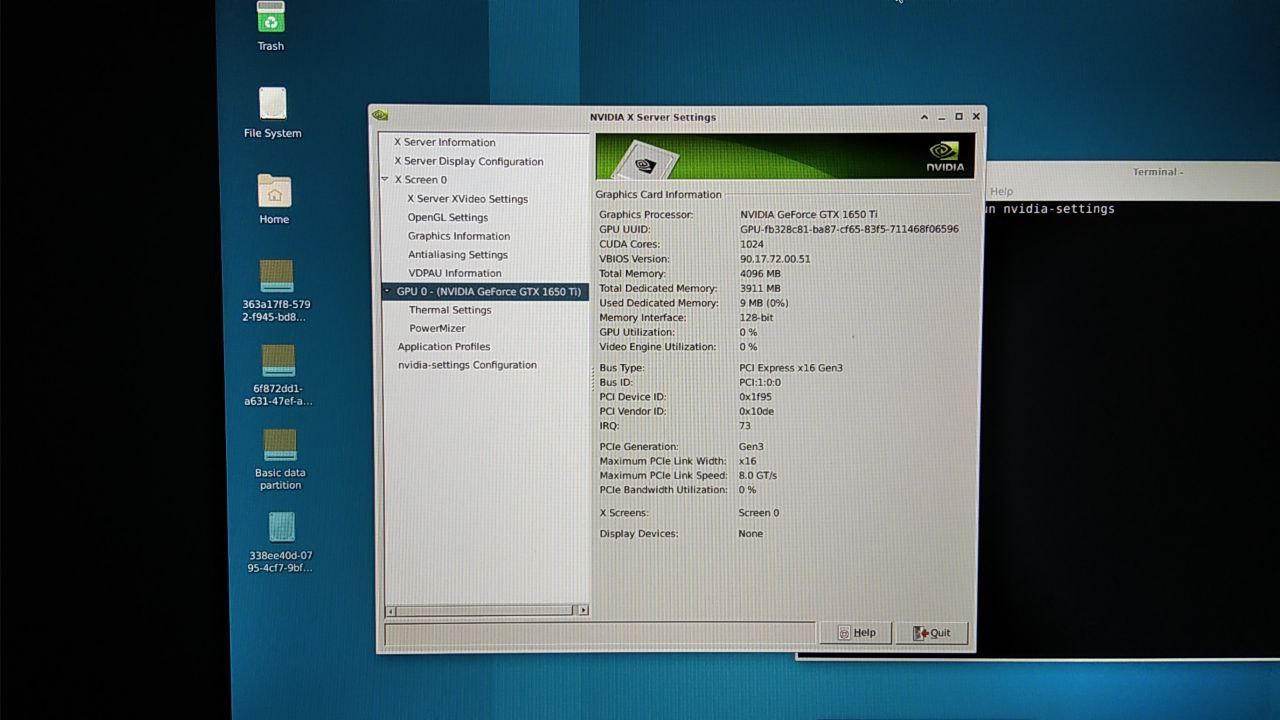
Also my NVIDIA works very fine now
 kub-kun