 Dog
Dog


Phoronix
FreeBSD 13.0-RC2 Released With ZFS Fixes, WireGuard Interface Fixes
If all goes well FreeBSD 13.0 will be officially released before the end of the month while out this weekend is the second release candidate for testing...
Eliab/Andi
looking forward on the release of FreeBSD13 :)
 Hien
Hien
👍
 Clay
Clay
Are there no mods ever here? Getting tired of the racist stickers all the time.
Anonymous
 Anonymous
Anonymous
Anonymous
I tried my best but to no avail. I got tired
Anonymous
You have no idea ???
NULL
How to install driver for amd rx 460?
Anonymous
How to install driver for amd rx 460?
I do not know what it is. I have not installed the same driver
Anonymous
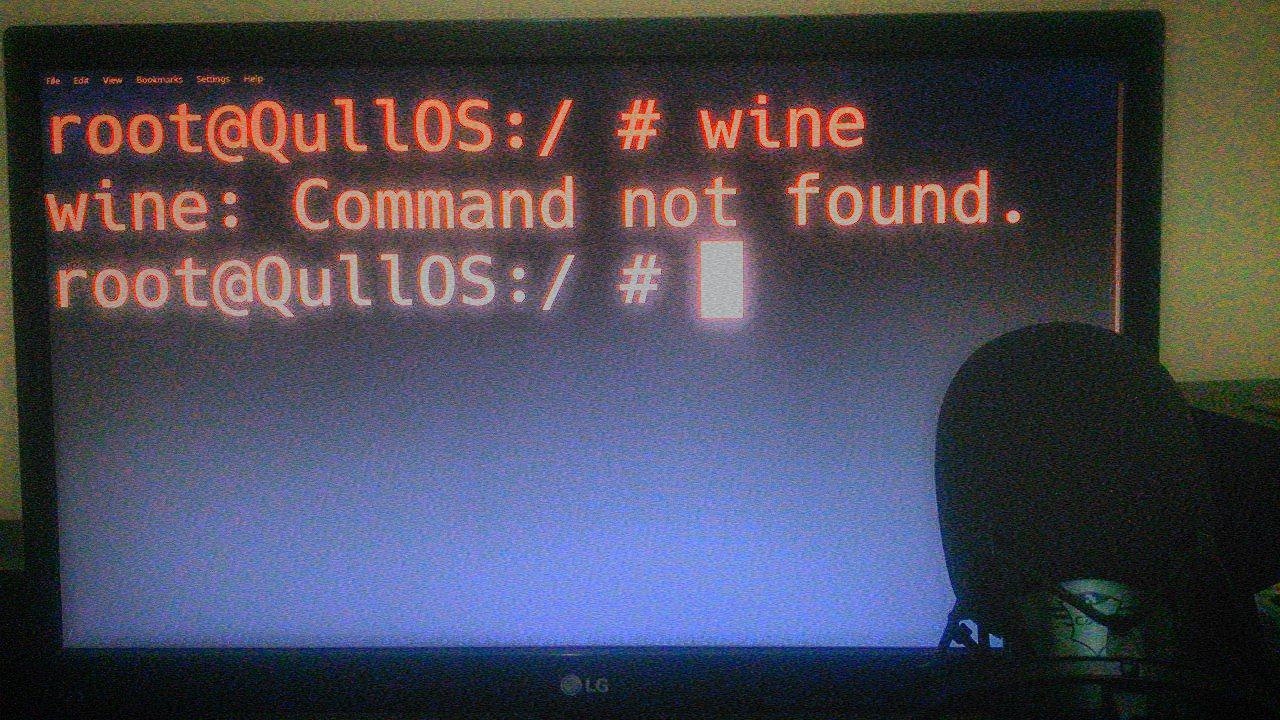
Of course, I have no problem with the i386 version of the wine.
Anonymous
I did the same today. But my problem was not solved
Anonymous
So, whats problems?
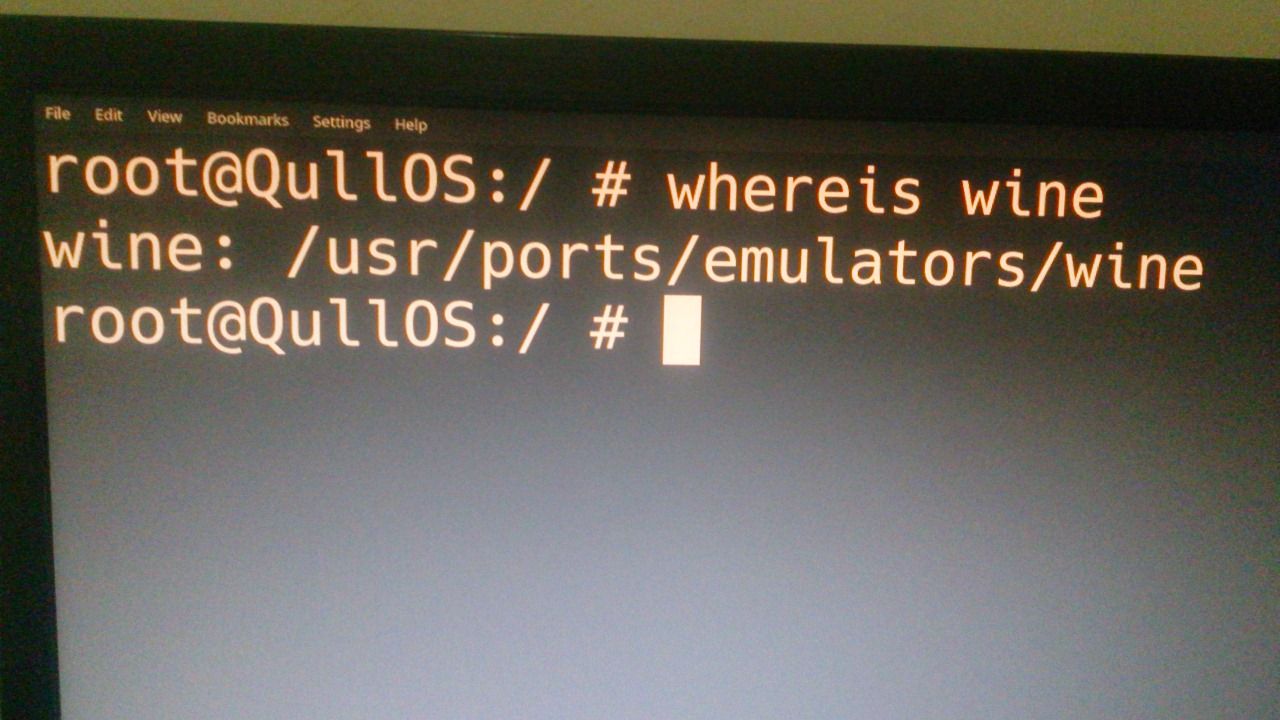
I do not have access to it via the command line. It does not work even in a graphical environment
 NULL
NULL
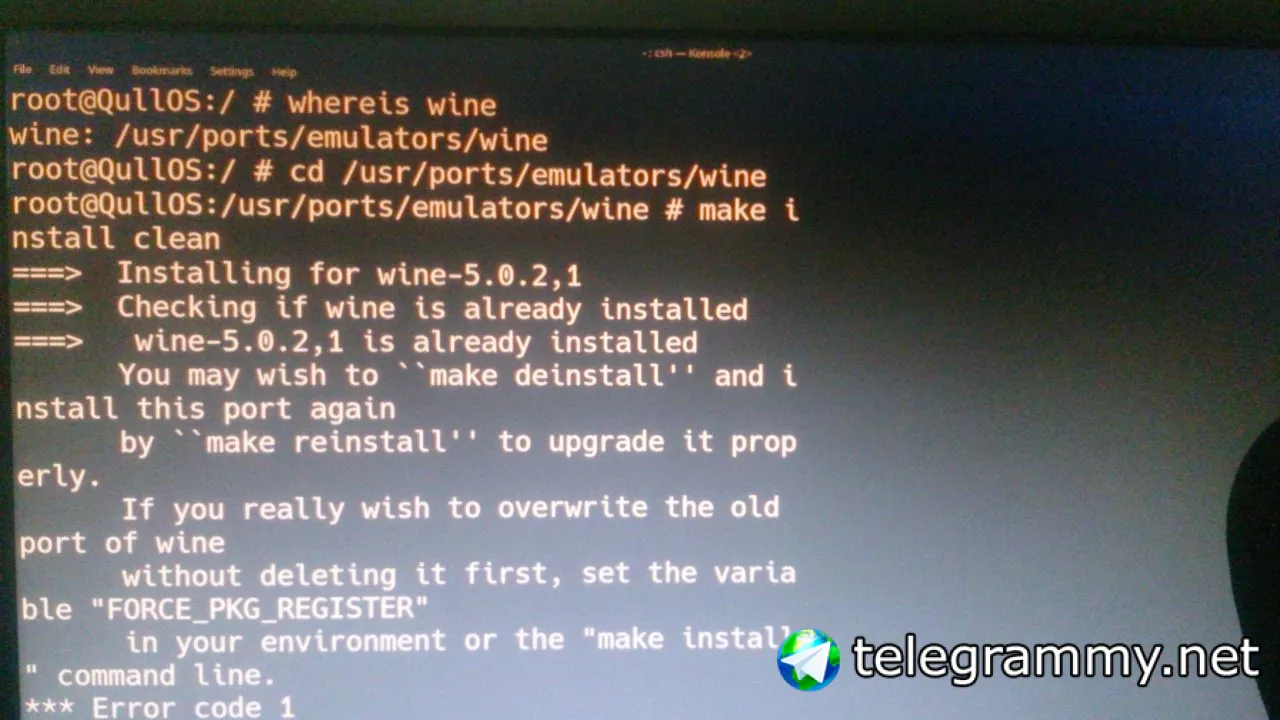
so, enter command:
cd /usr/ports/emulators/wine
make install clean
NULL
Forgetting
Anonymous
 ɴꙩᴍᴀᴅ
Anonymous
ɴꙩᴍᴀᴅ
Anonymous
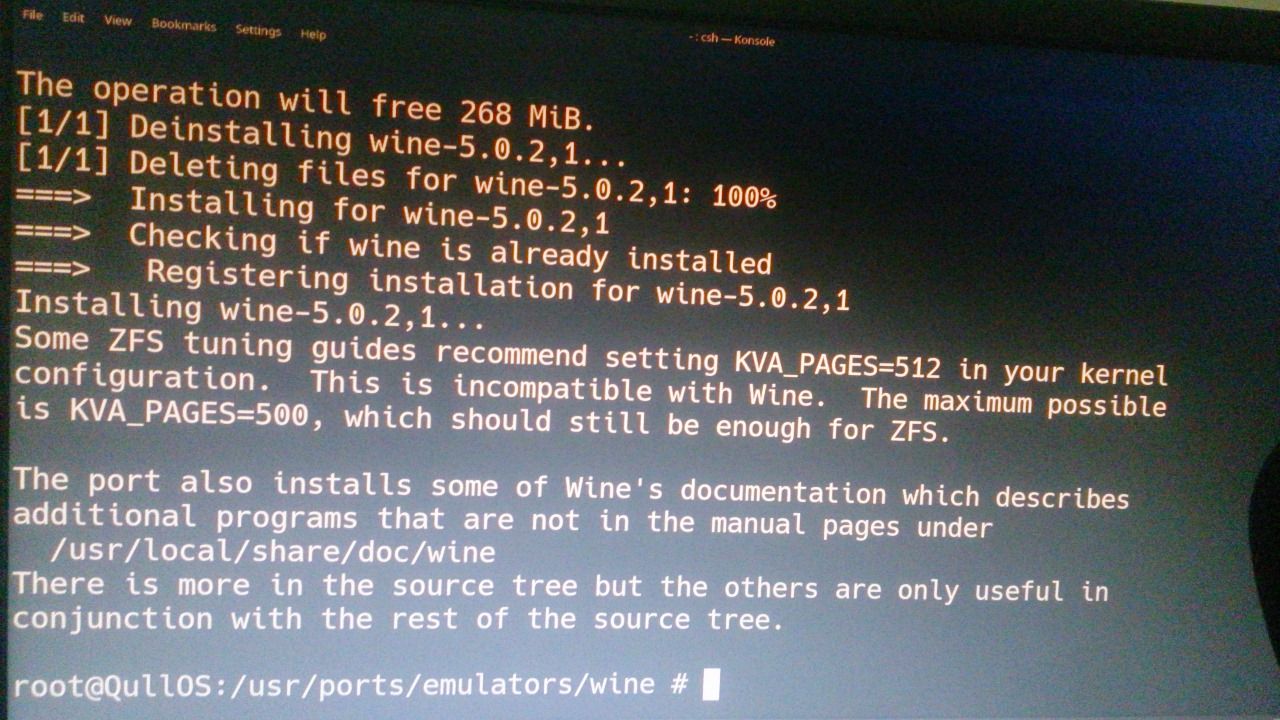
PKG delete wine
 ɴꙩᴍᴀᴅ
ɴꙩᴍᴀᴅ
seems to be reinstalled now
NULL
U can try start it
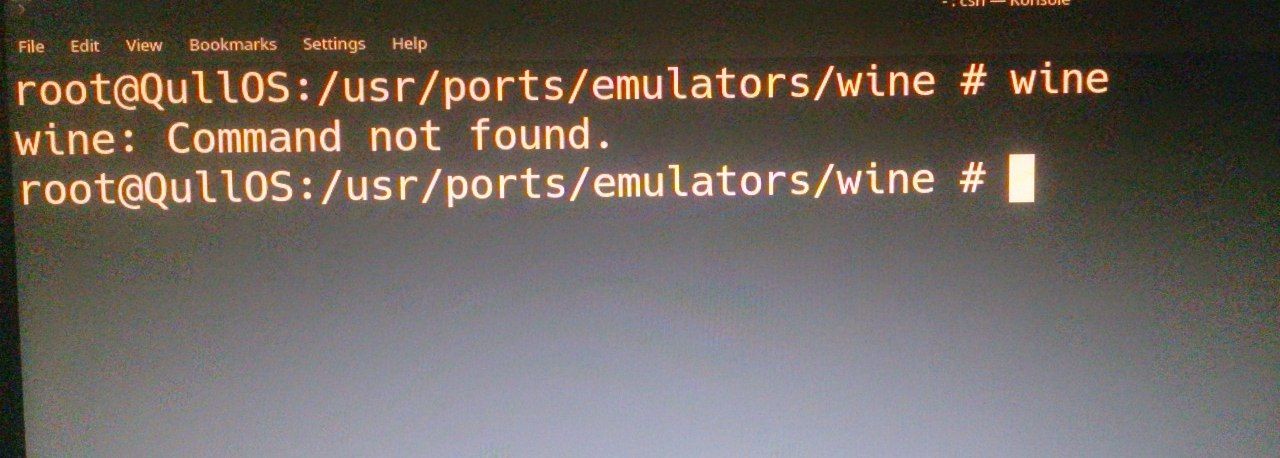 ɴꙩᴍᴀᴅ
ɴꙩᴍᴀᴅ
Did you configure PS1 to have the "#" symbol or are you trying to all the commands as root?
Andriy
Anonymous
You did not have this problem?
Anonymous
Did you configure PS1 to have the "#" symbol or are you trying to all the commands as root?
Yes, I entered the commands with root access
ɴꙩᴍᴀᴅ
I recommend you try running wine as a normal user, not root
ɴꙩᴍᴀᴅ
And for better understanding on how wine works inside FreeBSD, take a look at the handbook here https://docs.freebsd.org/en/books/handbook/wine/
Anonymous
I recommend you try running wine as a normal user, not root
I tried it, but it didn't work
Anonymous
Anonymous
Does wine work properly in your system?
ɴꙩᴍᴀᴅ
I never had to use Wine, so I don't know. Following the handbook steps should work fine. If you still have trouble you can ask on IRC to the FreeBSD community or make a post in the forum, where maybe there are more experienced people to solve such specific issue I guess
Anonymous
I never had to use Wine, so I don't know. Following the handbook steps should work fine. If you still have trouble you can ask on IRC to the FreeBSD community or make a post in the forum, where maybe there are more experienced people to solve such specific issue I guess
Thank you. I hope I can compensate you
Anonymous
KDE5 is installed on my system
Jay
I tried it, but it didn't work
Have you used the absolute path? What's the error message of wine (not shell)?
Anonymous
Have you used the absolute path? What's the error message of wine (not shell)?
I just realized that I have to use the "wine64" Command.
Anonymous
The wine64 file is in /usr/local/bin/wine64. For convenience, I used the following command:
"cp /usr/local/bin/wine64 /usr/local/bin/wine"
Anonymous
Now that I enter the wine command, I am faced with the following message
Anonymous
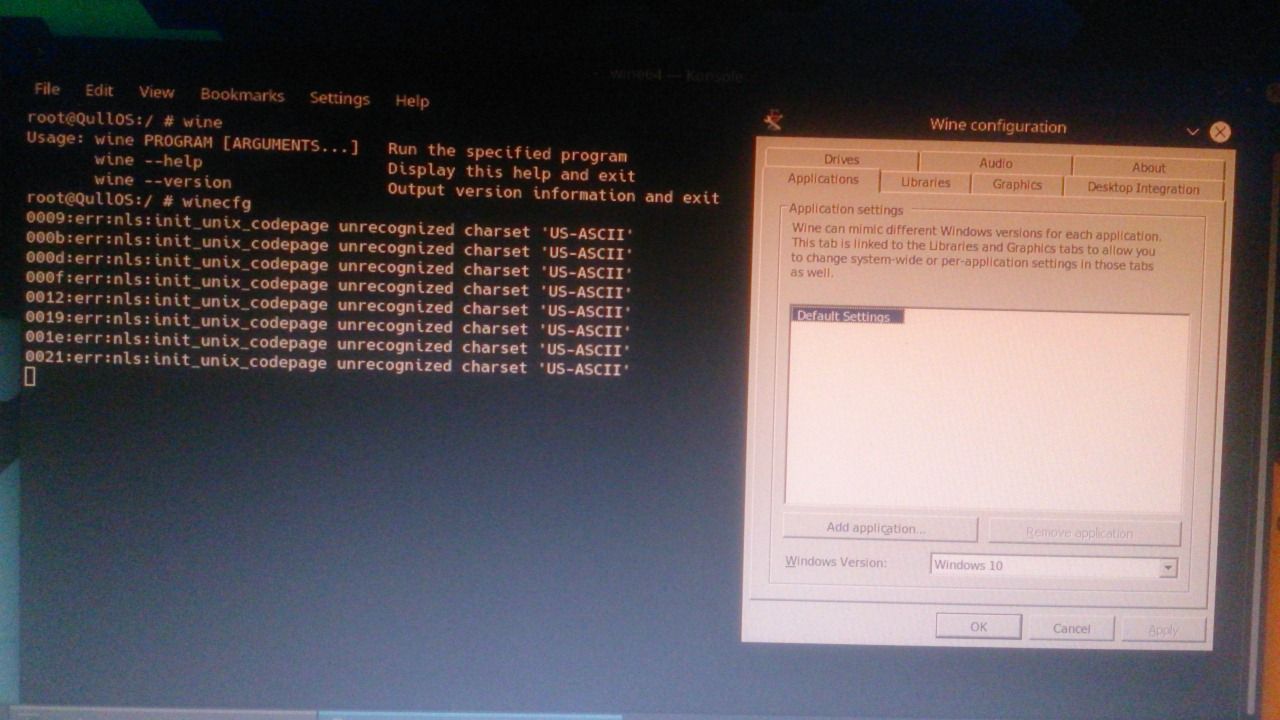 Anonymous
 Jay
Anonymous
Jay
Anonymous
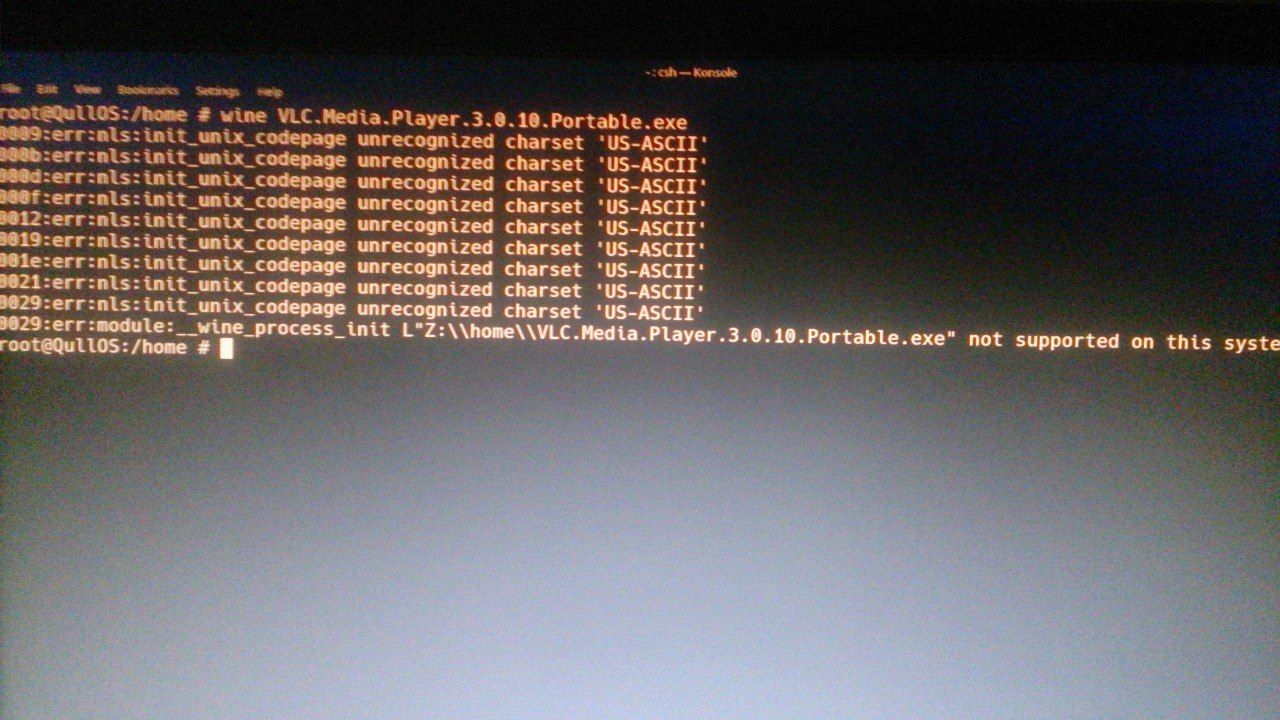
I can run CMD well, but I have trouble running VLC and other software
Jay
What is it? How should I use it?
It's creating a symbolic link instead of copying https://www.freebsd.org/cgi/man.cgi?ln
Anonymous
It's creating a symbolic link instead of copying https://www.freebsd.org/cgi/man.cgi?ln
So what has that got to do with my problem?
Anonymous
The problem of not recognizing the wine command was solved
Anonymous
I have a problem running software now
Anonymous
It's important when updating
However, I do not have enough knowledge in this field. I may cause damage to my system. As a result, I refuse to do something I do not know well.
Jay
I don't know wine but I try to give generic advice. You didn't find the binary. You copy binaries without a cause. Wine is documented in the handbook and wiki. Read, try to understand, follow the instructions. If you don't succeed, try to write exactly what you did
Anonymous
I don't know wine but I try to give generic advice. You didn't find the binary. You copy binaries without a cause. Wine is documented in the handbook and wiki. Read, try to understand, follow the instructions. If you don't succeed, try to write exactly what you did
I went step by step according to the handbook. I may not have a library installed on my system or I may not have installed the program that is necessary for wine, as it is not mentioned in the handbook or anywhere else.
Jay
Looking at your screenshot you have wincfg running
Jay
https://docs.freebsd.org/en/books/handbook/wine/#configuring-wine-installation
Rafa
Rafa
Why are you still running as root?
Rafa
If, as you say, you are scared of breaking something ... don't log in as root.
Anonymous
If, as you say, you are scared of breaking something ... don't log in as root.
Yes, that's right. I did not notice
 kub-kun
Anonymous
kub-kun
Anonymous
I delete the wine and installed i386-wine-devel. It ran VLC and Notepad++ well. But I need to install and run 64bit software, not 32bit. I was very disappointed