 Joseph


been looking at some lenovo models but i am yet to find clarification.
©aptain
hi. can anyone point me in the right direction of a well supported laptop that supports 32gb ram?
are you talking about business laptop ?
Joseph
it can be. mainly used for general computing and virtual machines.
Joseph
64gb support would be ideal but 32gb could work also.
Joseph
no gaming really. maximum graphical output could be 1080p videos.
 Mikhail
been looking at some lenovo models but i am yet to find clarification.
I'm using T530, but it's limited by 16gb. Now I'm looking for more powerful, so https://store.hp.com/us/en/pdp/hp-probook-455-g7-notebook-pc is one of candidates. It can handle up to 32gb
Mikhail
And it's cheap laptop with excellent feedbacks
Joseph
@mizhka thanks. if i can only afford 16gb then that is better than nothing.
Joseph
recently saw a video on bhyve and it got me thinking.
Mikhail
" saw a video on bhyve" - what do you mean?
Joseph
when i recently watched a video about bhyve i was impressed with its performance.
 Enlighting-man
hi everyone, i need create a demon service for some application, there is manuals for it?
Enlighting-man
awesome books, go through the mandatory learning curve 😁
Enlighting-man
👍👍👍
 neb
neb
been looking at some lenovo models but i am yet to find clarification.
bsd-hardware.info to check compatibility.
Joseph
Thank you.
Anonymous
Hi guys how can i find installed packages without package manage and screenfetch like tools?
mrphyber
mrphyber
if I am not mistaken pkg internally uses an SQLite db so you could query that
Anonymous
if I am not mistaken pkg internally uses an SQLite db so you could query that
where is the SQLite db file?
Anonymous
which directory should i check?
mrphyber
should be /var/db/pkg
mrphyber
no worries
mrphyber
you thanked me, I replied 🤔
Anonymous
OK ;D
mrphyber
Hi guys how can i find installed packages without package manage and screenfetch like tools?
I have peaked at the pkg db and if you want a count of packages use this query: select count(id) from packages;
Anonymous
I have peaked at the pkg db and if you want a count of packages use this query: select count(id) from packages;
thanks.
you did it with /var/db/pkg/local.sqlite file yes?
Anonymous
thanks.
mrphyber
the only way to get the count is by using the query I sent before
mrphyber
echo "select count(id) from packages;" | sqlite3 /var/db/pkg/local.sqlite
 Pouria
the only way to get the count is by using the query I sent before
i know, just i want to tell @neb_1984
mrphyber
the canonical way to achieve this is to use pkg info -a, but for whatever reason you don't want to use it, the query does the same thing
mrphyber
or maybe I didn't understand
Dog
Phoronix
FreeBSD 13 BETA2 Released With Working 32-bit Builds, Kernel TLS Offload
Following last weekend's release of FreeBSD 13 BETA1, the second beta is now available for testing this big BSD operating system update...
 oosterling
suddenly I get :pfctl: /dev/pf: No such file or directory???
oosterling
anybody has an idea? tks
mrphyber
suddenly I get :pfctl: /dev/pf: No such file or directory???
kldload pf or service pf start
oosterling
tks, but: linker_load_file: /boot/kernel/pf.ko - unsupported file type
changed nothing in loader.conf and rc.conf, always ok till I noticed today.
mrphyber
if I recall correctly pf should be loaded at rc time, not at boot time
mrphyber
so you have basically two solutions: service pf enable && service pf start or compile your kernel with pf and not as a module
oosterling
well, before I compiled kernel with pf, then what I read on forums this changed with release 12
mrphyber
I am right now on freebsd 12.2 with a custom kernel with pf built into the kernel without issues
oosterling
Ok, I will try, many thanks about bedtime here so I will report tomorrow.
mrphyber
indeed, just service pf enable and rc will automatically load pf.ko
oosterling
I never had problems with compiling, and as I said I had no problems with setup till today.
oosterling
I agree not to mess too much with kernel, I just took out unneeded stuff and added what is needed as per readme's
Himzz
Hii how to update the beta 1 to beta 2
 Joe
Joe

 Carl
Carl
 Carl
Carl
 Carl
Carl
nah, i will not waste the keyboard. you are very optimist with the donations, i hope you have luck ...
Carl
👍
 kub-kun
What
Joseph
@CarlDCharlie butt hurt much?
 ɴꙩᴍᴀᴅ
Carl
ɴꙩᴍᴀᴅ
Carl
Maybe I'm too late.
I remember using /etc/motd to display welcome messages. Dunno if it fits in your workflow
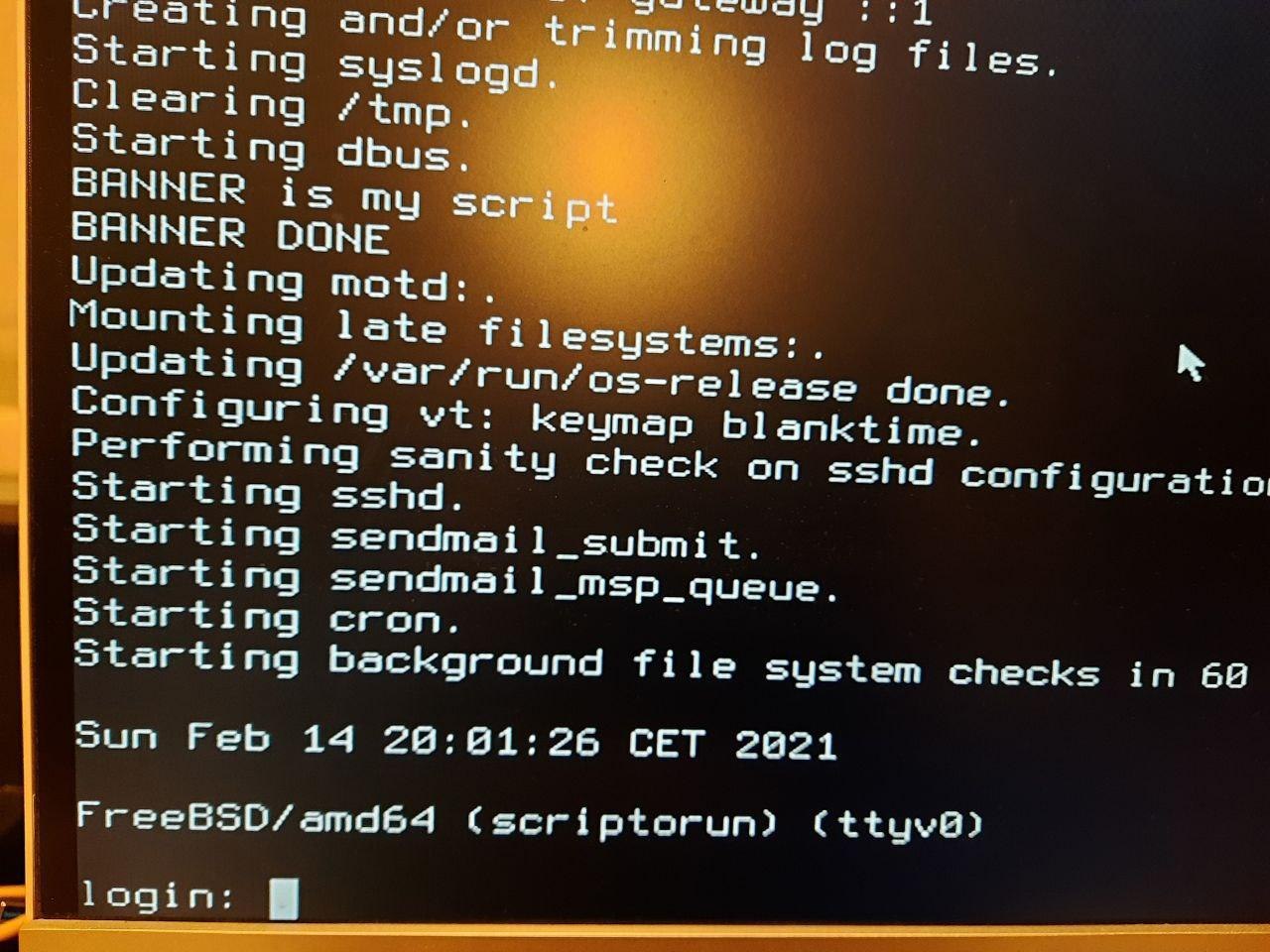
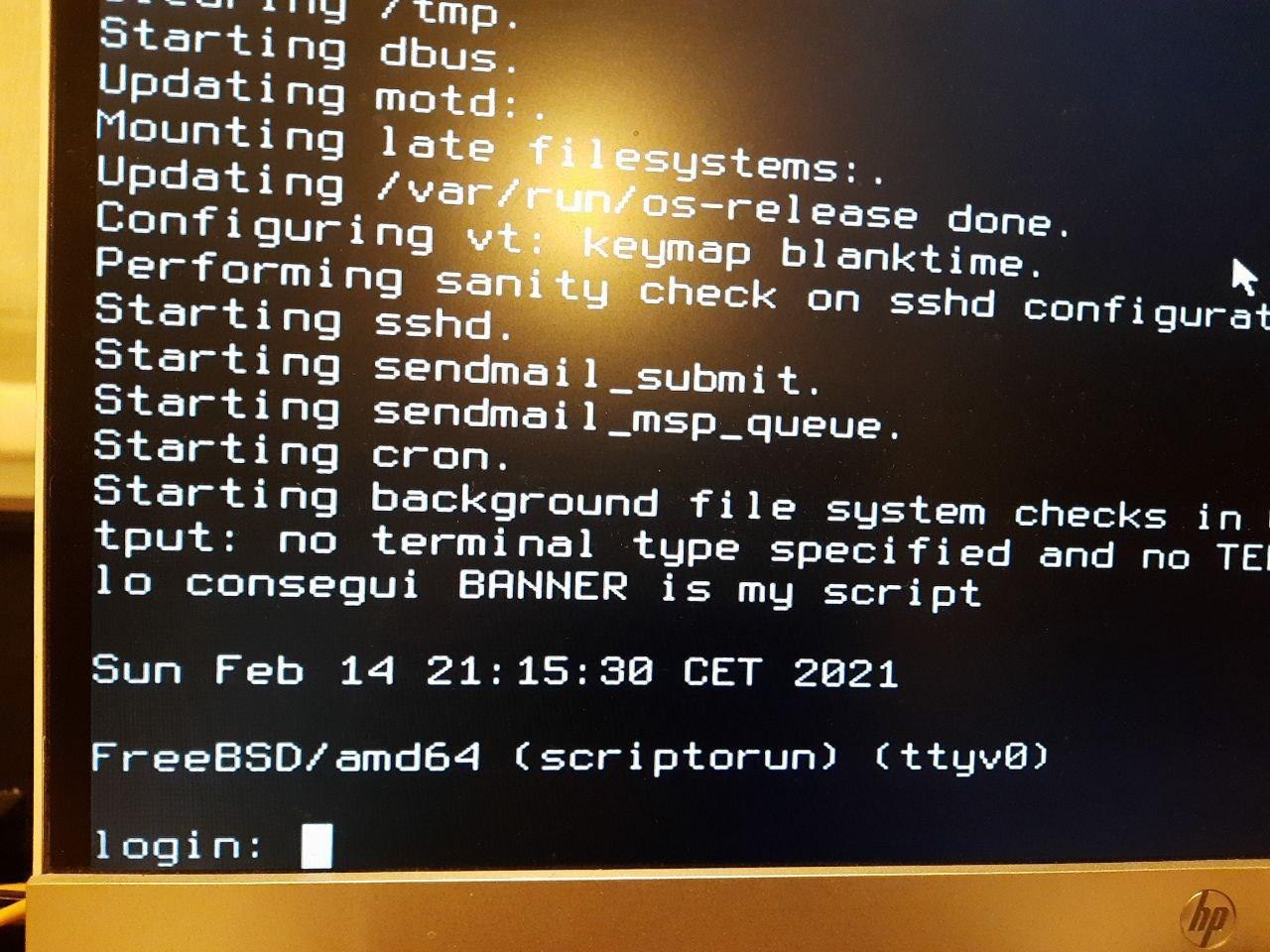
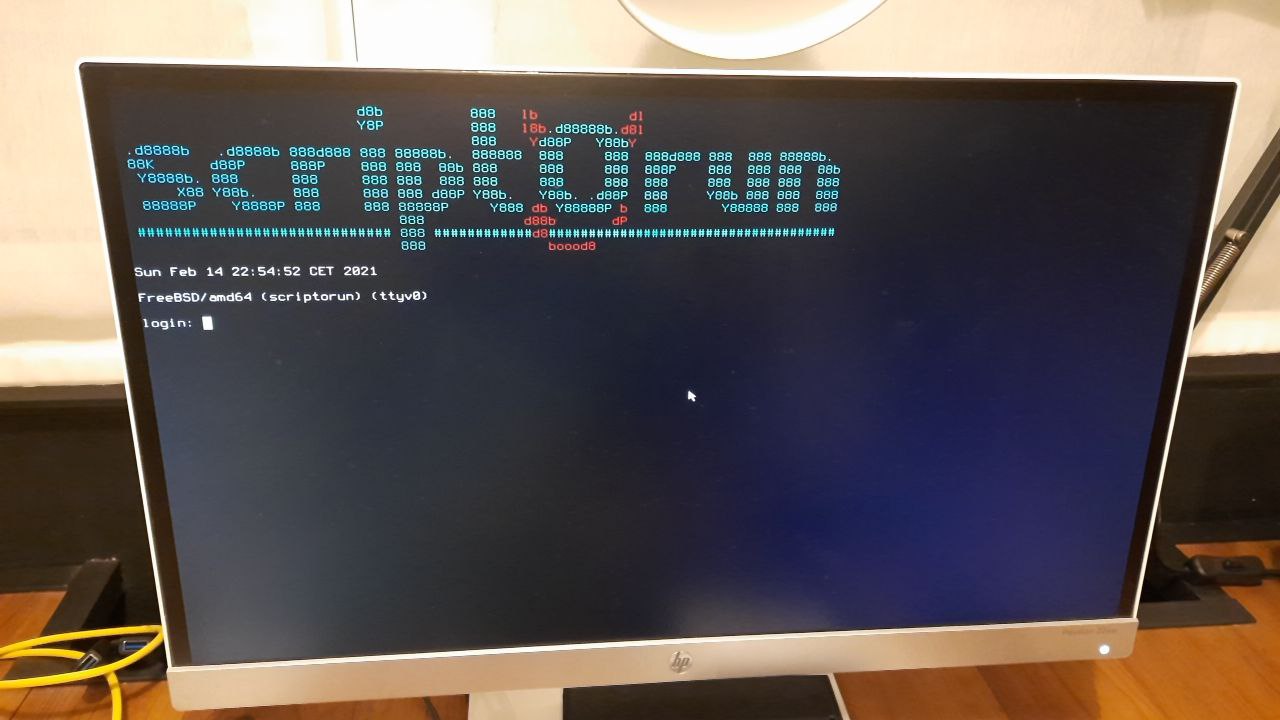
you are right .. but the motd is showed after login ... i was trying to get the control before nobody do a login .. i made an rc service and i was not able to find the flag to set the order ... finally i made it with # REQUIRE: bgfsck
Carl
 Carl
Carl
@CarlDCharlie butt hurt much?
is this what you call a "casual" question for a "casual" group ?? 😂
ɴꙩᴍᴀᴅ
Carl
much better than slim login manager 😚
Carl
if some day you want to make some similar banner and you need some tip i will try to help without ask for donation
Carl
Pouria
Carl
how can i do this?
when i arrive home i will send you the steps .. from this phone it's more hard to write it
Pouria
Pouria
Carl
no prob 👍👍
Carl
https://t.me/FreeBSD1/14424
Carl
you just echo or execute whatever you want or need, this is the basics to build the simplest script executable just before the login
Carl
i used the man and this https://docs.freebsd.org/en/articles/rc-scripting/