 Jackie


s for MBR and p for GPT
Jackie
It's fine
Anonymous
best cross platform file system to use for external drives between windows and freebsd? Will freeBSD mount FAT32 without fuse?
XS
exfat ?
 Alexey
Hi all! Could you help me with postgresql upgrade to v13?
OS version: FreeBSD 12.2-RELEASE-p7 GENERIC amd64
PostgreSQL migration: 12.8 -> 13.4_1
I do all operations like as /usr/ports/UPDATING. But as result I have an error:
FATAL: could not open collator for locale "und": U_FILE_ACCESS_ERROR
STATEMENT: SELECT pg_import_system_collations('pg_catalog');
It happens under root after:
su -l postgres -c "/usr/local/bin/initdb --encoding=utf-8 --lc-collate=C -D /var/db/postgres/data13 -U postgres"
Thank you very much for your help! I solve this issue.
https://forums.freebsd.org/threads/postgresql12-server-upgrade-fails.82677/
 ɴꙩᴍᴀᴅ
ɴꙩᴍᴀᴅ
best cross platform file system to use for external drives between windows and freebsd? Will freeBSD mount FAT32 without fuse?
As @xsuuu mentions, exfat is widely compatible. As for the second question, I guess you can mount FAT32 using mount_msdosfs
 Kueppo
Now I think of it, EFI partition must be in fat32 which might be a clear proof of it compatibility with diff OSs.
Anonymous
Thanks
 Suraj
Suraj
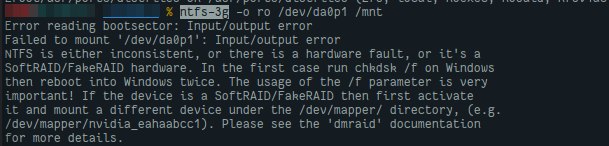 Jackie
I spend trying to solve this issue whole night. For someone on telegram.
Here is my conclusion -
You have a drilling machine?
sorry what is a drill machine? Mine is just a laptop.
Jackie
 Jackie
just a very old laptop is all
Jackie
Its time for a new one then.
I am typing on the new one right now talking to you. Only it's running Debian Linux. I use the old laptop just for web browsing and movie stuff.
Suraj
I am typing on the new one right now talking to you. Only it's running Debian Linux. I use the old laptop just for web browsing and movie stuff.
Your HDD is dead. dude just get the point.
Jackie
Nvidia legacy driver was not as stable as I expected so I thought I could give BSD a try.
Suraj
or try this.
Suraj
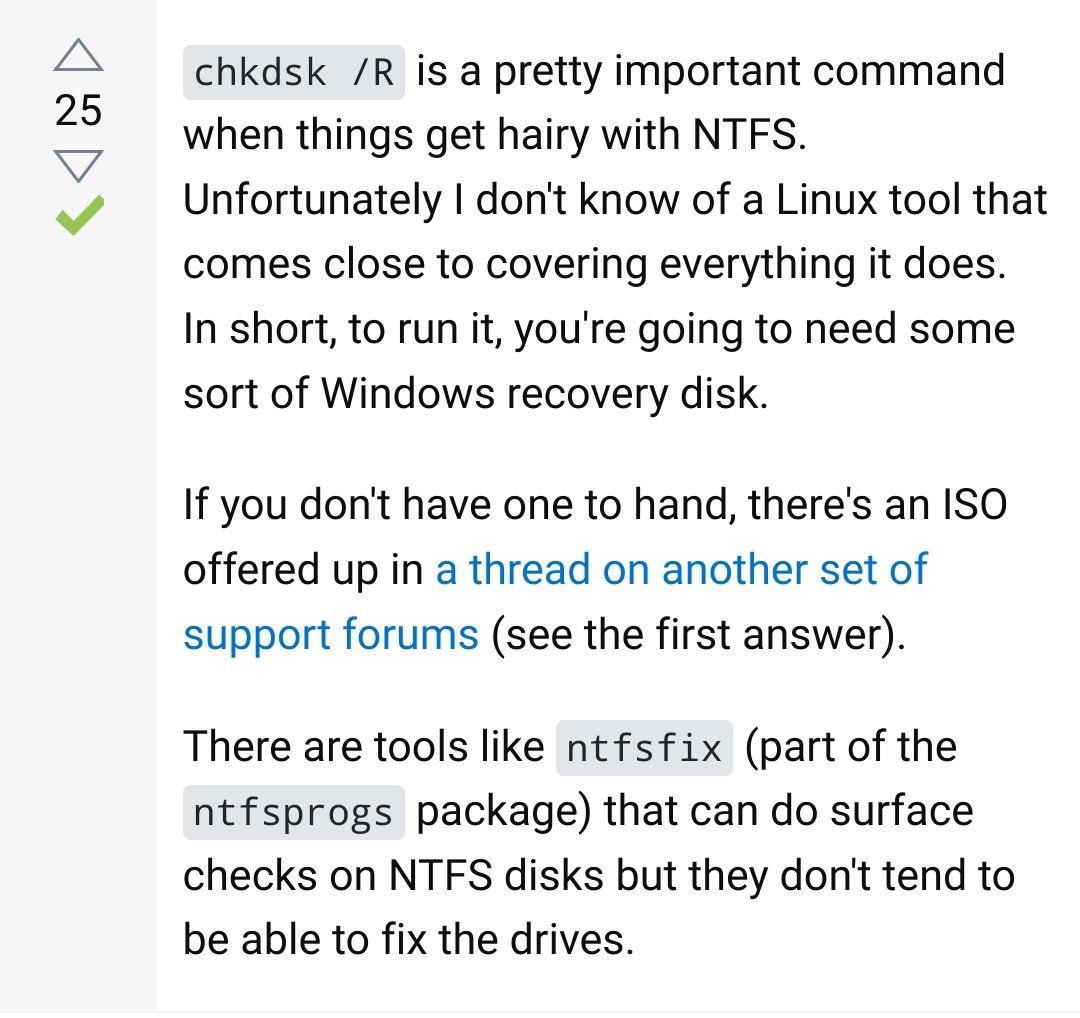 Jackie
 Suraj
Suraj
or this.
Jackie
Suraj
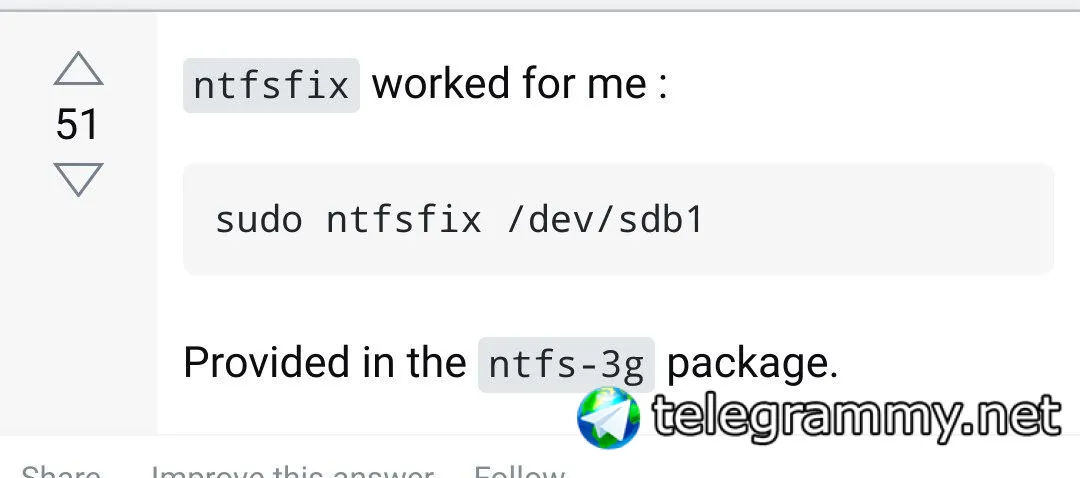 Jackie
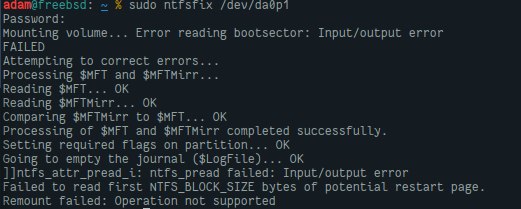
I am using it with no error on my Linux box now, should I still run ntfsfix? don't get the point
Suraj
Jackie
thanks. will try that tonight when I get home.
Jackie
doesn't seem to be working
Jackie
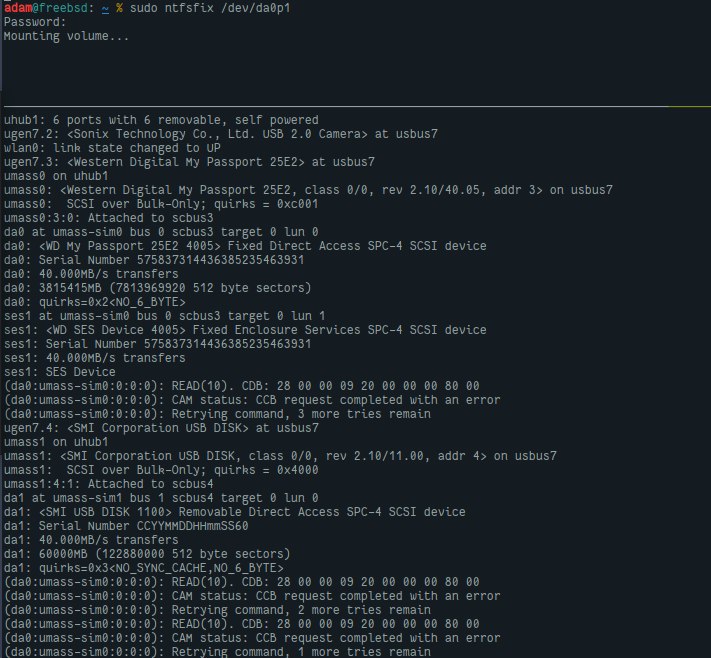 Jackie
 ɴꙩᴍᴀᴅ
ɴꙩᴍᴀᴅ
My best guess is to extract all the data in another machine and trying to format it again, maybe directly from FreeBSD in the format you want (ntfs, exfat...)
ɴꙩᴍᴀᴅ
Then you can try again to mount it, and thus verify if it's the disk or the tooling causing the issue
Jackie
unfortunately I don't have another 4T disk to hold all data
ɴꙩᴍᴀᴅ
Ouch >.<
Kueppo
Kueppo
ntfsfix should be renamed to ntfschk, it doesn't always work when I try to use it.
Jackie
Thanks, will try
Anonymous
Hello
Anonymous
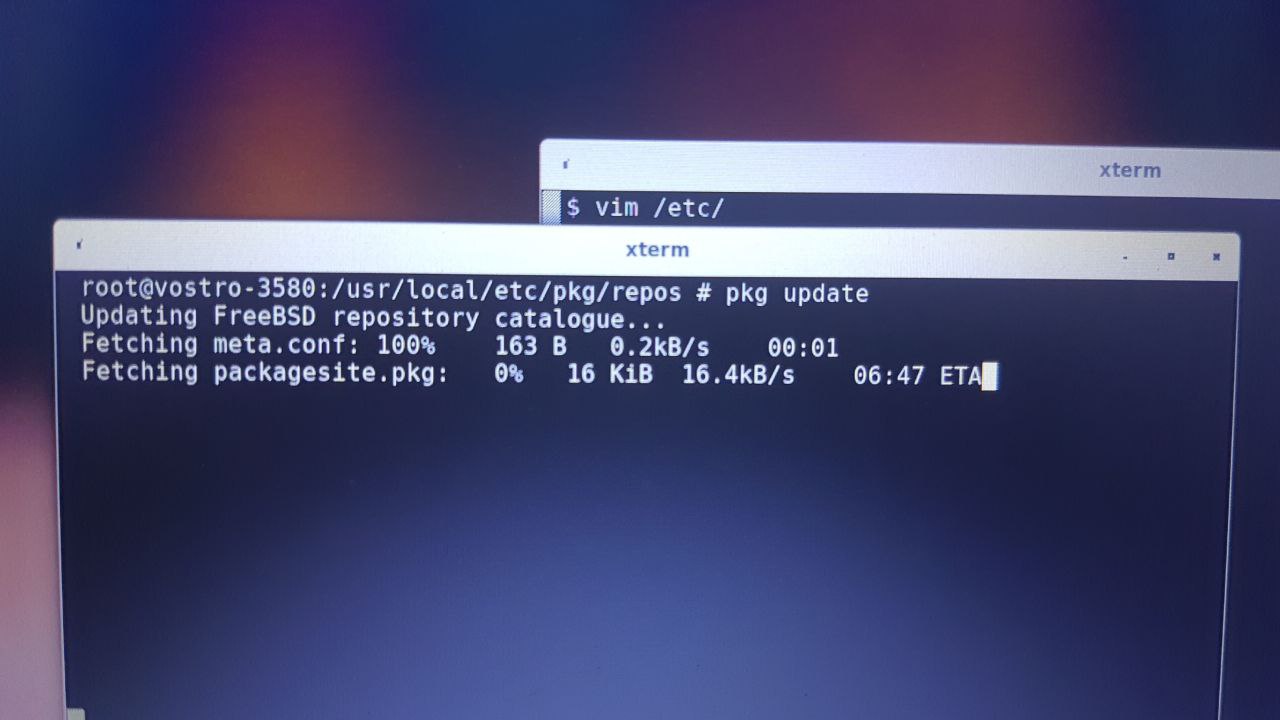
Any solution to the slow download speeds of pkg?
Anonymous
add this mirror to FreeBSD.conf -->
pkg+https://mirrors.ustc.edu.cn/freebsd-pkg/${ABI}/quarterly
(Average download speed : 0.6-2 MBps)
Thanks😅 this mirror is fine
Anonymous
Any solution to the slow download speeds of pkg?
Try changing the repository you download from
Anonymous
Try changing the repository you download from
Yup.. yesterday i couldn't find a better mirror
Anonymous
 Denis
Denis
Check if you have disk i/o errors in dmesg
Denis
Change pkg's source site
Denis
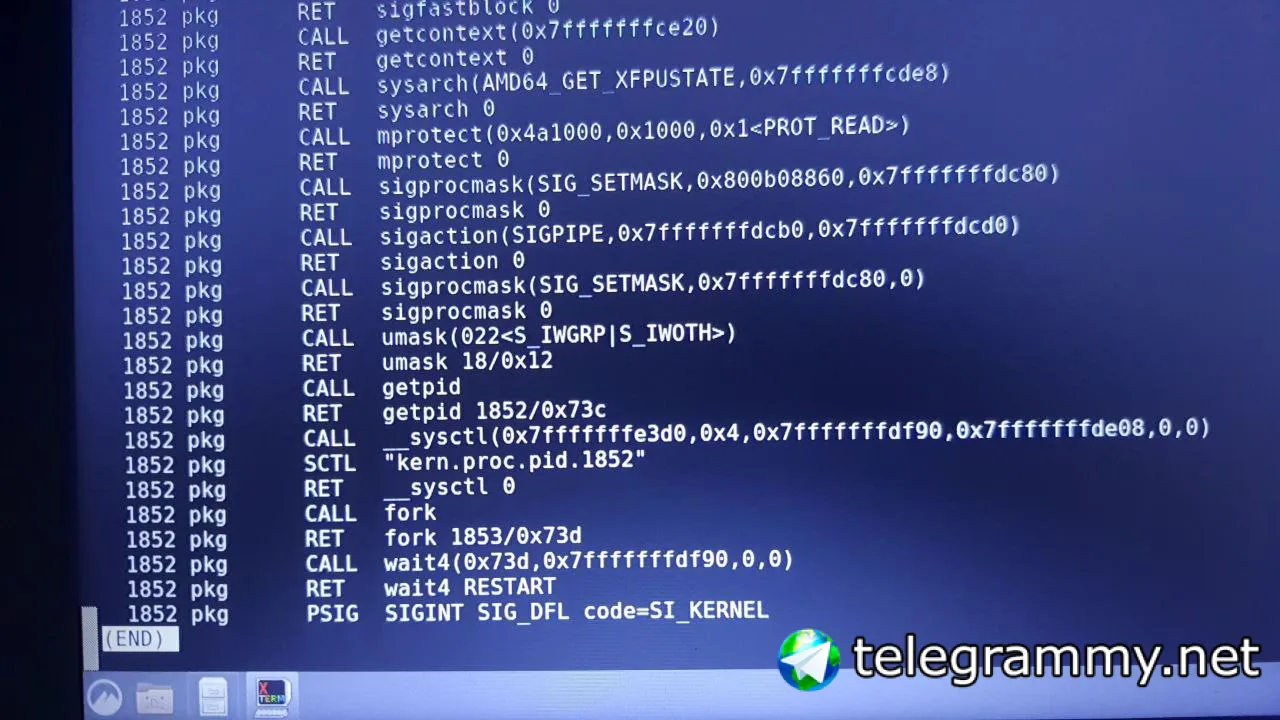
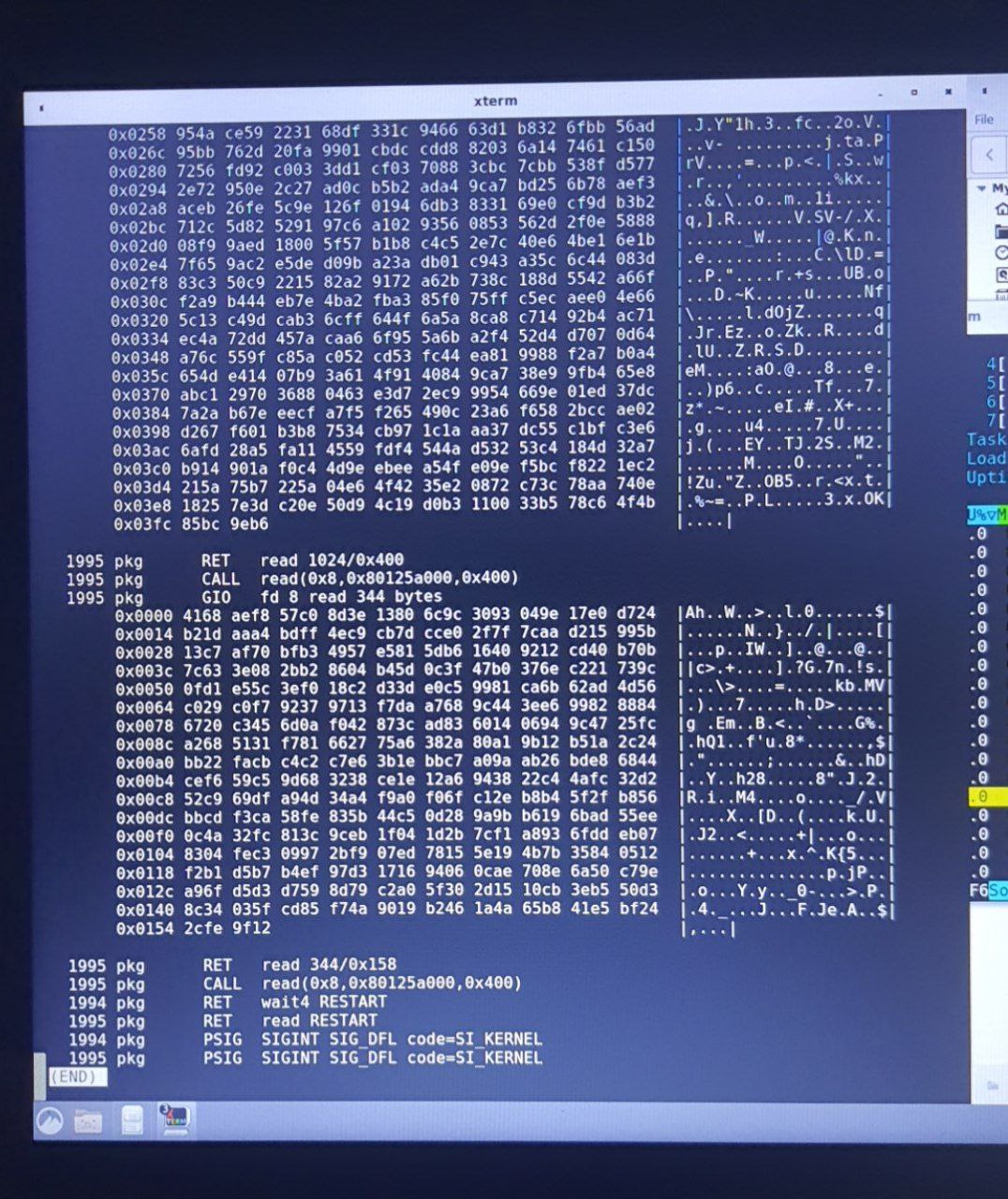
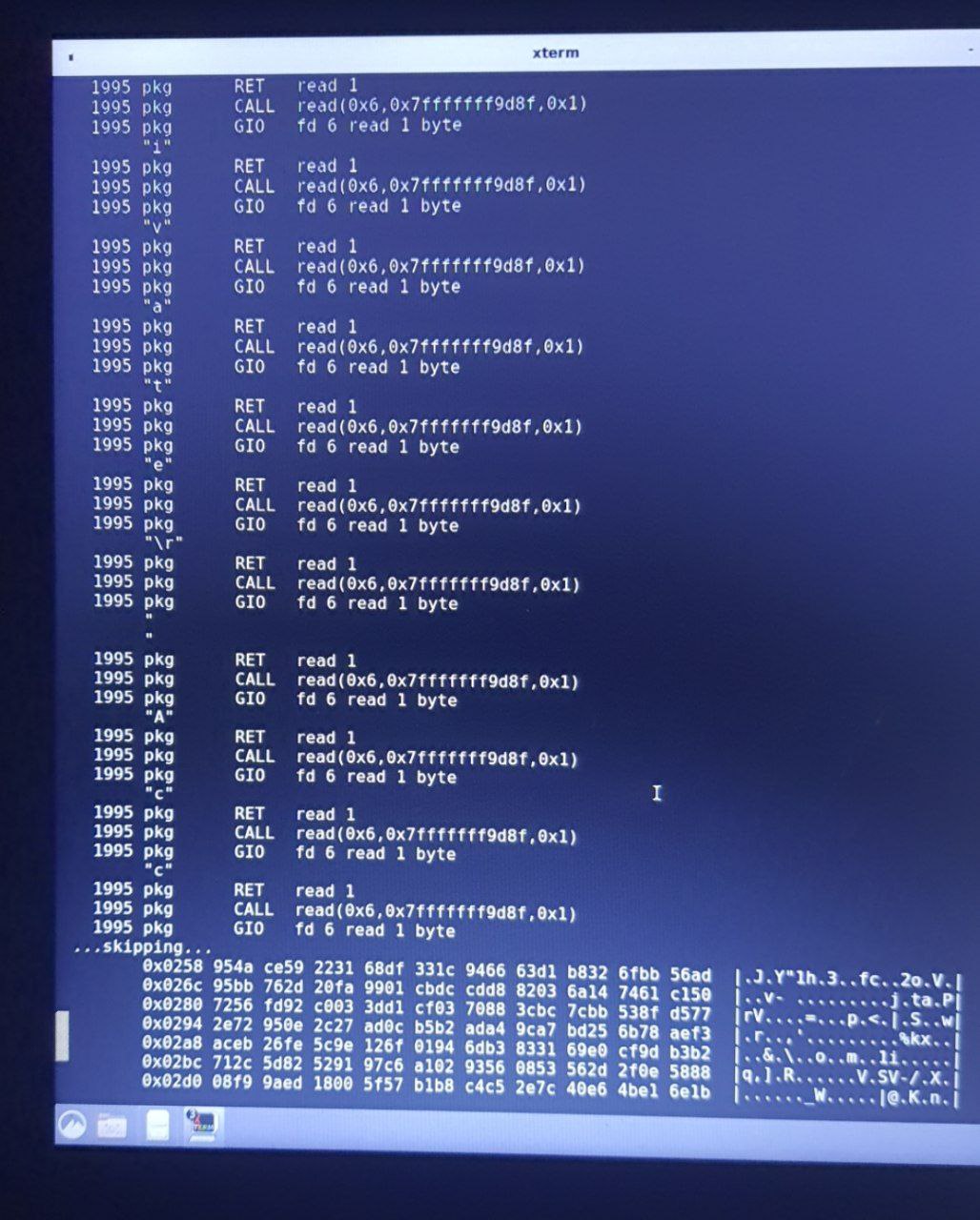
Use ktrace to check what pkg is doing at the time
Denis
man ktrace
Anonymous
Okk
Anonymous
Should I send the output of kdump here?
Anonymous
I can't understand what it means
Denis
Last 5 lines
Denis
The dump is huge
ɴꙩᴍᴀᴅ
Should I send the output of kdump here?
Use a pastebin like tool for that ie:
https://t.me/FreeBSD1/17664
Anonymous
Use a pastebin like tool for that ie:
https://t.me/FreeBSD1/17664
Don't have a web browser till now. And can't install until pkg works😐
ɴꙩᴍᴀᴅ
Don't have a web browser till now. And can't install until pkg works😐
Oh, but do you have internet connection?
In such case You can also use ix.io or paste.rs like:
$ <command to print output> |& curl -F 'f:1=<-' ix.io
$ <command to print output> |& curl --data-binary @- https://paste.rs
Denis
 Denis
Denis
Looks like pkg forking out a clone which do the job
Denis
Use -f flag to follow a child
Anonymous
Oh, but do you have internet connection?
In such case You can also use ix.io or paste.rs like:
$ <command to print output> |& curl -F 'f:1=<-' ix.io
$ <command to print output> |& curl --data-binary @- https://paste.rs
These also get stuck there😢 without any output
Anonymous
 Anonymous
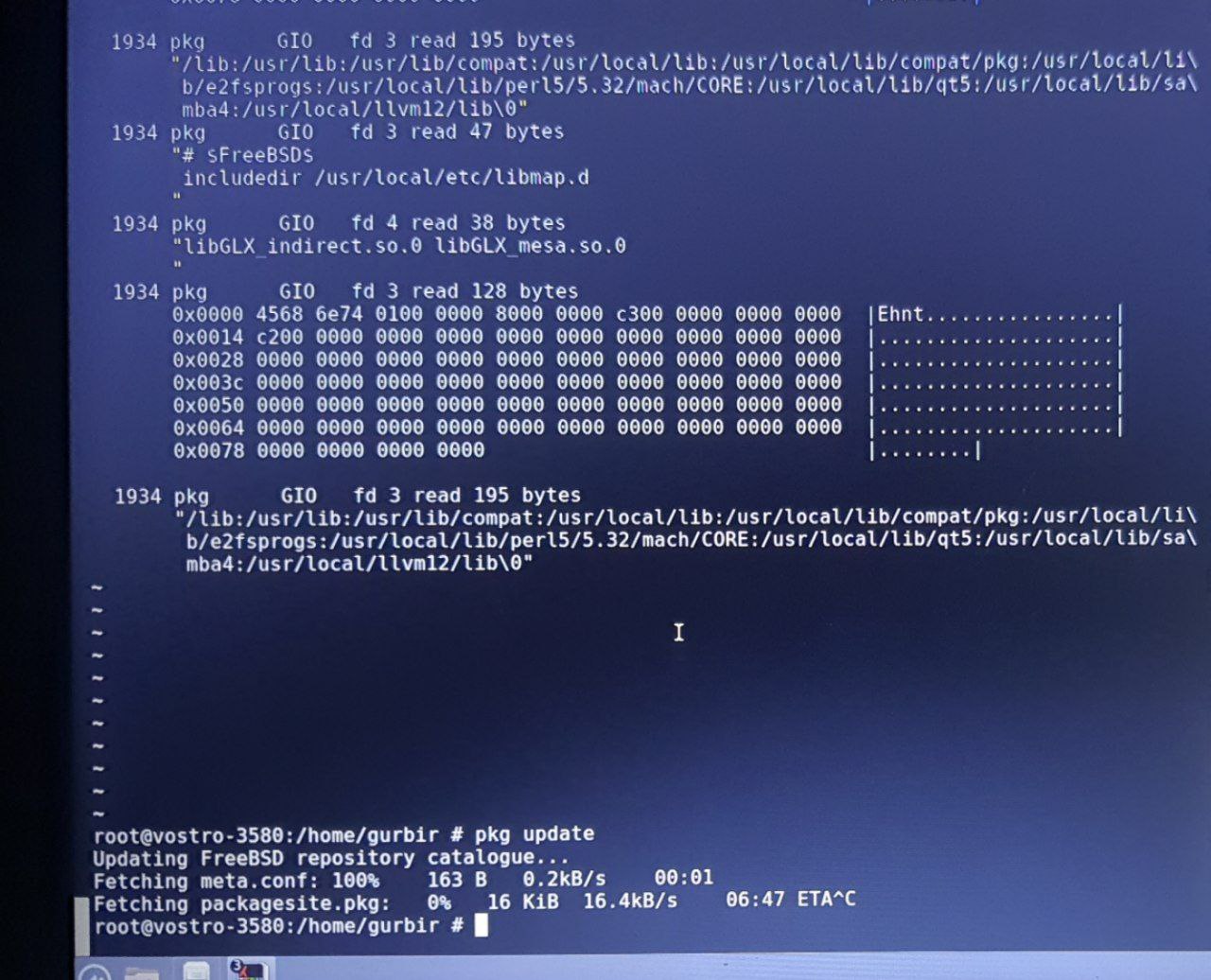
I don't think I am doing it right😢
Denis
ktrace -i pkg update
 Anonymous
 Denis
Denis
well, it is working it seems
Denis
:)
Denis
at least, reading/writing data
Denis
give it some time, maybe it is just slow
Denis
use ctrl-t to check at what syscall it is in at the moment
Denis
or, if pkg supports SIGINFO, you will see some more informative info