 professor


how can I applied to my code?
professor
I mean I have the scan drives
professor
I can use getdirs() == DRIVE_FIXED
 olli
olli
I can use getdirs() == DRIVE_FIXED
that's one of these issues. No you cannot, since getdirs() returns void.
You should probably have another function e.g. writeToDrive that takes the drive letter as parameter and you call it in your case DRIVE_FIXED: block
professor
I tried to changed to BOOL or string , but didn’t work
olli
I tried to changed to BOOL or string , but didn’t work
That requires your function to return something. But that's the other issue. Your function can return only once. So it's "hard" to keep track of which drives you already processed, the best way would be to call a function in the case DRIVE_FIXED: block
professor
then should I iterate szDrive and writE?
 Dima
Dima
these freakin’ winapi names … szKek, WIN32_SHOULD_PWORD_KEK_LOL_P macros
olli
why not something like this? (might not compile, due to wide-chars, just to show the idea)
void writeToDrive(char drive) {
std::string filename = drive + ":\\file.txt";
std::ofstream myfile;
myfile.open (filename);
// do your thing
myfile.close()
}
// ...
case DRIVE_FIXED:
writeToDrive(szDrive[0]);
break;
// ...
professor
why drive[0] if I am passing a simple vari without array?
olli
why drive[0] if I am passing a simple vari without array?
you can also pass the char and not the pointer
professor
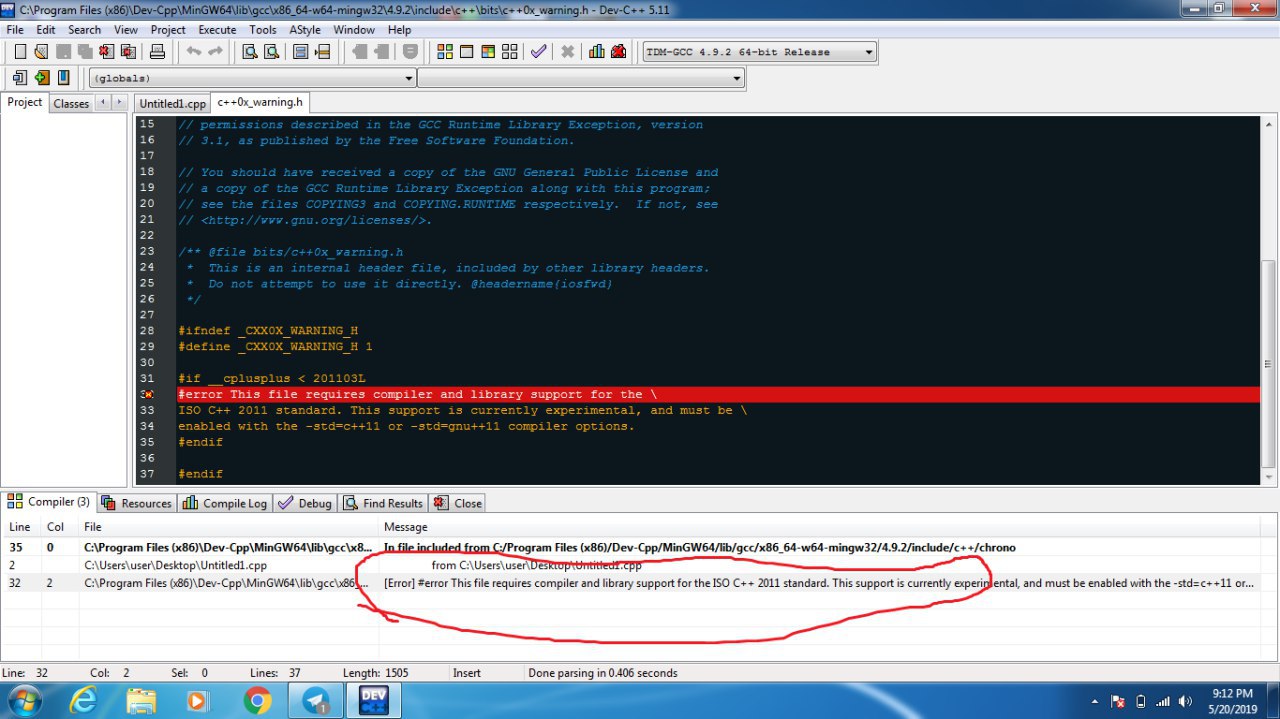
E0167 argument of type "WCHAR" is incompatible with parameter of type "char *"
professor
I got this
professor
https://gist.github.com/SkyBulk/3a809fc2dbe393b60827ddaef33daf39
olli
E0167 argument of type "WCHAR" is incompatible with parameter of type "char *"
oh yeah right..
try
#include <cstdlib>
void writeToDrive(WCHAR wdrive) {
char drive;
std::wctomb(&drive, wdrive);
professor
Error C2664 'void writeToDrive(WCHAR)': cannot convert argument 1 from 'WCHAR [5]' to 'WCHAR' strix
olli
Error C2664 'void writeToDrive(WCHAR)': cannot convert argument 1 from 'WCHAR [5]' to 'WCHAR' strix
how do you pass the parameter / call the function?
like this writeToDrive(szDrive[0]); ?
professor
I forgot since I changed to non array version
professor
writeToDrive(szDrive[0]);
professor
it didnt write nothing
professor
I have this drives
professor
 professor
https://gist.github.com/SkyBulk/3a809fc2dbe393b60827ddaef33daf39
olli
https://gist.github.com/SkyBulk/3a809fc2dbe393b60827ddaef33daf39
You can try this, this also tells you when a file cannot be opened / written.
Writing to C:\ might require higher rights
void writeToDrive(WCHAR wdrive) {
std::string filename{"_:\\file.txt"};
std::wctomb(&filename[0], wdrive);
std::ofstream file(filename);
if (!file)
{
std::printf("Error, could not open file %s\n", filename.c_str());
}
else
{
file << "<<<<<<<<<<<<<<<<<<<< Heya!>>>>>>>>>>>>>>>>>>>>\n";
file.close();
}
}
professor
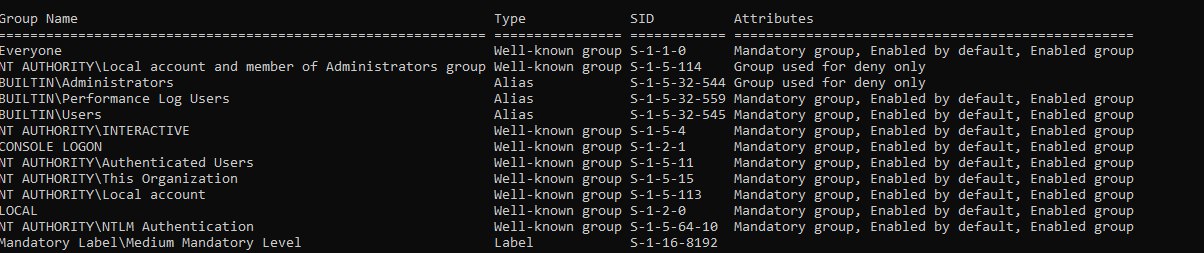
it could write on D: , but not on C:
professor
permissions issues?
professor
 professor
i have group nt
professor
why not c?
professor
self-protection?
professor
thanks a lot @olli
olli
self-protection?
Yes, by default the user has no right to write to C. This also happens if you try to copy file.
sure, no worries :)
professor
if i am nt group then should I switch from user to nt and do the process?
 Jonathan
Can anyone help me with linux library linking
Dima
#ot pls
 Asad
Asad
hi guys! why " std::endl " is used ?
Dima
Flushes the buffer
Asad
but i need more explanation
Dima
When you do cout it collects data before putting it to your console
Asad
what does " flushing the buffer " mean
Dima
When you do cout it collects data before putting it to your console
And when flushing it actually “sends” that buffer to a console and clears the collected data
Asad
so it is used for memory management, right?
Asad
to make the program lighter?
olli
to make the program lighter?
Buffered IO is used quite often to improve efficiency. Since IO operations (e.g. writing to the screen) are quite expensive the content is written into a buffer first. Once the buffer is full or you flush it, the content will actually be transmitted (e.g. displayed).
 Francisco
hi guys! why " std::endl " is used ?
std::cout, by default, doesn't print anything unless you flush its buffer. std::endl prints a new line and flush the buffer, so the text is printe. It's equivalent to "\n" << std::flush;
 Mihail
to make the program lighter?
No, << std::endl is actually slower compared to << '\n' and is equivalent to << '\n' << std::flush.
Asad
so it is to print a new line and clear the temporarily stored data
Asad
??
Asad
am i right?
Mihail
Yes
Mihail
To clear the buffer
Mihail
+ a new line
Asad
if i dont use it the collected data will remain in my program
Mihail
The text that you streamed to std::cout might not be printed if your program is killed unexpectedly
Mihail
Imagine having a big string where you append all the text that goes to std::cout and everytime you flush that string is cleared and your terminal prints the text that was in it
Mihail
And it's important to mention that a flush is quite expensive, so you should avoid flushing in a loop for example
olli
so it is to print a new line and clear the temporarily stored data
It guarantees your content will be written immediately. It has no effect on the data in your application.
Asad
And it's important to mention that a flush is quite expensive, so you should avoid flushing in a loop for example
what do you mean by expensive?
Asad
uhuh
Asad
thanks
olli
if i dont use it the collected data will remain in my program
If you flush after writing to the file, you will se an update to the file every 5 seconds, oftherwise it might take until the end for the file to be changed
#include <thread>
#include <chrono>
#include <fstream>
int main()
{
std::ofstream fp("file.txt");
for (int i = 0; i < 10; ++i)
{
fp << i;
// fp.flush(); // add or remove this line
std::this_thread::sleep_for(
std::chrono::seconds{5}
);
}
fp.close(); // content will be flushed here
// if not flushed already
return 0;
}
Mihail
btw Olli, do you know if there's something in the standard that specifically prevents
std::cout << "Hello World!" << '\n';
from being as fast as
std::cout << "Hello World!\n";
Like if the compiler sees that there are two subsequent streams whose parameters are of the same type is there anything that prevents the optimizer from simply merging them?
Mihail
I know it doesn't do it, so that's why I asked if it is a limitation of the standard
Mihail
Or just the optimizer not being smart enough
Mihail
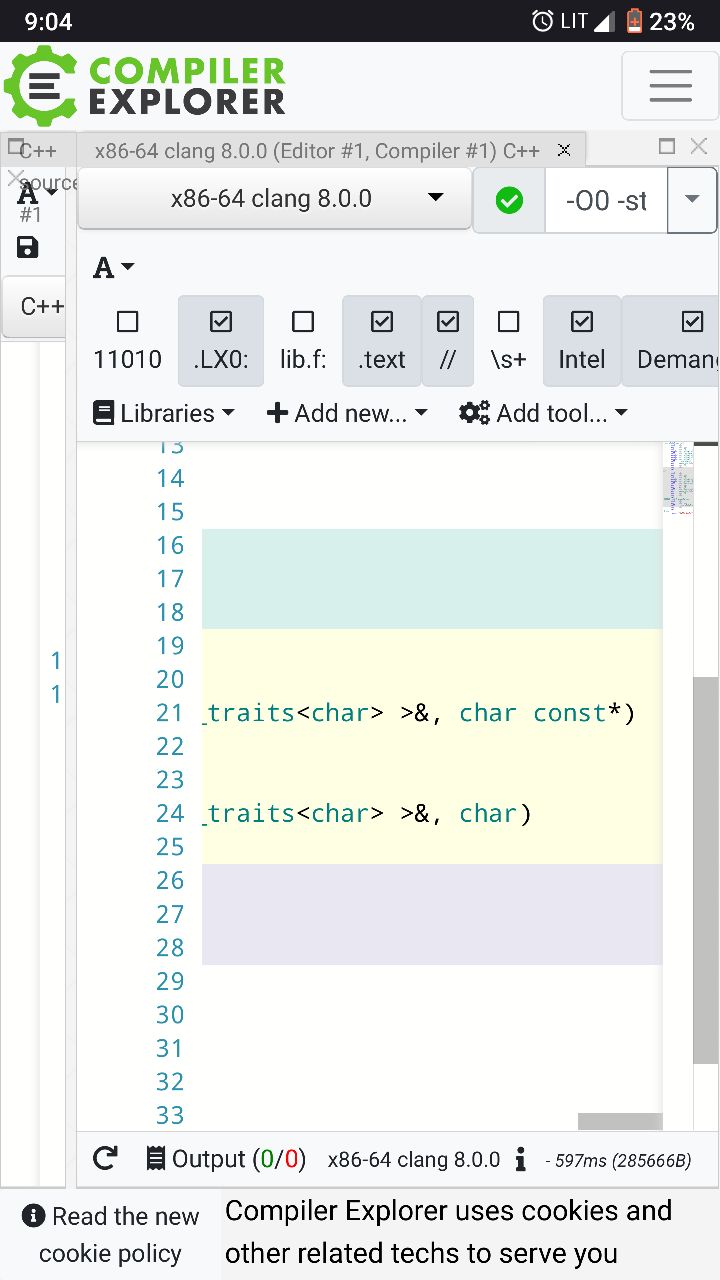
Speaking of which it is actually calling different operator<<'s here
Mihail
 Francisco
I've just done some benchmarking and it doesn't merge those calls
Asad
hey guys it is again me
Asad
is <chrono> standard library?
Mihail
I've just done some benchmarking and it doesn't merge those calls
Yeah it doesn't, but I'm curious if it could or the standard says that they should be separate
Mihail
Because if they aren't noexcept, then technically one could throw an exception and merging there would change behavior
Mihail
Lemme check if they are