 Alexander


Ефи дрова поковыряй
Alexander
Не знаю, но мне кажется надо копать там
 Anonymous
чистый кловер не дал результата
Alexander
Ну дык
Anonymous
как ваще в ефи залезть ?
Anonymous
с винды
Alexander
Монтируешь и смотришь
Alexander
Лучше каким-то другим ФМ из под админа, а то проводник под админом запускать задолбаешься
Anonymous
Лучше каким-то другим ФМ из под админа, а то проводник под админом запускать задолбаешься
Короче, я даже в установочник не могу попасть
Anonymous
Что за хуйня, я не знаю
 OXOTH1K
Ну тогда с системой все ок
OXOTH1K
Что то не так с железом/настройками биоса
Alexander
на том же конфиге?
OXOTH1K
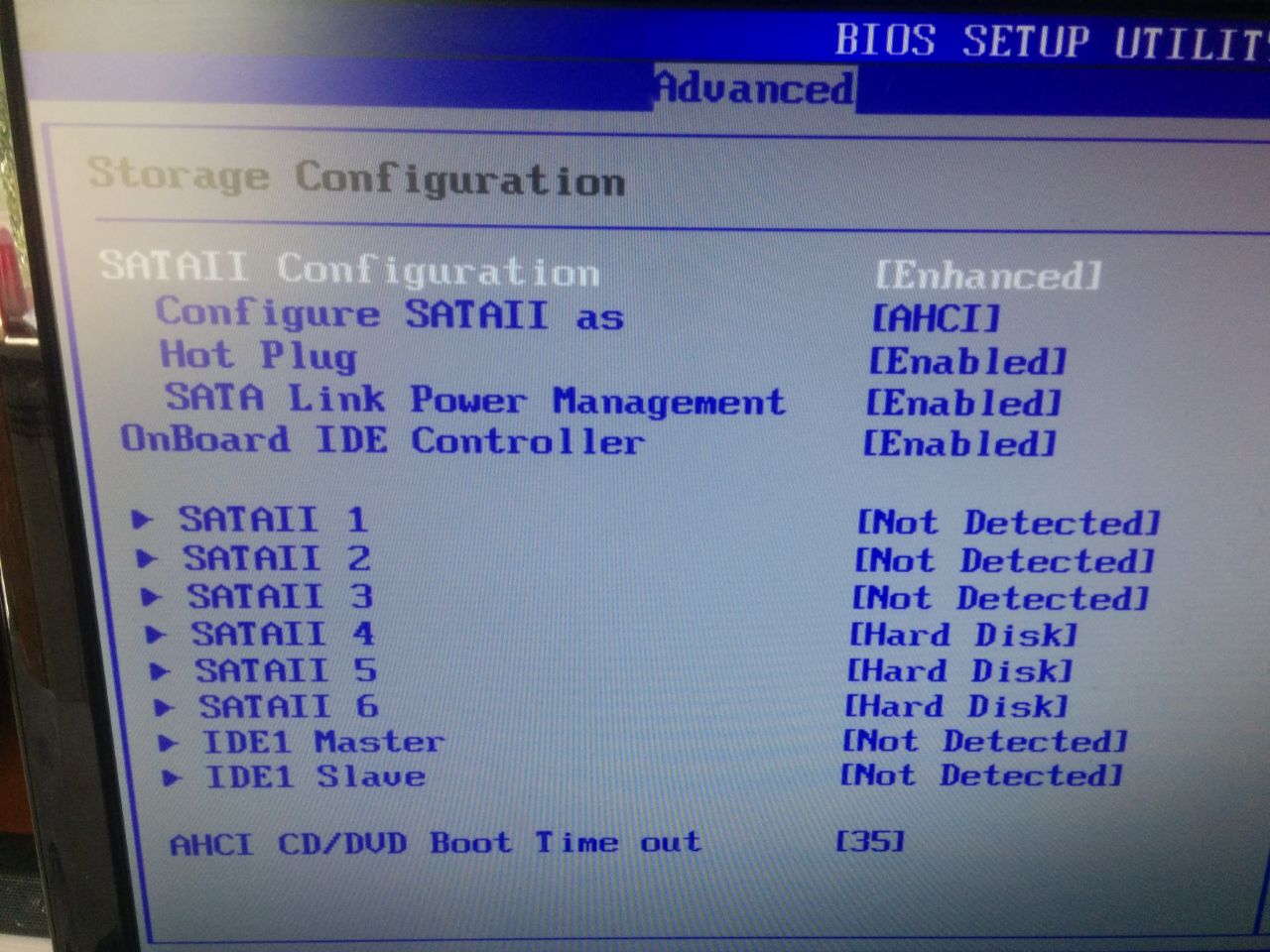
А. В биосе же включен achi для дисков?
OXOTH1K
Уверен?
Alexander
веселая у тебя система
Anonymous
Могу чекнуть
Anonymous
Хотя эт
Anonymous
Мб лишнее включено
Alexander
больше не буду говорить что разницы между z и остальными чипсетами практически нет
OXOTH1K
Конфиг кловера не цеплялся
Alexander
еще страшнее чем b
Alexander
а в чем разница между b и h сейчас?
Anonymous
 Anonymous
 Alexander
может иде контроллер убрать?
Alexander
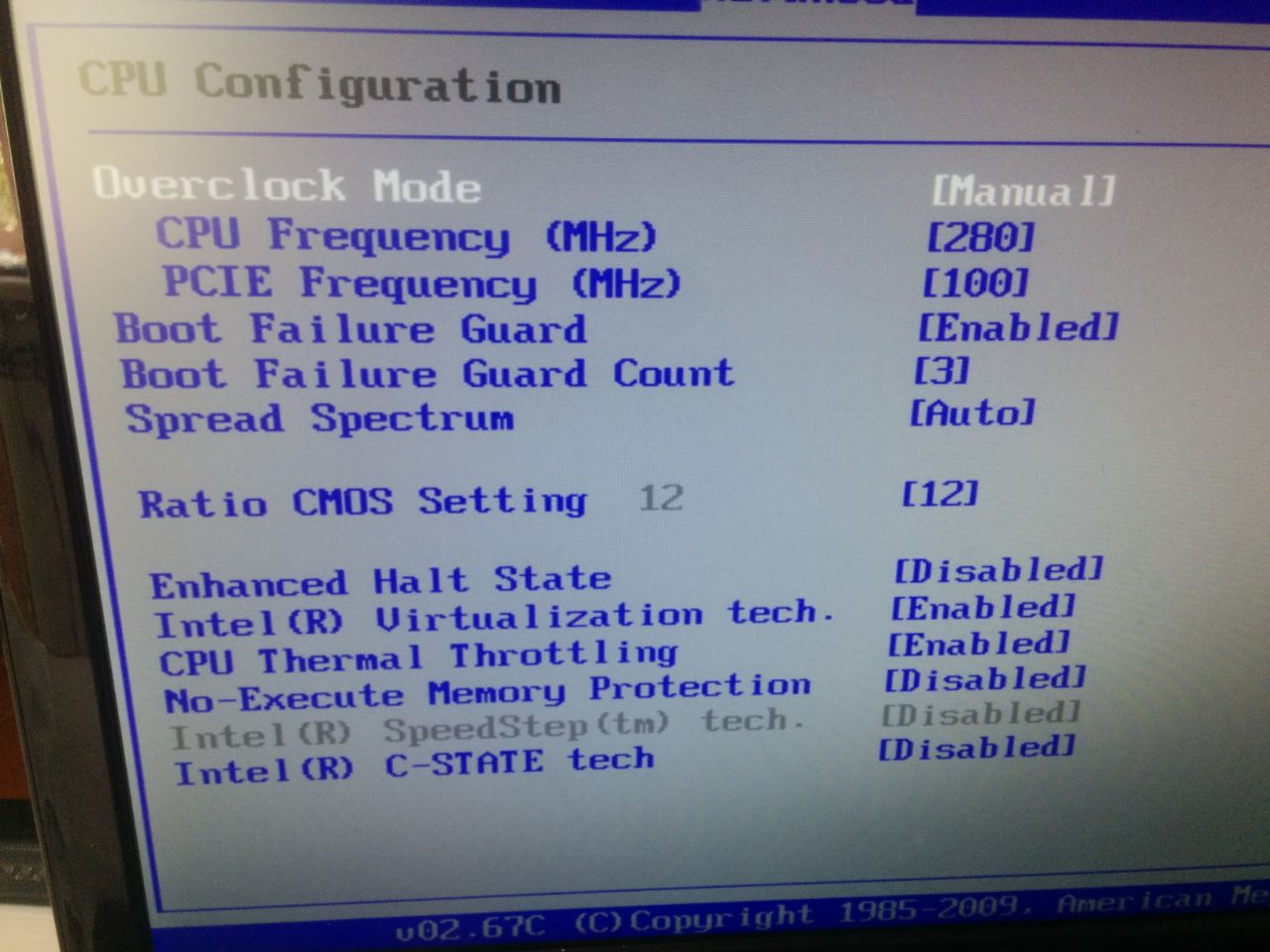
а какого спидстеп дисейблед?
Anonymous
Ща
Alexander
мне кажется что ты не все настройки в вернул
Anonymous
Вырубил всякие флоппи и тд
Anonymous
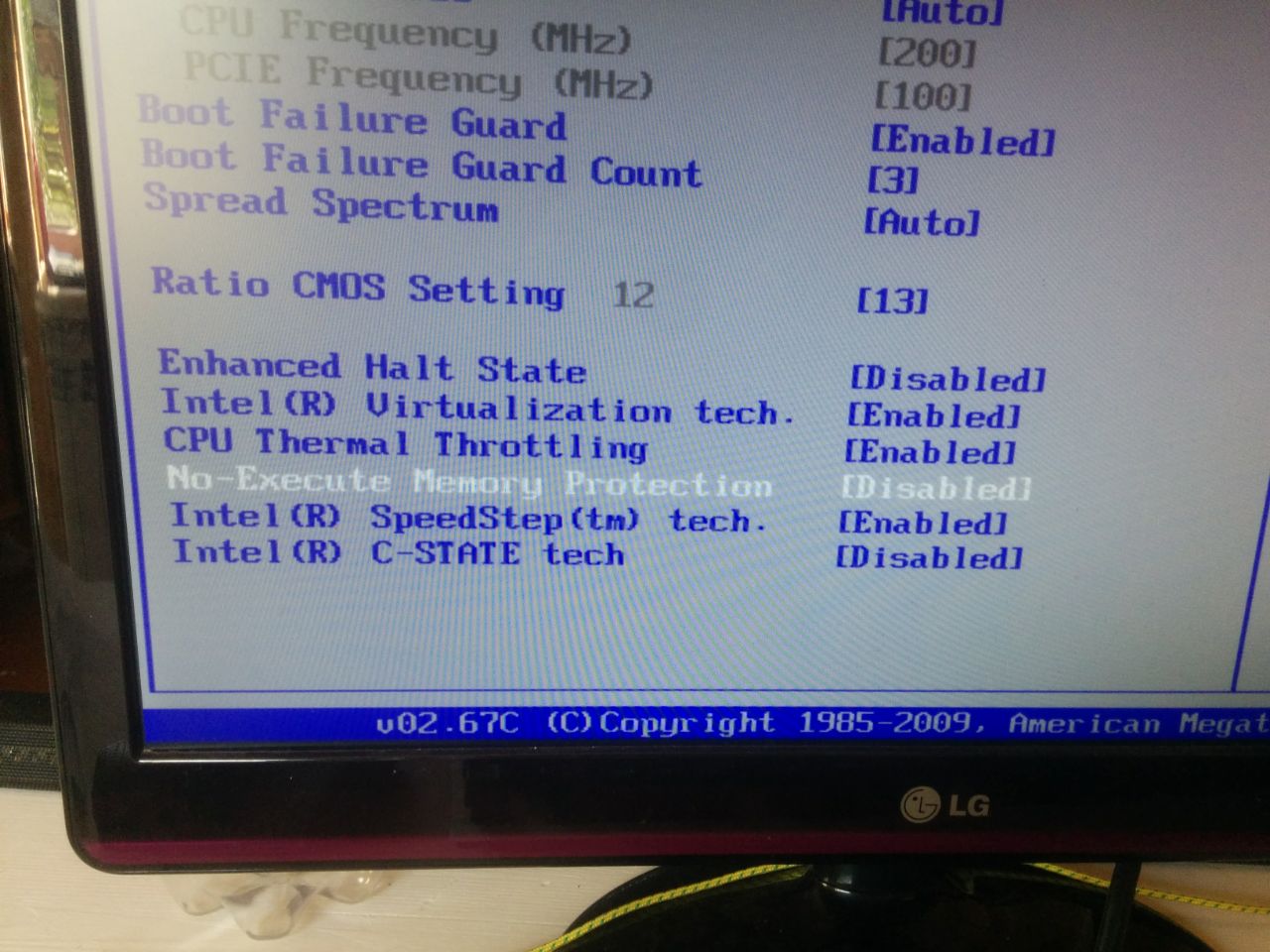
 PCLG
PCLG
погляди настройки для разных биосов https://www.tonymacx86.com/threads/unibeast-install-macos-sierra-on-any-supported-intel-based-pc.200564/#uefi_settings
PCLG
а ещё лучше лоад оптимизед дефолтс
Alexander
пошло?
PCLG
без ahci конечно грузится не будет
Anonymous
Так, стоп, виртуализацию выключать ?
OXOTH1K
Не надо насколько я помню
Anonymous
Порылся в настройках, вырубил всякую дичь прямиком из 2005, но не помогло
OXOTH1K
А ты точно с того раздела грузишься?
Anonymous
Короче, кто поможет 5$/300 рублей на пейпел/карту сбербанка
 Ne
OXOTH1K
Ne
OXOTH1K
А где
PCLG
PCLG
с флешки грузится ?
Anonymous
Абсолютно
Anonymous
Ни один мак
PCLG
нстройки старых биосов на скриншотах тут https://tonymacx86.blogspot.com/2010/04/iboot-multibeast-install-mac-os-x-on.html
PCLG
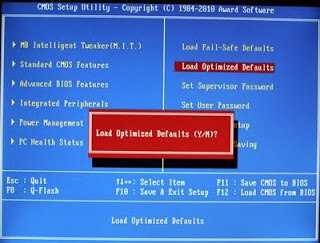 PCLG
PCLG
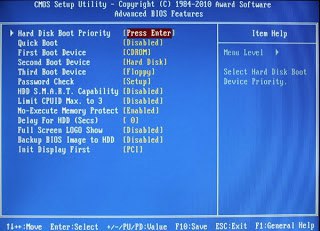 PCLG
PCLG
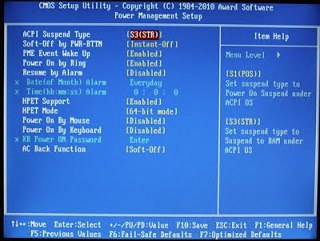 PCLG
PCLG
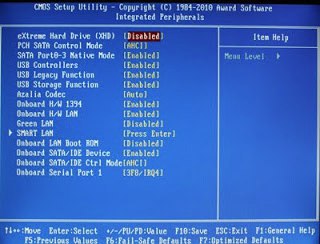 PCLG
PCLG
BEFORE YOU BEGIN
Use only 1 graphics card in the 1st PCIe slot with 1 monitor plugged in.
Remove any hard drives besides the blank drive being used for OS X.
Remove any USB peripherals besides keyboard and mouse.
Remove any PCI cards besides graphics- they may not be Mac compatible.
It's best to use an empty hard drive- you will have to partition and format the drive.
Always back up any of your important data.
STEP 1: BIOS SETTINGS
You will need to set your BIOS to ACHI mode and your Boot Priority to boot from CD-ROM first. This is the most important step, and one many people overlook. Make sure your bios settings match these. It's not difficult- the only thing I did on my Gigabyte board besides setting Boot Priority to USB first was set Optimized Defaults, change SATA to AHCI mode, and set HPET to 64-bit mode.
PCLG
1. To access BIOS/UEFI Setup, press and hold Delete on a USB Keyboard while the system is booting up
2. Load Optimized Defaults
3. If your CPU supports VT-d, disable it
4. If your system has CFG-Lock, disable it
5. If your system has Secure Boot Mode, disable it
6. Set OS Type to Other OS
7. If your system has IO SerialPort, disable it
8. Set XHCI Handoff to Enabled
9. If you have a 6 series or x58 system with AWARD BIOS, disable USB 3.0
10. Save and exit.
Anonymous
Anonymous
это чтобы понятно было что оставлять, а что выключать
Да в целом 90% этих настроек у меня нет
PCLG
флешку втыкать в тот порт, что usb3 если при этом есть usb2
Anonymous
Intel Pentium E5300
Asus Radeon HD7750(заведена кекстом)
Asrock P43DE3
Realtek RTL8111(кекст)
VIA VT1708S(через вуду)