 Carl
Carl


sleep do not have -t option .... remove the sleep one
Carl
just do idle and standby commands .... the sleep one will make a sleep action
 Tyler
Tyler
The command for disabling the power saving state, idle state, and sleep state is "camcontrol stop da0 -t 0". This command will stop all of the device's power saving functions.
Tyler
The command for disabling the power saving state, idle state, and sleep state is "camcontrol stop da0 -t 0". This command will stop all of the device's power saving functions.
regarding GPT...🙄 but i dont trust on it 😒
 Baron
Baron
How s ratpoison performing? Gonna try it soon
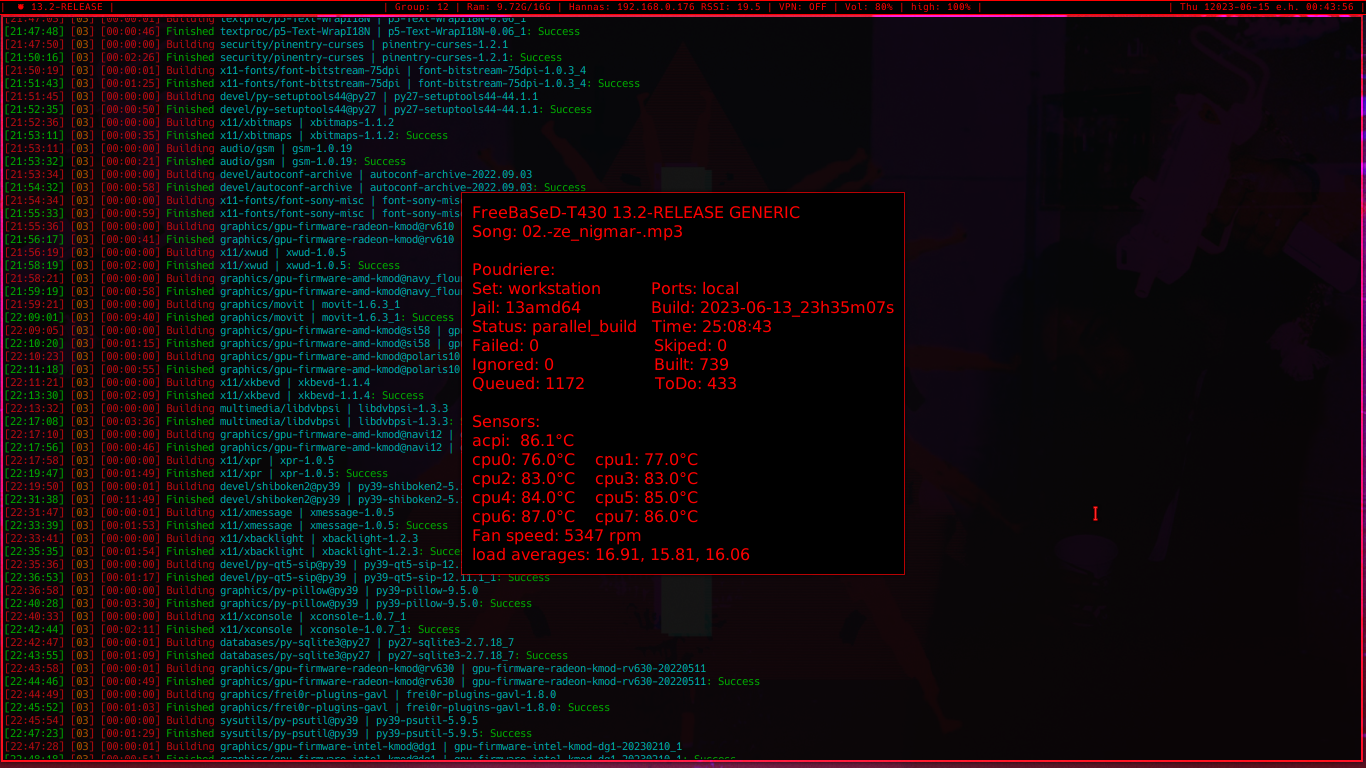
very good, but I'm still using the pkg binary version, waiting for poudriere to finish building the repo so I can test it with cpu native flags
Carl
The command for disabling the power saving state, idle state, and sleep state is "camcontrol stop da0 -t 0". This command will stop all of the device's power saving functions.
i doubt about the stop option, it says Send the SCSI Start/Stop Unit (0x1B) command to the given device with the start bit cleared .... if you really have nothing important in that disk yet, i trully would try camcontrol idle da0 -t 0 && camcontrol standby da0 -t 0
Tyler
Unit stopped succesfully
Tyler
So far so good 🙄
Carl
did you use the stop one???
Tyler
yes
Tyler
and wont work 🙄
Tyler
suspended again
Tyler
lets reboot and try yours now
Carl
yeah i told you stop only stops it .... you only must do the idle and standby, this are the only have timer to be deactivated
Tyler
this command will preserved at reboot? or need to camcontrol start?
Tyler
yeah i told you stop only stops it .... you only must do the idle and standby, this are the only have timer to be deactivated
ok. so no sleep command u recomm?
Carl
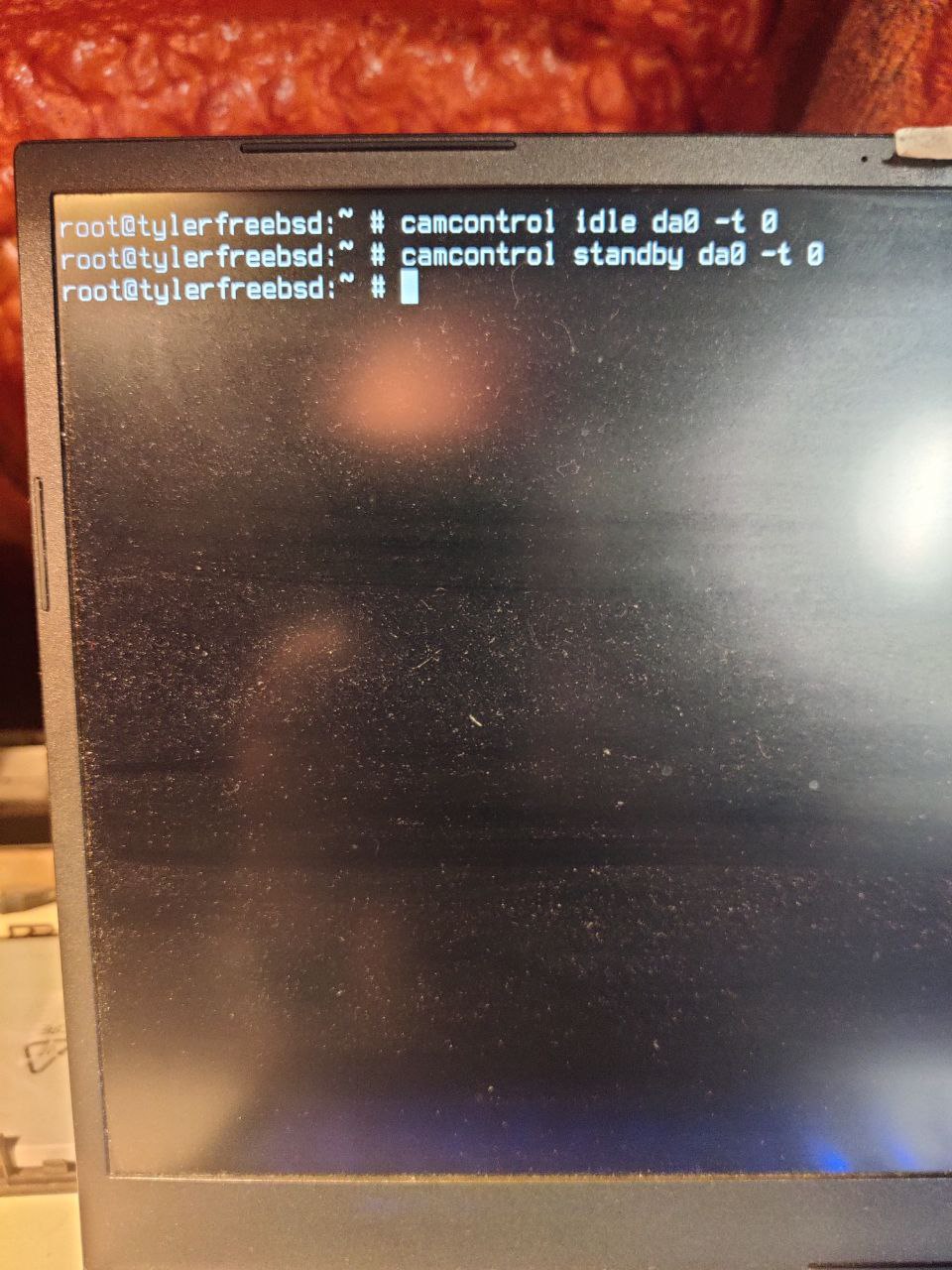
camcontrol idle da0 -t 0 && camcontrol standby da0 -t 0
Tyler
camcontrol idle da0 -t 0 && camcontrol standby da0 -t 0
ok. gimme a sec to hard restart
Carl
just this one ... and if it runs ... you will add it in /usr/local/etc/rc.d/ to execute it every time your system starts
Tyler
 Carl
Carl
let's see if it runs
Tyler
 Tyler
Tyler
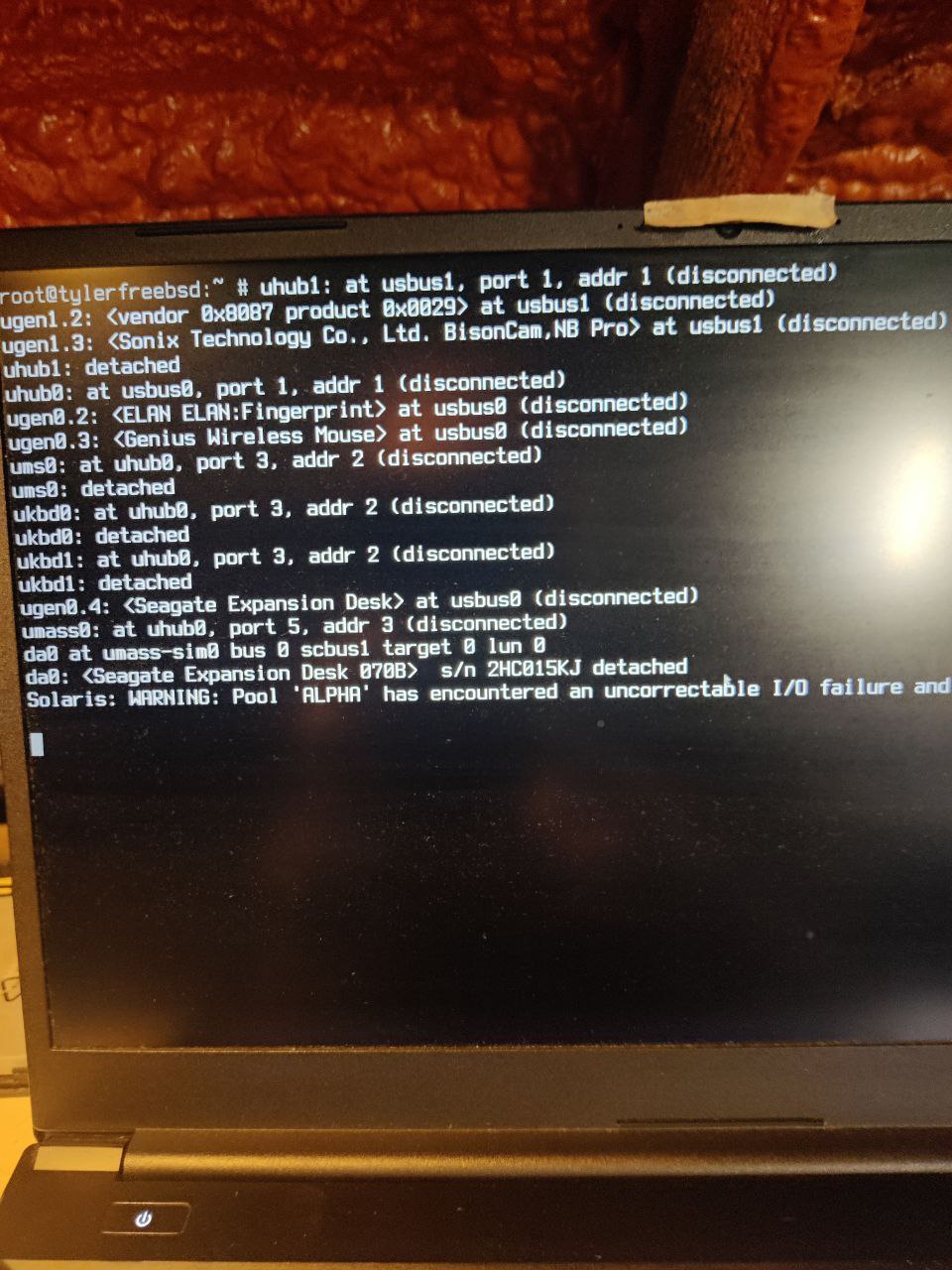
does not work as expected
Carl
it is disconnecting and detaching everything, it is your global power management the problem, not the disk
Tyler
it is disconnecting and detaching everything, it is your global power management the problem, not the disk
so i have to disable that. i am looking for it on the manpage
Tyler
maybe camcontrol powermode
Tyler
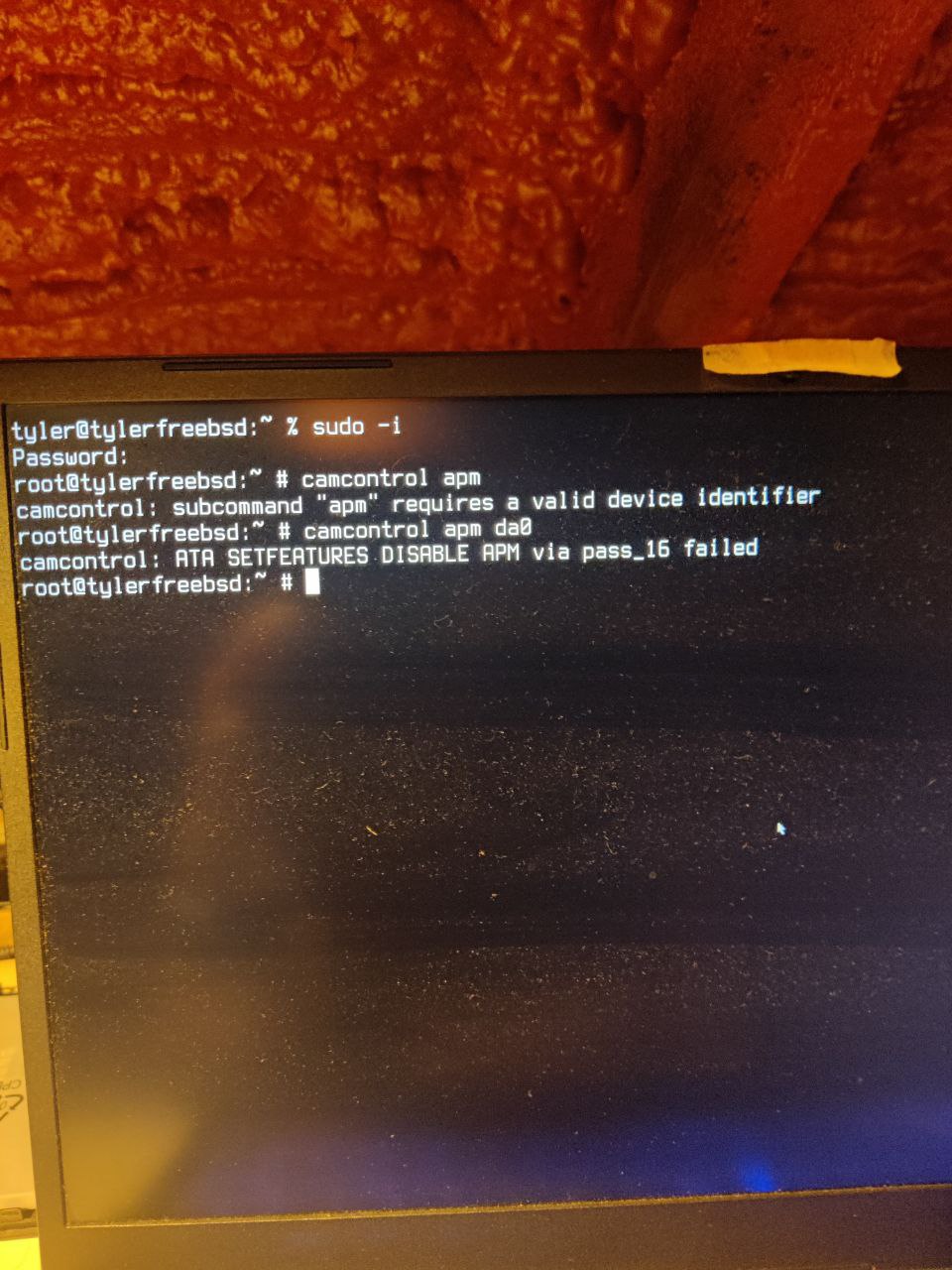
camcontrol apm
Tyler
if -l not specified then disabled
Carl
sorry, i am cooking .... try to disable the apm .... do: camcontrol apm
Tyler
sorry, i am cooking .... try to disable the apm .... do: camcontrol apm
thats good. 👍 i have finished my dinner already. 🤓
Tyler
 Carl
Carl
camcontrol apm -l
Tyler
but with what value? -l 255 ?
Carl
no value
Carl
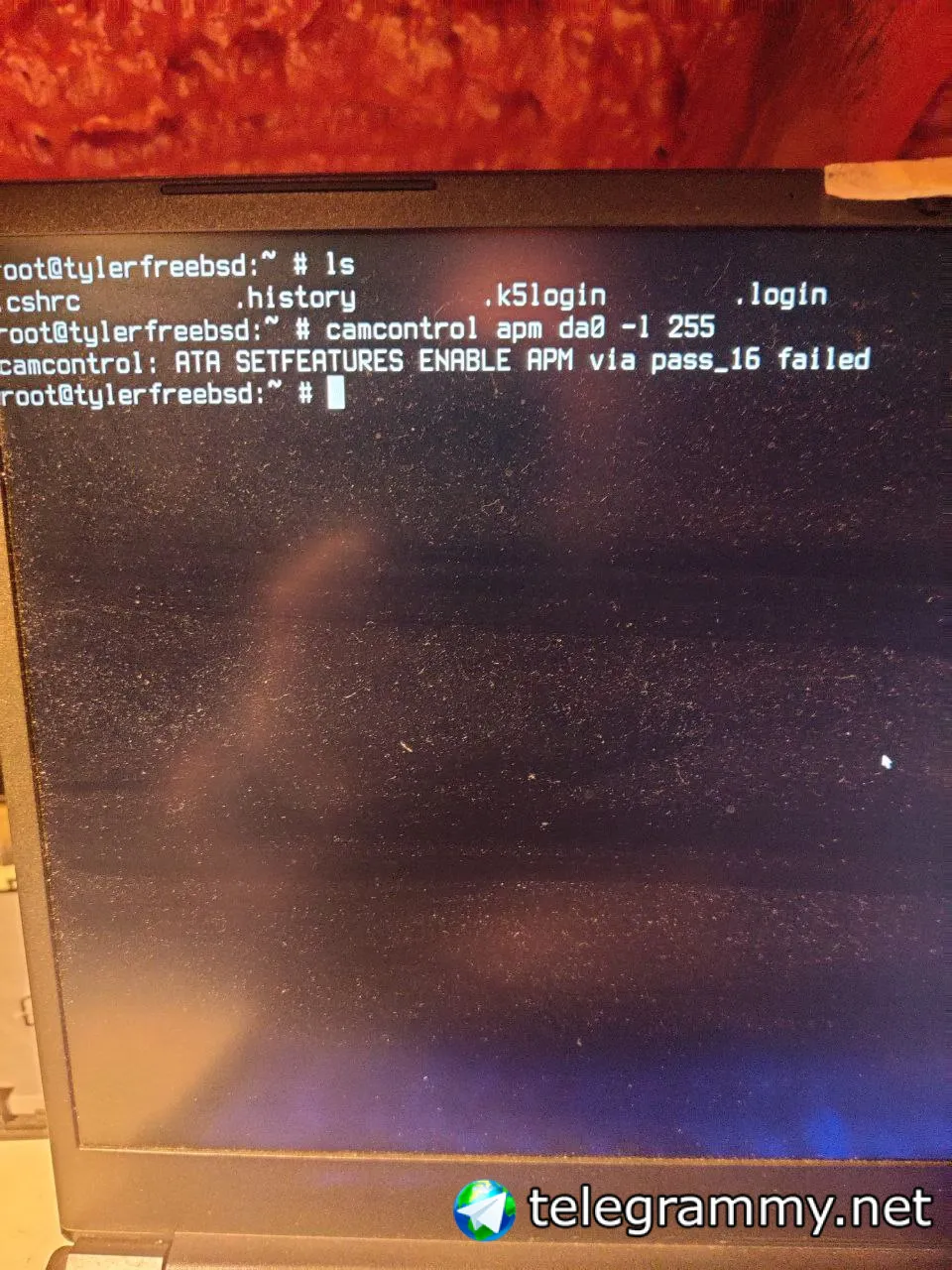
ok ...it ask you for a value
Tyler
 Carl
Carl
you must not use da0
Carl
you are changing global power management
Tyler
ah
Tyler
i dont want change it globally
Tyler
but lets try
Tyler
but would be print the default values first
 VB
VB
- No way
 Mortis Jon
Carl
Mortis Jon
Carl
requires device identifier anyway...
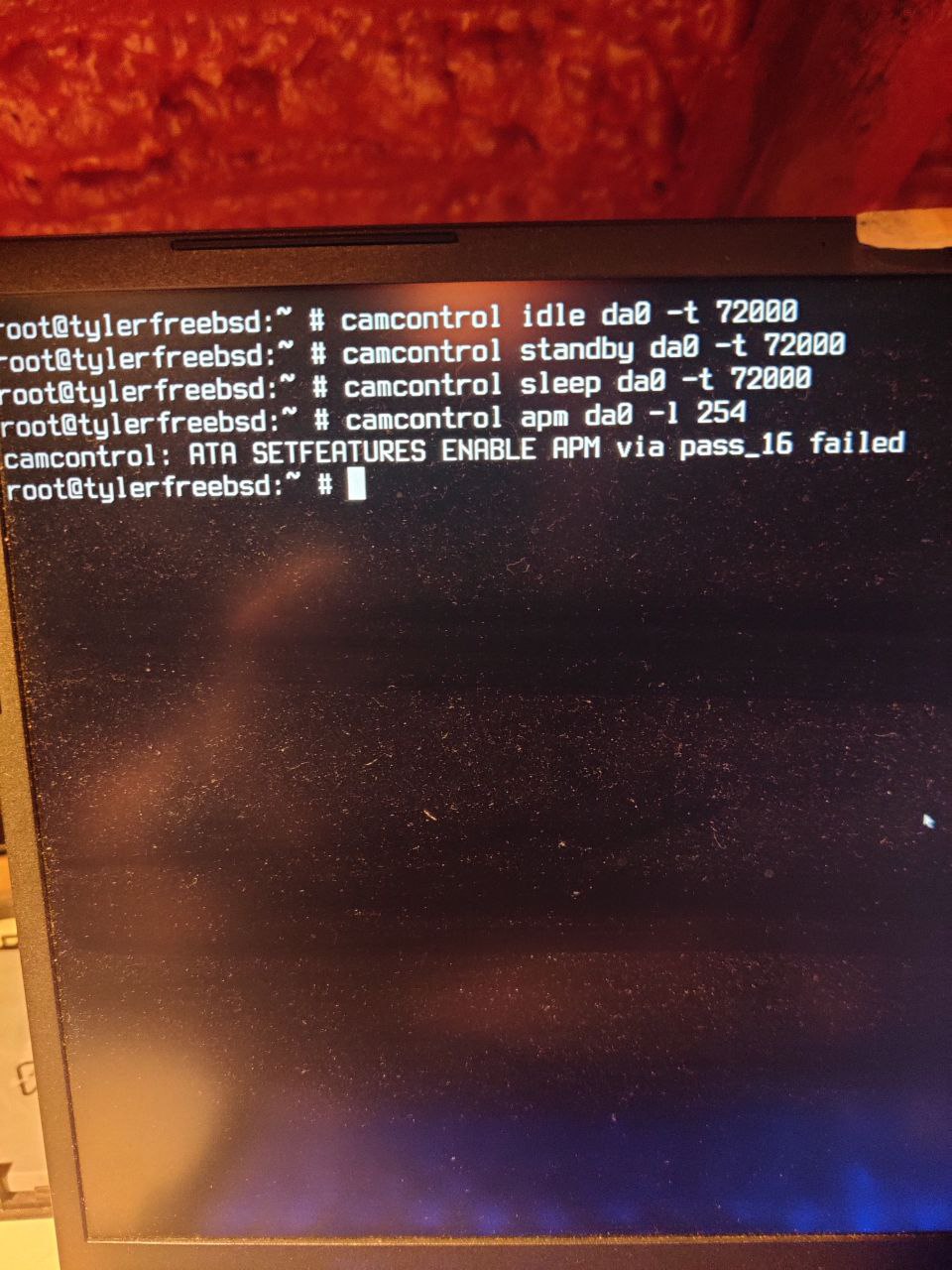
i have read now than some disks can not have apm dissabled, so the only option is to use the maximum performance mode ... that's the 254
Carl
camcontrol apm ada0 -l 254
Carl
try that one .....
Tyler
aham....
 Tyler
Tyler
 Carl
Carl
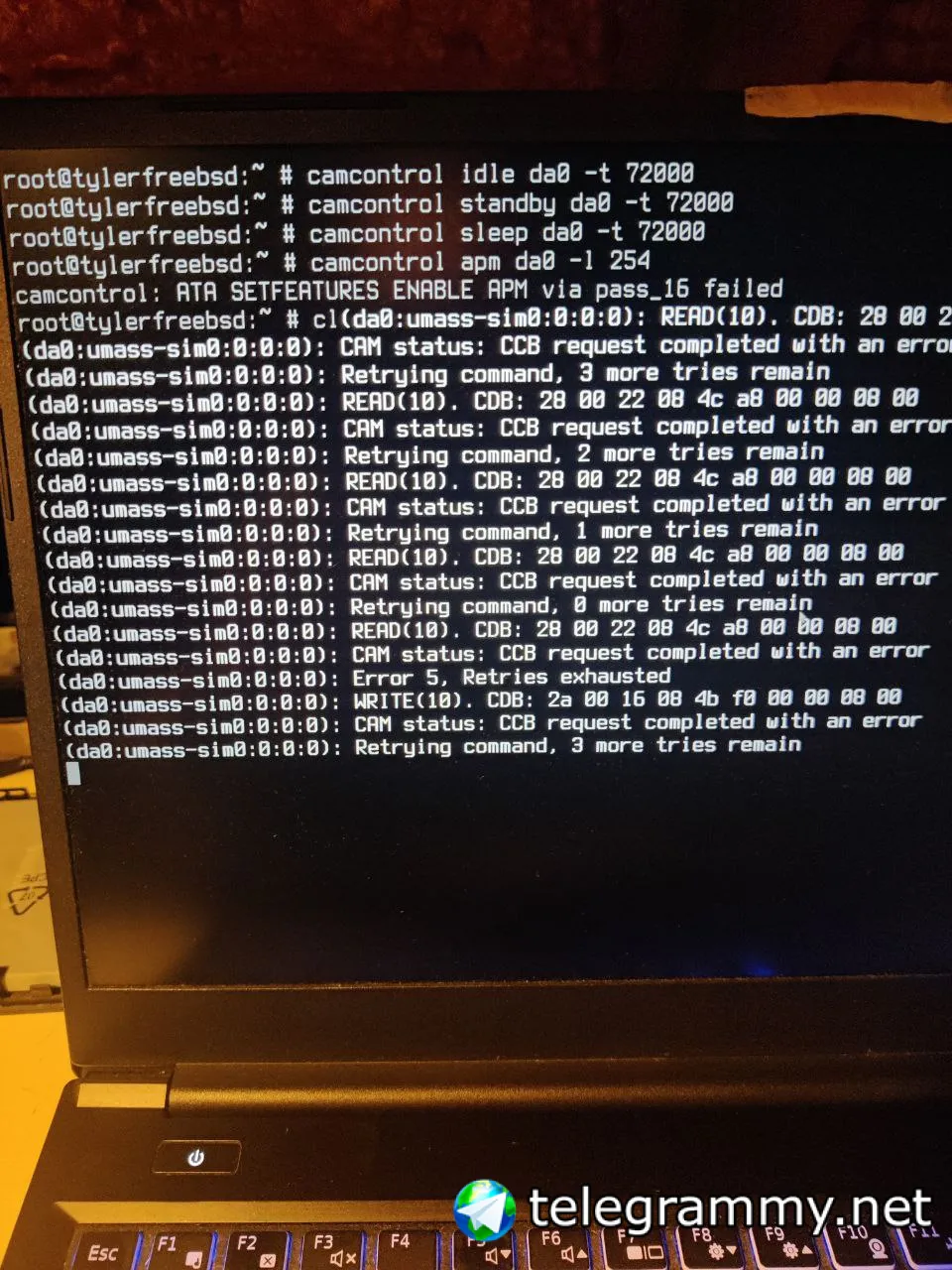
nah ... reboot and it will be ok
Carl
but your disk may be THE EXCEPTION
Tyler
wdym?
Carl
i mean, this disks they talk in some forums, apm can not be turned off and it do not let you manage nothing
Tyler
🧐
Carl
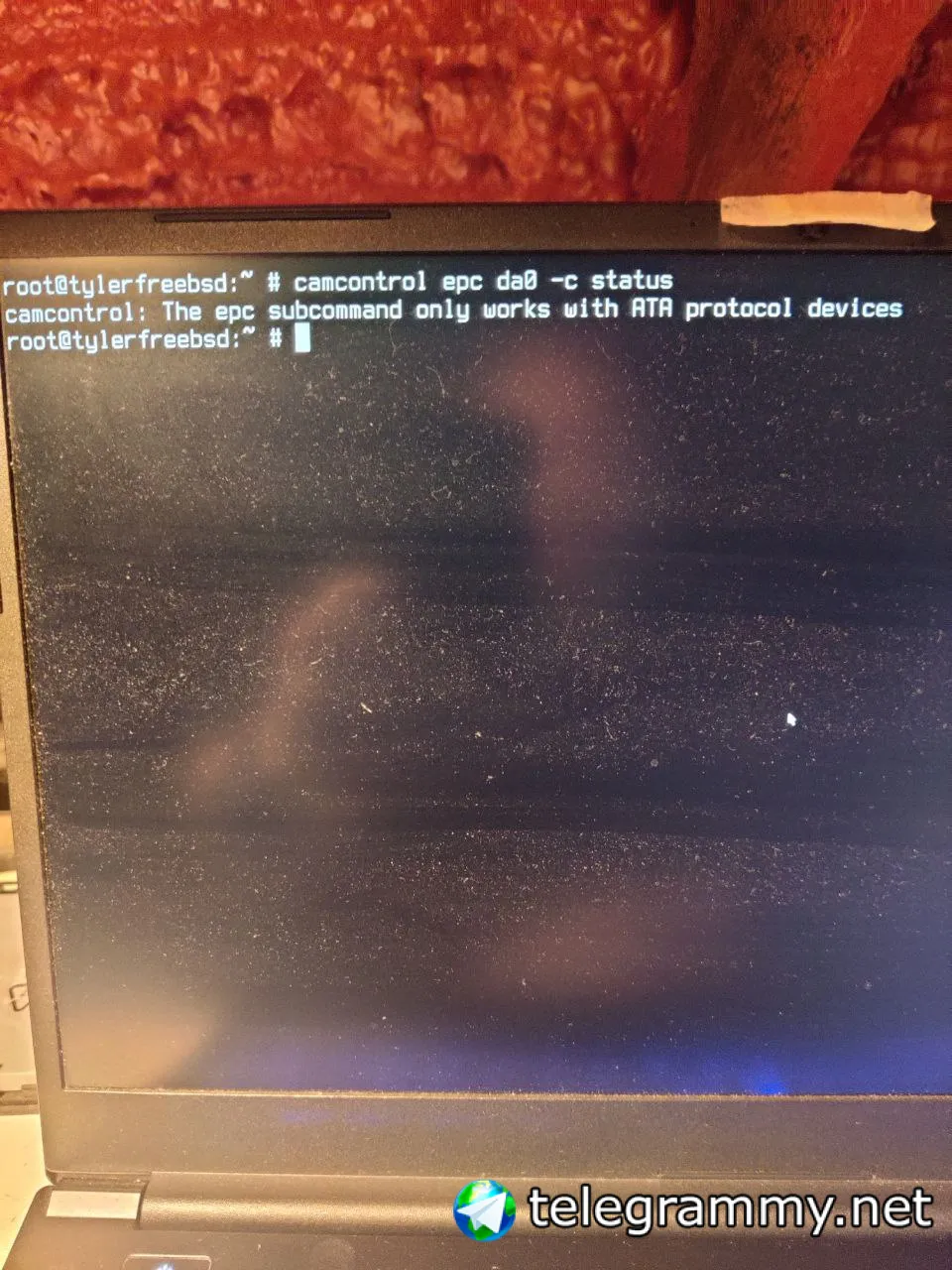
camcontrol epc ada0 -c status
Carl
what does it tells you?
Tyler
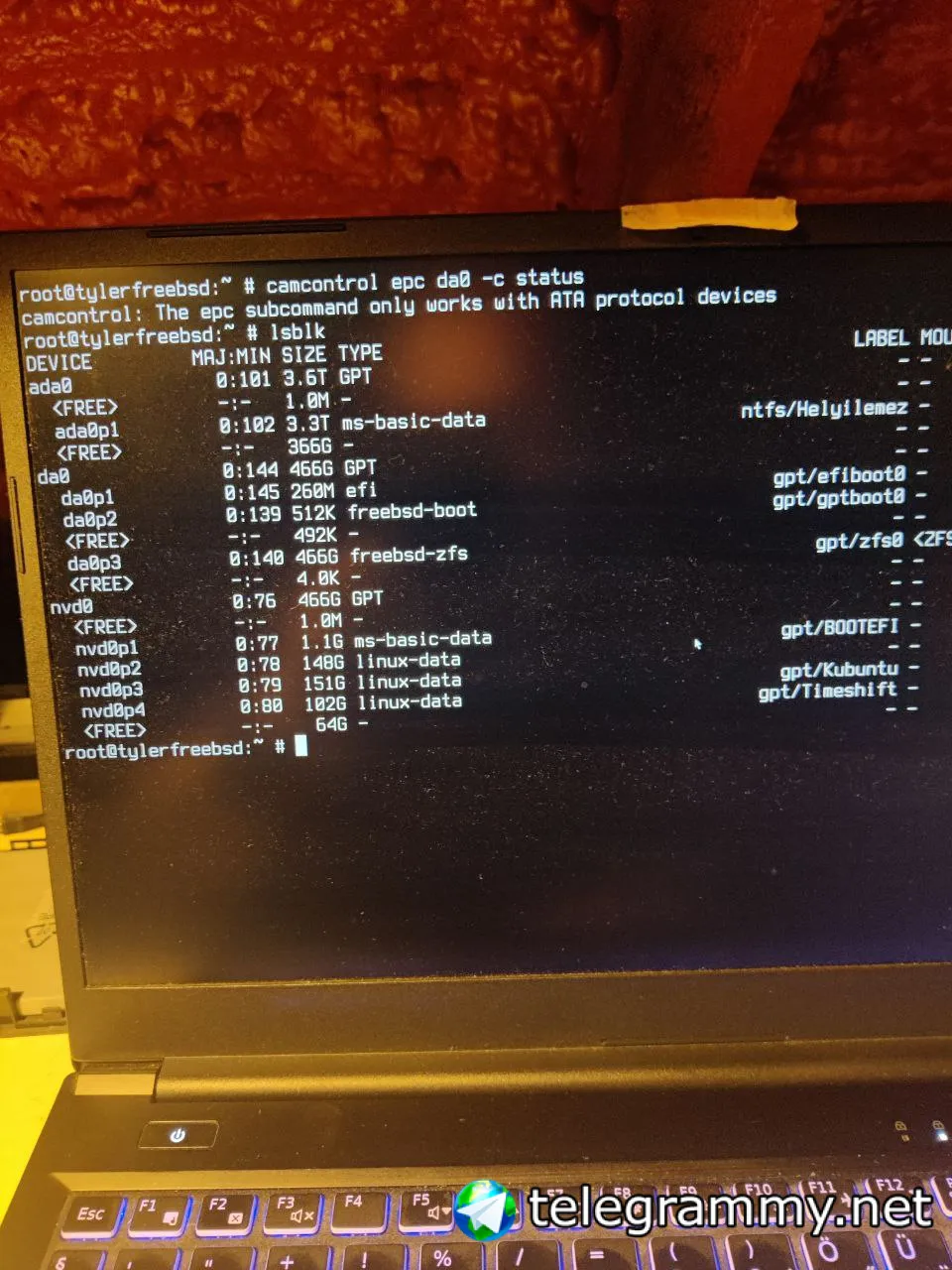
apm not supported by my ssd. thats why does not work. but power management does support. but i donno what is the command for it. not advanced power management (apm) just power management.
 Tyler
Tyler
 Carl
Carl
i surrender ... i hope somebody have read all this and have a solution ... i do have no idea
Tyler
Tyler
Carl
it is that damned disk 😂 i am sure somebody here had the same troubles and have a solution
Tyler
i know the solution. replace the ntfs ssd with the freebsd ssd and my ntfs data device will be my external ssd via USB. but i dont want that as freebsd is my testing os only on this machine.
Tyler
so i am looking for the "software" solution 😎
 Baron
Baron
 r2g2
r2g2
i surrender ... i hope somebody have read all this and have a solution ... i do have no idea
what do you want to accomplish??
 Ronard NX
Why is zfs better than ufs?
r2g2
you cannot avoid I/O failure by issuing a magic command
r2g2
if the device issues errors it has a problem and if you value your data the disk should be replaced