 Guillermo


Ok, submitted
Guillermo
Must be something in my laptop
Guillermo
Shotcut crashes too
Guillermo
Olive crashes on opening a video file
Guillermo
Totem crashes
 ɴꙩᴍᴀᴅ
ɴꙩᴍᴀᴅ
Hmmm is your user in the video group?
ɴꙩᴍᴀᴅ
Shotcut crashes too
Can tou try to run from a terminal emulator:
$ shotcut
And then take a look at what is printed when using it?
Guillermo
Yes I'm in the group
ɴꙩᴍᴀᴅ
Can tou try to run from a terminal emulator:
$ shotcut
And then take a look at what is printed when using it?
And share it here with bsd.to or a pastebin
Guillermo
It prints all the modules or plugins, nothing weird and then Segmentation Fault
Guillermo
I already uninstalled it
ɴꙩᴍᴀᴅ
It prints all the modules or plugins, nothing weird and then Segmentation Fault
Oh. And the other ones follow the same pattern?
Guillermo
VLC was crashing too but I changed the video output and now is working fine
Guillermo
Must be my graphics card
Guillermo
Or RAM
Guillermo
I only have 8 Gb
 kub-kun
Oh you are running it on a laptop?
ɴꙩᴍᴀᴅ
Which laptop is it?
kub-kun
Well freebsd dose not play well with hybrid gpus
Guillermo
It's an old Acer Aspire E 15
Guillermo
Celeron N2830
kub-kun
Only integrated graphics?
kub-kun
Or additional GPU?
Guillermo
Integrated only
kub-kun
What
kub-kun
This is too weird
Guillermo
Must be that
Guillermo
I have OBS running fine on an old Lenovo laptop with OpenBSD
Guillermo
But it has a Radeon card
Guillermo
Lenovo G475
Guillermo
4 Gb RAM
 D.M
D.M
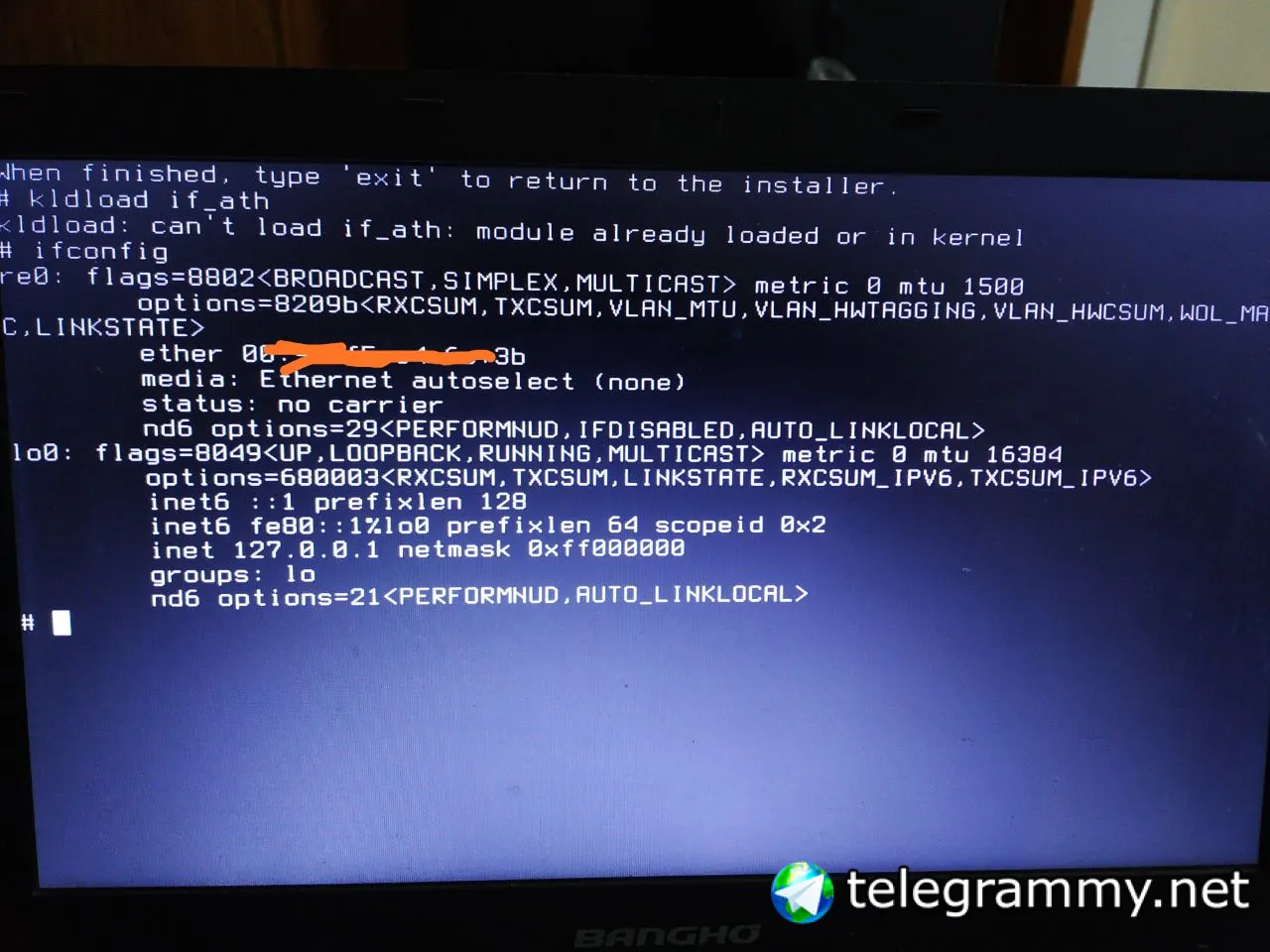
Hello, I would like to know how I can solve the issue of my network card, because when I run from the startup prompt the command ifconfig -a; I do not see the wifi network.
I have an atheros AR9485 pci card.
D.M
on my current system it recognizes it without any problem, as I understand atheros is free software.
ɴꙩᴍᴀᴅ
ɴꙩᴍᴀᴅ
https://forums.freebsd.org/threads/how-to-get-atheros-ar9485-wifi-working.41554/
Seems you are not the only one
ɴꙩᴍᴀᴅ
I'm away from a computer rn, maybe that thread can give you a hint
D.M
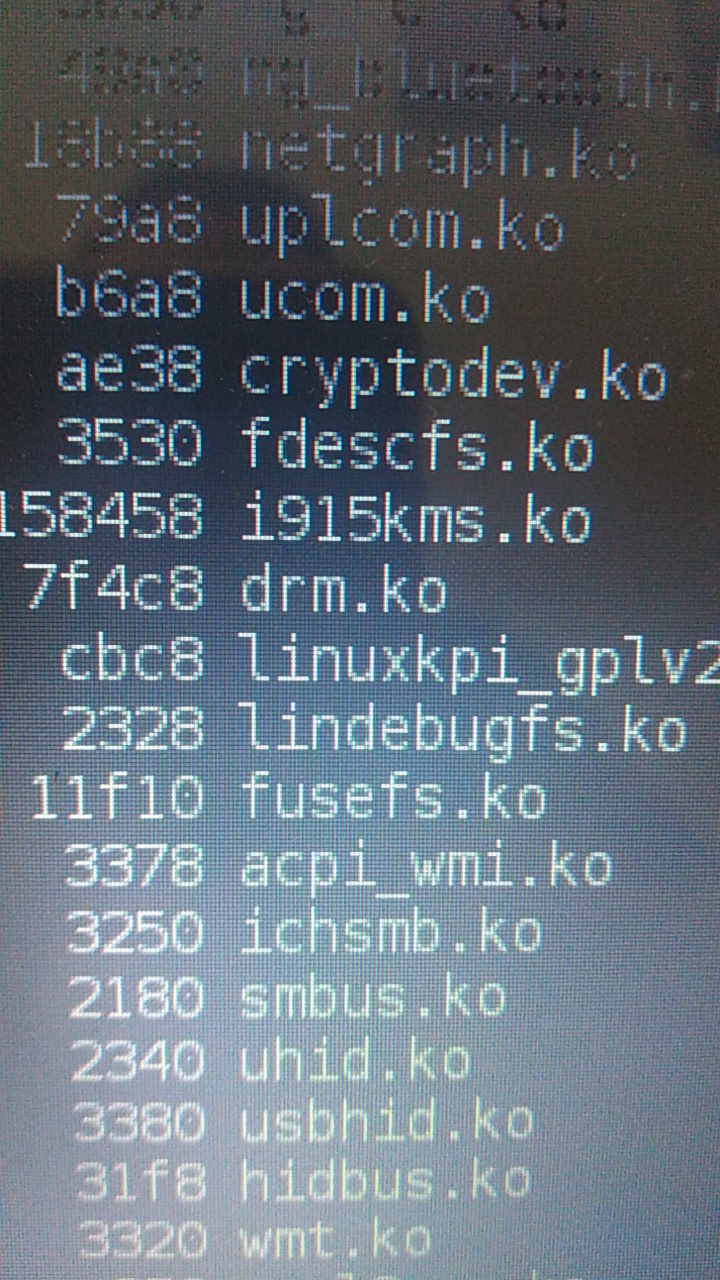
@n0madcoder but the modules to load with kldload are the ones located in /boot/kernel?
ɴꙩᴍᴀᴅ
@n0madcoder but the modules to load with kldload are the ones located in /boot/kernel?
Yep. kldload is for runtime loading and the /boot/loader.conf is for loading at boot
D.M
@n0madcoder prove with if_ath
ɴꙩᴍᴀᴅ
And no luck?
ɴꙩᴍᴀᴅ
Have you checked ath(4)?
https://www.freebsd.org/cgi/man.cgi?query=ath&apropos=0&sektion=4&manpath=FreeBSD+13.0-RELEASE+and+Ports&arch=default&format=html
Guillermo
Yes
Guillermo
 D.M
D.M
 D.M
D.M
@n0madcoder 👆
Guillermo
What difference is between c++ and g++
Guillermo
C is FreeBSD's implementation?
Guillermo
I mean, it's in the base system, right?
Anonymous
Yes
Guillermo
 Guillermo
Yeah, so I don't need to install gcc to compile c++ programs right?
Guillermo
We already have clang in base
Anonymous
yes, unless you need
Anonymous
clang better gcc
Guillermo
I didn't know that. Well this is my first time doing programming stuff in C++
Anonymous
@SoloBSD
https://github.com/danistefanovic/build-your-own-x
Guillermo
Great, thanks
D.M
I have an intel integrated graphics, I would like to know if I should install drm-kmod
Guillermo
 Anonymous
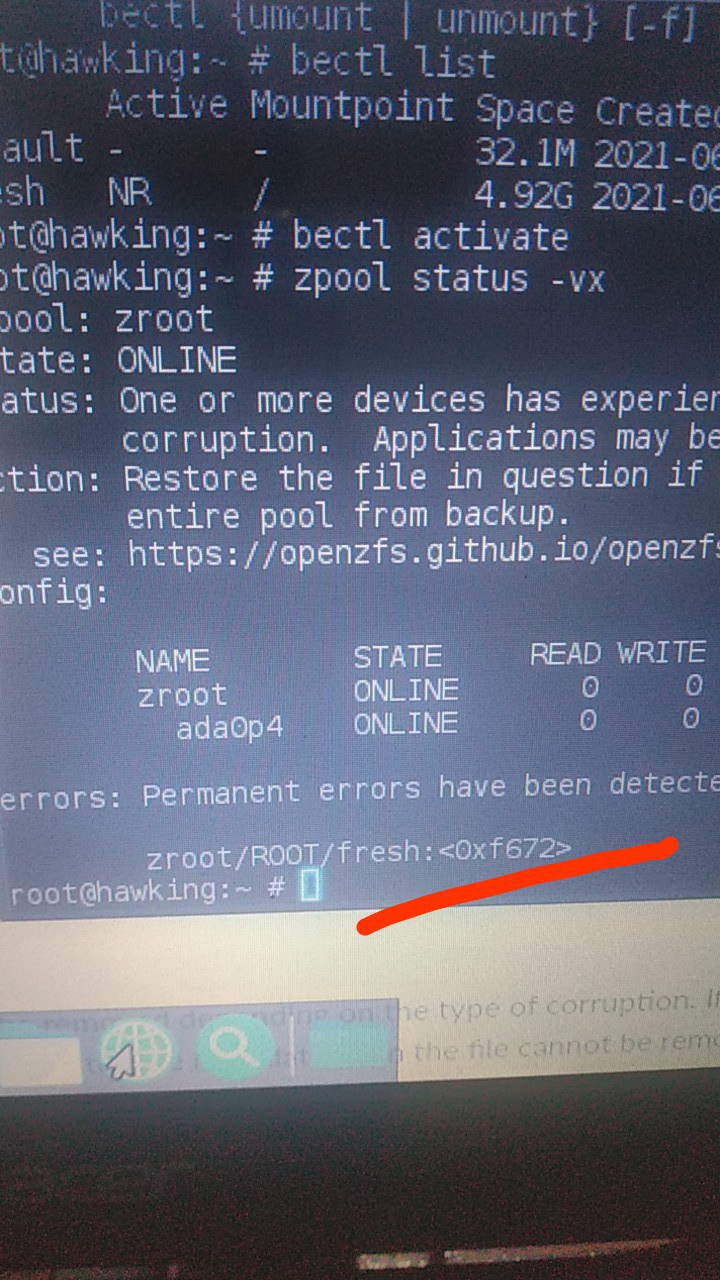
If you want to show text, you can use the web pasteboard:
<command output> | curl -F "c=@-" "https://fars.ee/"
Anonymous
then, send us the link
 Krond
Guillermo
Krond
Guillermo
Ok thanks
Anonymous
one thing I've noticed with Freebsd in general, is that the users home directory is in /usr rather than /home
Vicen
4 in? wonderful XDDD
Anonymous
I know that this dates back to research UNIX, but it seems kind of weird to me
Anonymous
Whats the reason for it being in /usr rather than /home ?
kub-kun
one thing I've noticed with Freebsd in general, is that the users home directory is in /usr rather than /home
Indeed /home is just a link to /usr/home
Anonymous
Whats the reason for it being in /usr rather than /home ?
is it a case of "Well UNIX did it, so should I" ?
Vicen
Indeed /home is just a link to /usr/home
from 2013, related to: https://forums.freebsd.org/threads/usr-home.41810/
ɴꙩᴍᴀᴅ
ɴꙩᴍᴀᴅ
Hello and welcome @solaris557 @SelahEdin @colwyn and Amar !
ɴꙩᴍᴀᴅ
@solaris557 you might want to take a look at this list our fellow user @neb_1984 made:
https://t.me/worldwidebsd/4
D.M
@n0madcoder I installed version 13, and I wonder if it is necessary to install drm-kmod for my integrated graphics intel